What is KwaFlux? A local app for video, photos, and sound
A look at why we built KwaFlux: one desktop tool for restoration, enhancement, color and motion, AI Beauty, AI Audio Denoise, and delivery — without juggling separate apps.
What KwaFlux is
KwaFlux is a desktop app for Windows and Mac that repairs, enhances, converts, and cleans up video, photos, and audio on your own GPU. One workspace covers upscaling, old-footage restoration, cutout, color and motion, beauty, audio cleanup, subtitles, file repair, and format conversion, from import to export, without uploading your media.

- One desktop app for the enhancement pipeline from import to export
- Runs on your local GPU — no cloud upload, no per-minute billing
- Built for real client batches, not only demo reels
What KwaFlux does today
- AI Video Enhancer — reconstruct 480p/720p toward 1080p/4K without plastic smoothing
- Restore old video — grain, fade, interlacing, archival damage
- AI Smart Cutout — subject cutout without a green screen
- AI Color Grading — SDR to HDR, smart color, and filter grading
- AI Image Enhancer — stills, scans, and frame grabs
- Video Converter — batch delivery codecs in the same workspace
- Stabilize shaky video — handheld shake with a visible crop trade-off
- AI Beauty — temporally consistent face work for interviews and portraits
- AI Audio Denoise — denoise, dereverb, and vocal separation on the same machine
- Frame Interpolation — 2x, 3x, or 4x the source frame rate, or a custom target up to 144 fps
- Object Background Replace — SAM2 click-to-track for props and non-person subjects
- Sky Replace — horizon-aware sky swap on outdoor plates
- AI Object Remover — dynamic tracking or static erase
- Video File Repair — diagnose unplayable files locally
- Subtitle Edit — SRT/ASS cues, burn-in or soft-sub (not translation)
Walkthroughs: AI Audio Denoise, color and motion, background replacement, Object Background Replace, Sky Replace, AI Object Remover, file repair, AI Image Enhancer, and subtitle edit.
Local-first by design
- Large masters stay on disk — no 50 GB round-trip to a data center
- NDA / client footage stays on the workstation
- What stays local and what still uses the network: local vs cloud processing
Who it is for
- Editors and colorists closing the gap on almost-usable footage
- Archivists digitizing tapes and film scans
- Teams who already have an NLE and need a station between ingest and grade
Try it yourself
- Download: installers for Windows and Mac, with the current system requirements
- Pricing: what is free, what needs a plan, and the current prices
- Docs: short answers on credits, model downloads, interrupted exports, and editing software
System requirements, how the plans work, and what changed in each version are in KwaFlux: Everything You Need to Know.
Try It on Your Own Footage
Download KwaFlux and preview effects on your own footage for free before you pay — no account needed, and your media is processed on your GPU, not uploaded for processing. Video previews run 1, 3, or 5 seconds; stabilization previews run 5, 15, or 30 seconds.
KwMore in Inside KwaFlux
Keep reading

From 'Won't Open' to Ready to Post: A Complete AI Agent Workflow in KwaFlux
Follow one broken phone clip through diagnosis, repair, Quality Repair, and a platform export, all requested from an AI assistant and run by KwaFlux.
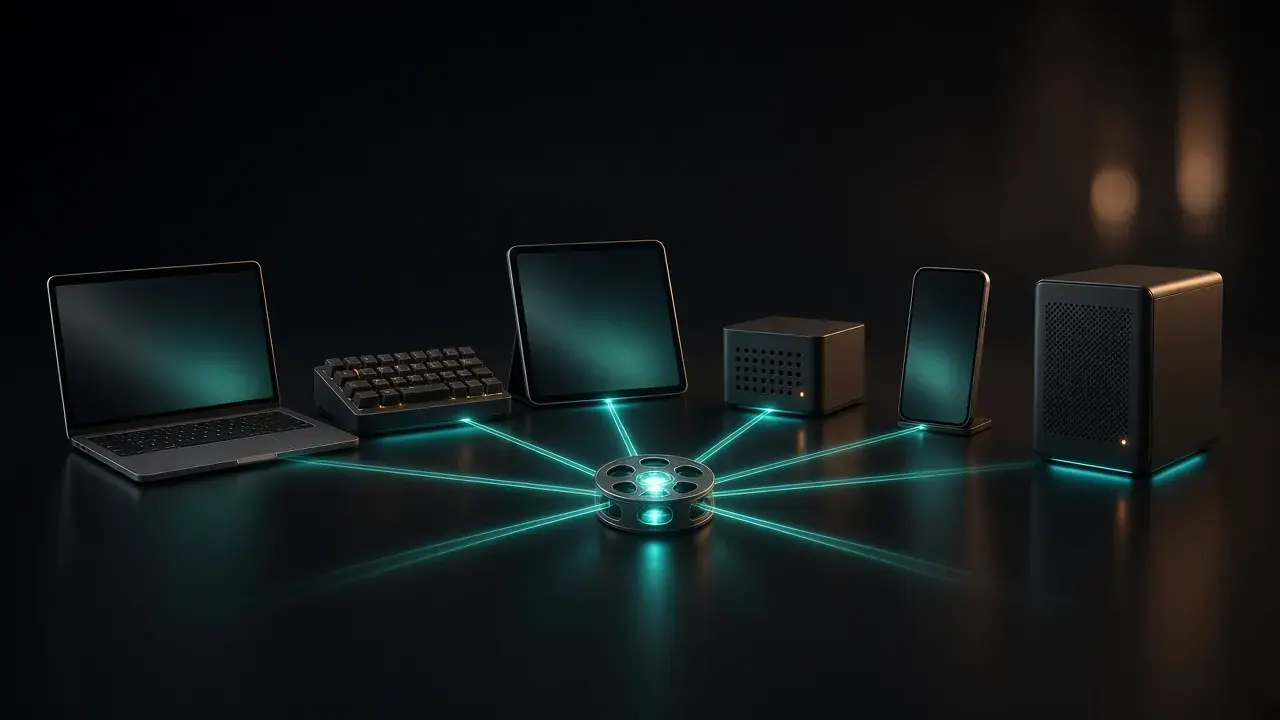
Cursor, Claude, Codex, DeepSeek, Hermes, or OpenClaw: Which AI Assistant Should Drive Your Video App?
Six MCP hosts compared for driving KwaFlux: setup, where config lives, how each asks for approval, timeout quirks, and who each one suits.
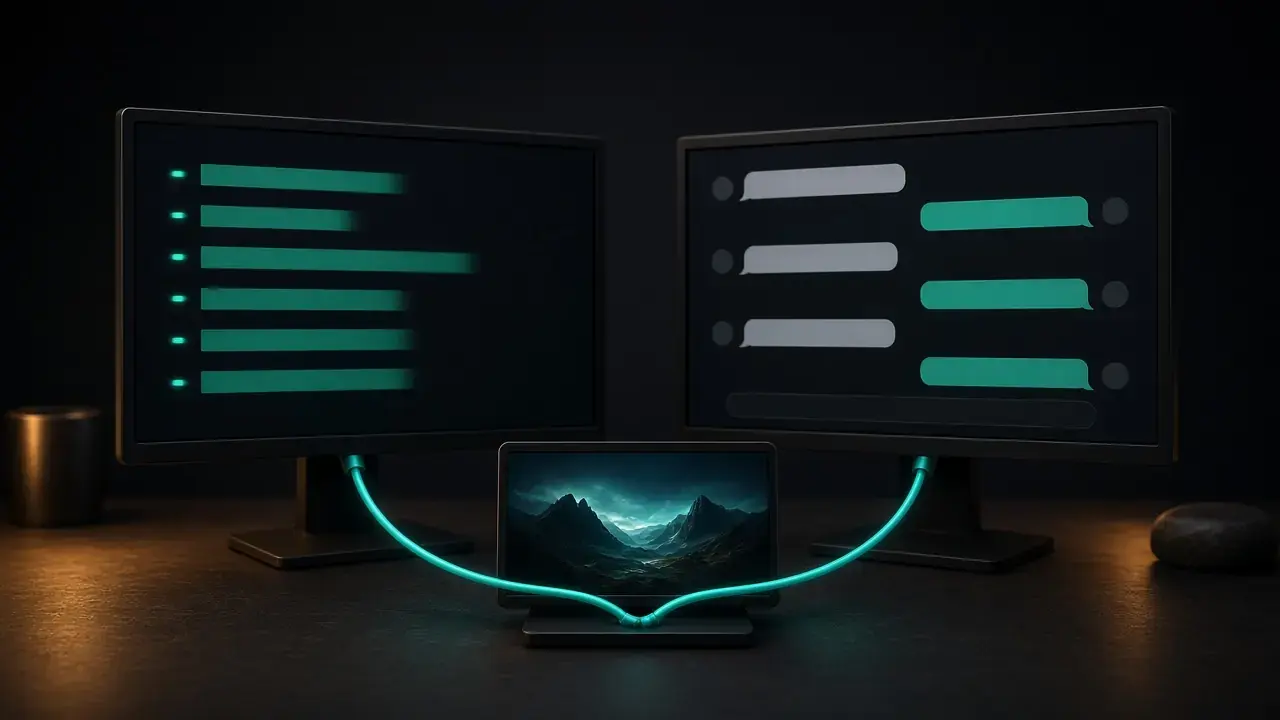
How to Use KwaFlux from Claude Code and Claude Desktop (MCP Setup)
Connect KwaFlux to Claude Code with one command or to Claude Desktop with one config entry, check the connection, and let Claude repair and convert videos.