Restore Old Video clean up, colorize and deinterlace
Digitized tapes, interlaced camcorder clips, faded family films: old footage has its own set of problems. KwaFlux deinterlaces camcorder footage, colorizes black-and-white, removes film grain and rebuilds lost detail, all on your own computer.
- Free preview
- 1, 3 or 5 seconds of video; the whole picture on a photo · No account needed.
- Needs a paid plan
- Export, convert, repair a file, download a file from a link
- Colorize black-and-white footage
- Remove film grain from scanned and analog sources
- Deinterlace camcorder and broadcast video in General or High Quality mode

Bring aged transfers back to a watchable master
Demo preview — enhance locally in KwaFlux. Deinterlace, denoise, and reconstruct detail on your GPU.


Archive
Fix what age and digitizing left behind
Colorize, remove film grain and deinterlace on your own graphics card. Previews need no account, and the footage isn't uploaded for processing.
§01What it does
Restoration tools for old footage
Colorize
A Special Scene Repair type that adds plausible color to black-and-white footage, scene by scene rather than as one flat tint.
Film Grain Removal
A Special Scene Repair type for scanned film: removes grain and scanner noise while keeping the texture underneath.
Deinterlacing
Removes the comb lines in tape, camcorder and broadcast footage, in General or High Quality mode.
Smart Repair
Clears softness and noise in tape transfers and restores faces automatically. For VHS-era sources, an output around 720p–1080p is realistic.
Dehaze and Rain Removal
Special Scene Repair types for outdoor footage dulled by haze or streaked with rain.
§02
Old footage needs a different order
Tape and film fail differently from digital files: interlacing, chroma bleed, grain, fading. Run a sharpening model over interlaced video and it sharpens the comb lines instead of removing them.
So work in order: deinterlace first, then remove grain and noise, then repair detail, and colorize last.
§03
What restoration can and can't do
Restoration brings out what is still in the source; it can't rebuild frames that are physically destroyed or detail buried under noise. Badly damaged sections improve but keep some of their age.
If the file won't open at all, fix it first with Video File Repair.
§04How to use
How to restore old footage in KwaFlux
Digitize, then deinterlace
Capture the tape or film to a file with whatever hardware you have. If the picture shows comb lines, run Deinterlacing in Quality Enhancement first, in General or High Quality mode.
Repair grain, noise and softness
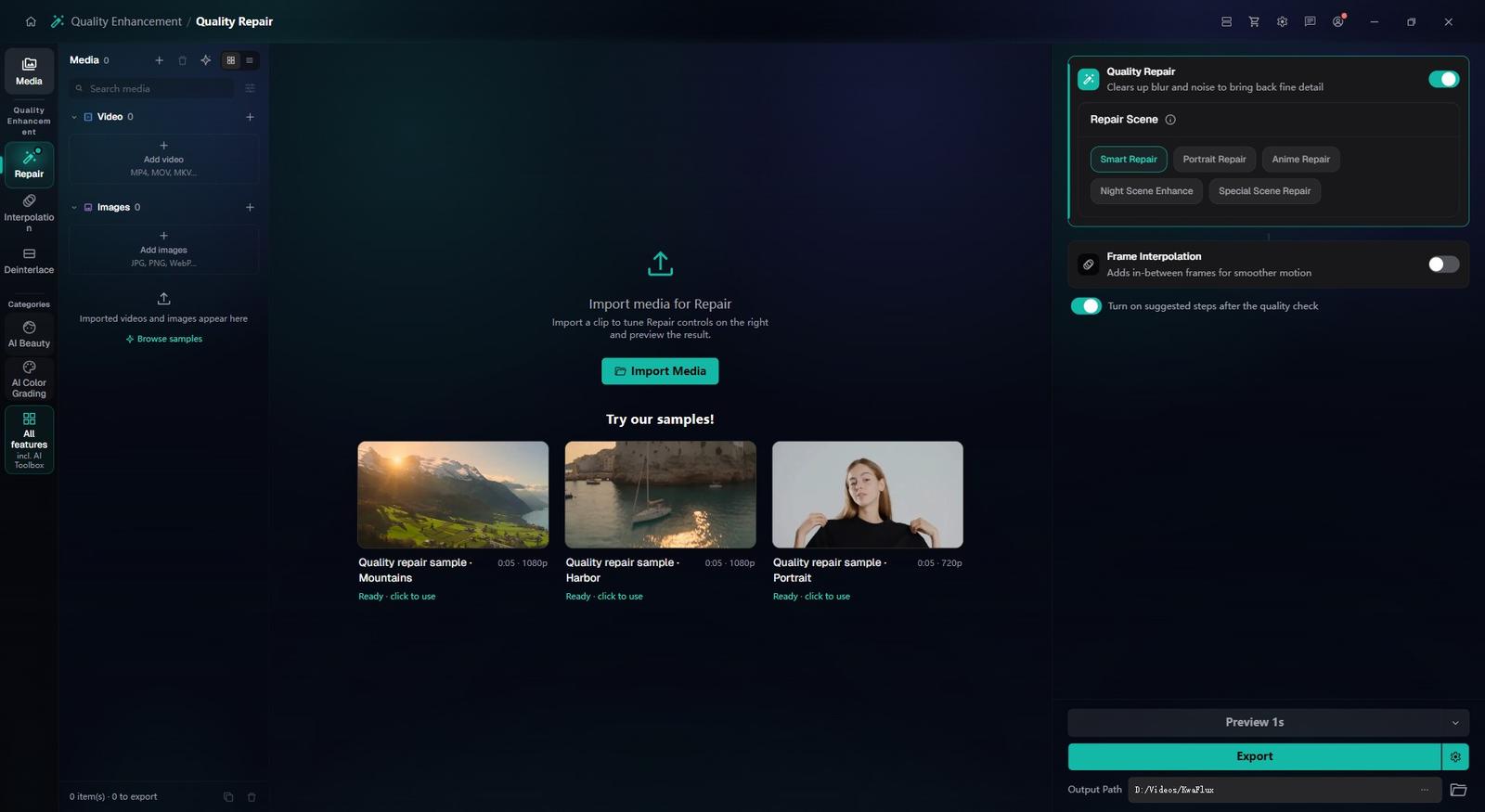
Open Quality Repair — the Home Videos and Old Film cards in Quality Enhancement lead there — and choose Smart Repair for tape transfers or Film Grain Removal for film scans. Tune it on 1, 3 or 5-second previews.
Colorize last, then export
For black-and-white material, run the Colorize scene type as the final pass, then export the restored master. Keep the original capture as your archive copy.
§05Requirements
System requirements
| Operating system | Windows 10 (64-bit, 1809+) or Windows 11; macOS 12 or newer (Apple Silicon)Apple Silicon only. macOS 12 runs in Standard Mode. |
|---|---|
| GPU | 2016 or later Intel, AMD, or NVIDIA GPU — integrated or discreteDirectX 12 Feature Level 12_0. Windows only. macOS uses Apple Silicon. |
| Memory | 8 GB RAMEnough to launch, preview, and export. Long clips and stacked modules will be slower. |
| Storage | SSD workspaceUse an SSD for the app, cache, and temp files. |
Windows 10 (64-bit, 1809+) or Windows 11; macOS 12 or newer on Apple Silicon.
§06FAQ
Frequently Asked Questions
- Can AI colorize black-and-white video?
- Yes. Colorize in Special Scene Repair infers color scene by scene — skin, sky, foliage, materials — instead of laying on one tint. The colors are the model's estimate, not a record of the originals.
- What is deinterlacing and do I need it?
- Interlaced video stores alternating half-frames, which show up as comb lines on modern screens. Footage from a camcorder, VHS or TV recording usually needs Deinterlacing before anything else; it has General and High Quality modes.
- My VHS transfer looks blurry and noisy. How much better can AI make it?
- Clearly cleaner and easier to watch, but not like modern HD: a VHS frame holds far less detail than 1080p, so aim for a clean 720p–1080p rather than 4K. Deinterlace first, then denoise and repair, then upscale.
- Will AI change how my family's faces look?
- It can. When a face is small, blurry or noisy, the model has to guess, and the guess may look smoother or less like the person you know. Keep the output size modest, check familiar faces on a preview, and keep the original: a slightly soft but true face beats a sharp wrong one.
- Can I try it before buying?
- Yes, with no account or card. Free previews last 1, 3 or 5 seconds in video modules, 5, 15 or 30 seconds in Video Stabilization, the whole picture for images and the opening 5 to 30 seconds for audio; file tools such as the Converter have no effect preview. Exporting, converting, repairing a file and downloading a file from a link need sign-in and a paid plan, and there's no time-limited trial.
Download the app, import a clip and render a free preview. You need a paid plan only to export, convert, repair a file or download a file from a link.