KwaFluxJournal
Notes on better footage.
How-to guides, video know-how and buying notes, sorted by the problem you're trying to fix, with the limits of each fix written down.
- articles
- 85
- topics
- 11
- formats
- 7
- last update

§01Find by problem
11 topics on one sheet. Start with what's wrong.
Most topics follow what you're fixing and point to the matching tools in the app. The last two cover buying decisions and KwaFlux itself.
- Upscale & RepairBlur, noise, compression blocks, low light and low resolution, and how far AI can take each.16 articles
- Old FootageVHS and camcorder tapes, film scans, deinterlacing and colorizing, restored without rewriting history.3 articles
- AI-Generated VideoFinishing Sora, Kling, Veo and other generator clips: resolution, flicker and frame rate.2 articles
- Motion & StabilizationFrame rates, slow motion, stabilization, and the flicker and ghosting that show up over time.3 articles
- Color & HDRColor correction, SDR to HDR, HDR delivery and log footage.3 articles
- Portraits & BeautySkin, makeup, face shape and hair on video, natural rather than filtered.1 article
- Cutout & CleanupBackground removal, object removal, sky and background replacement, and privacy blur.8 articles
- Audio & SubtitlesBackground noise, wind, reverb, dialogue clarity and subtitles.3 articles
- Formats & FilesConverting, compressing and extracting audio, and repairing files that won't open.4 articles
- Buying & ComparisonsComparisons with sources, license math, and checklists before you pay for any tool.13 articles
- Inside KwaFluxProduct notes, how we build and test KwaFlux, and integrations.29 articles
§02All articles
Every article, newest first.
Showing 85 of 85

From 'Won't Open' to Ready to Post: A Complete AI Agent Workflow in KwaFlux
Follow one broken phone clip through diagnosis, repair, Quality Repair, and a platform export, all requested from an AI assistant and run by KwaFlux.
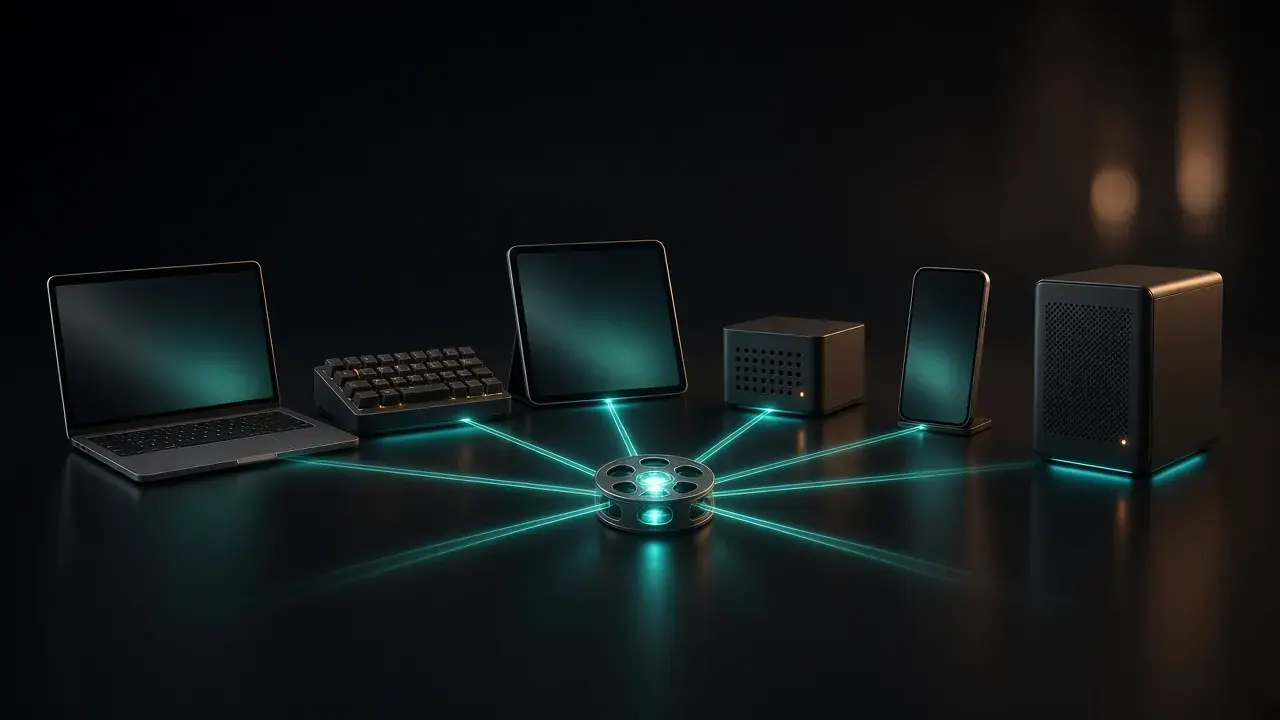
Cursor, Claude, Codex, DeepSeek, Hermes, or OpenClaw: Which AI Assistant Should Drive Your Video App?
Six MCP hosts compared for driving KwaFlux: setup, where config lives, how each asks for approval, timeout quirks, and who each one suits.
Halloween Party Cleanup: Remove Photobombers and Background Noise with AI
A stranger's legs in your costume photo, a toast lost in party noise: how to remove photobombers and clean up Halloween party audio, and what AI can't fix.
Blurry Halloween Photos and Videos? How to Sharpen Them with AI
Costume photos soft and parade clips blocky after the group chat? What makes Halloween photos and videos blurry, and how AI repair sharpens them.
Halloween Photos Too Dark? How to Brighten Night Shots and Videos with AI
Trick-or-treat photos came out black and grainy? Why Halloween night shots fail, and how AI brightens dark photos and videos while keeping the candle glow.

Halloween Party Photos: Retouch Costume Selfies and Try a Spooky Makeup Look with AI
Retouch Halloween party selfies with AI: soften tired eyes after a late night, add witchy or vampire makeup and purple hair, and keep it looking like you.

Halloween Photo and Video Editing Guide: Fix, Retouch, and Share Your Spooky Night
Dark, blurry, shaky, noisy, or just plain: a step-by-step guide to fixing and editing Halloween photos and videos, in the order that works, with AI tools.
How to Use KwaFlux from Claude Code and Claude Desktop (MCP Setup)
Connect KwaFlux to Claude Code with one command or to Claude Desktop with one config entry, check the connection, and let Claude repair and convert videos.
How to Use KwaFlux from Codex: MCP Setup, Timeouts, and Approvals
Add KwaFlux to OpenAI Codex with codex mcp add or config.toml, raise the tool timeout for long video jobs, and choose how Codex asks before it runs tools.
How to Use KwaFlux from Cursor: MCP Setup, First Requests, and Fixes
Add KwaFlux's local MCP server to Cursor with one button or mcp.json, check that it connects, and ask Cursor's agent to convert, repair, or enhance videos.
How to Use KwaFlux with DeepSeek: Connecting DeepSeek Harness (DSH) over MCP
Add KwaFlux to DeepSeek Harness with one insert row in cordis.patch.yml, pick the right profile, raise the tool timeout, and let DeepSeek run video jobs.
How to Use KwaFlux from Hermes Agent and OpenClaw (MCP Setup)
Add KwaFlux to Hermes Agent with hermes mcp add or config.yaml, and to OpenClaw with openclaw mcp set, then keep the agent on the same computer as the app.
KwaFlux MCP Not Working? Fixes for Missing Tools, app_not_running, and Timeouts
Tools missing, every call says app_not_running, waits time out, or a job is refused: what each KwaFlux MCP symptom means and how to fix it.
38 Tools Without Eating the Context Window: How We Designed KwaFlux's MCP Server
How KwaFlux keeps 38 MCP tools inside a measured context budget: generated schemas, tool groups you can switch off, budgets in tests, structured results.
No Back Door Through the Chat: Carrying App Entitlements into AI Tool Calls
How KwaFlux applies the same sign-in check to AI tool calls as to clicks, has the worker verify an Ed25519-signed lease, and re-checks on every retry.
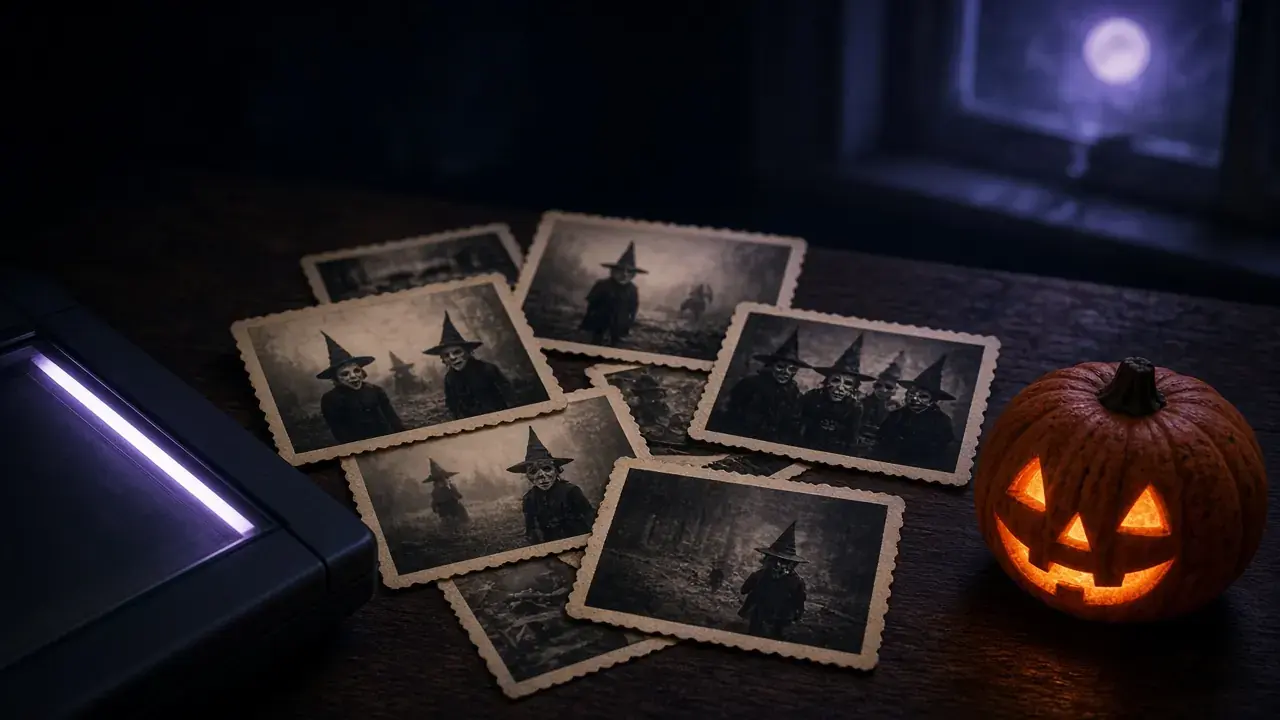
Old Halloween Photos: How to Restore, Colorize, and Bring Back Family Costume Memories
Grandma's 1950s witch costume, a yellowed 1980s snapshot: how to scan, repair, fix faded color, and colorize old Halloween photos and keep the original.
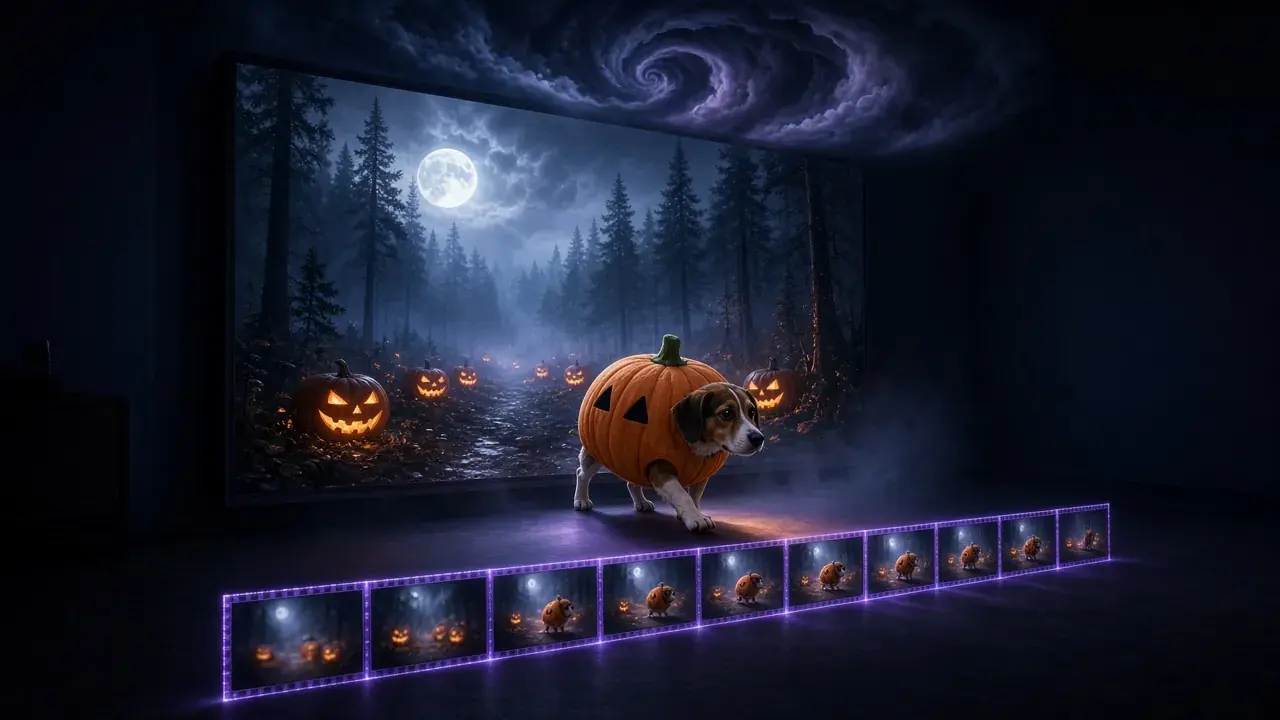
Spooky Halloween Video Effects with AI: Slow Motion, Haunted Backgrounds, and Stormy Skies
Make ordinary Halloween clips spooky: AI slow motion for a cape or a flame, a moonlit pumpkin background behind a costume, and storm clouds over the house.

Don't Turn a Desktop App into an Intranet Scanner: SSRF Protection for AI Agents
An AI assistant can hand a desktop app a link to your router. How KwaFlux parses hosts like a browser, re-checks DNS, and where its protection stops.
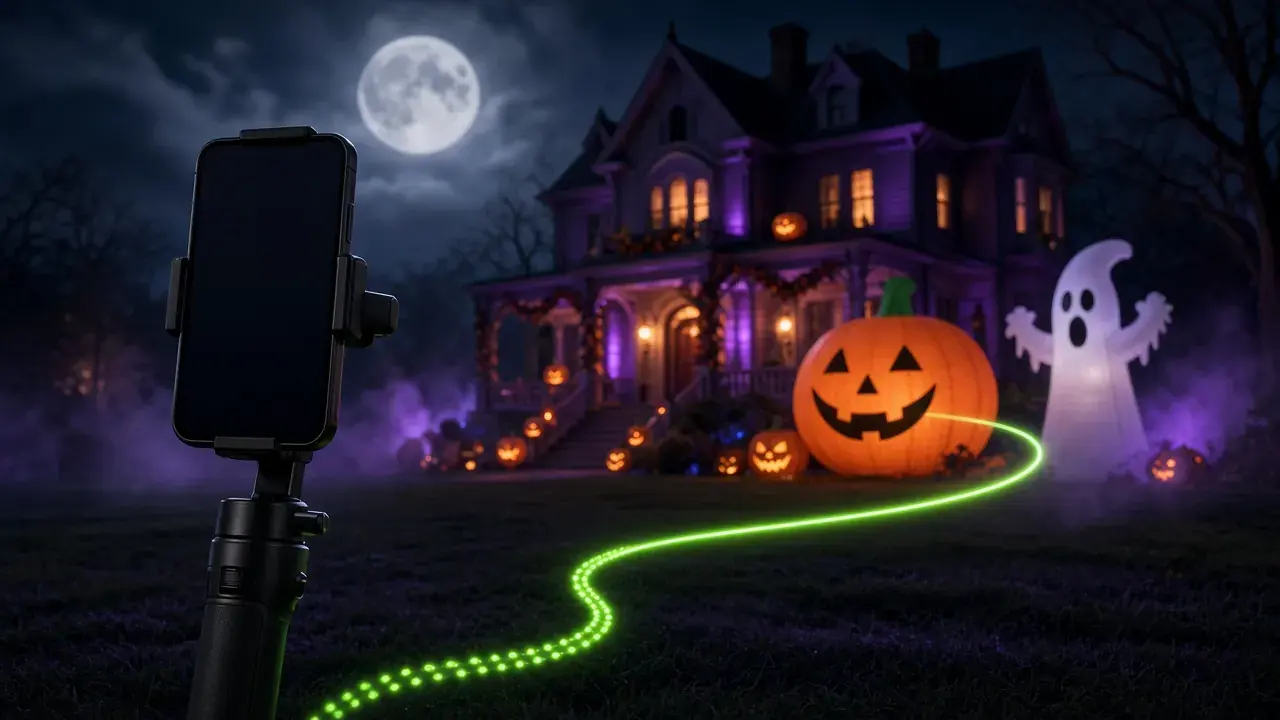
Shaky Halloween Videos? How to Stabilize Trick-or-Treat, Parade, and Haunted House Clips
Trick-or-treat walks, parades, and haunted houses make shaky video. How to stabilize Halloween clips with AI, what the crop costs, and what it can't fix.
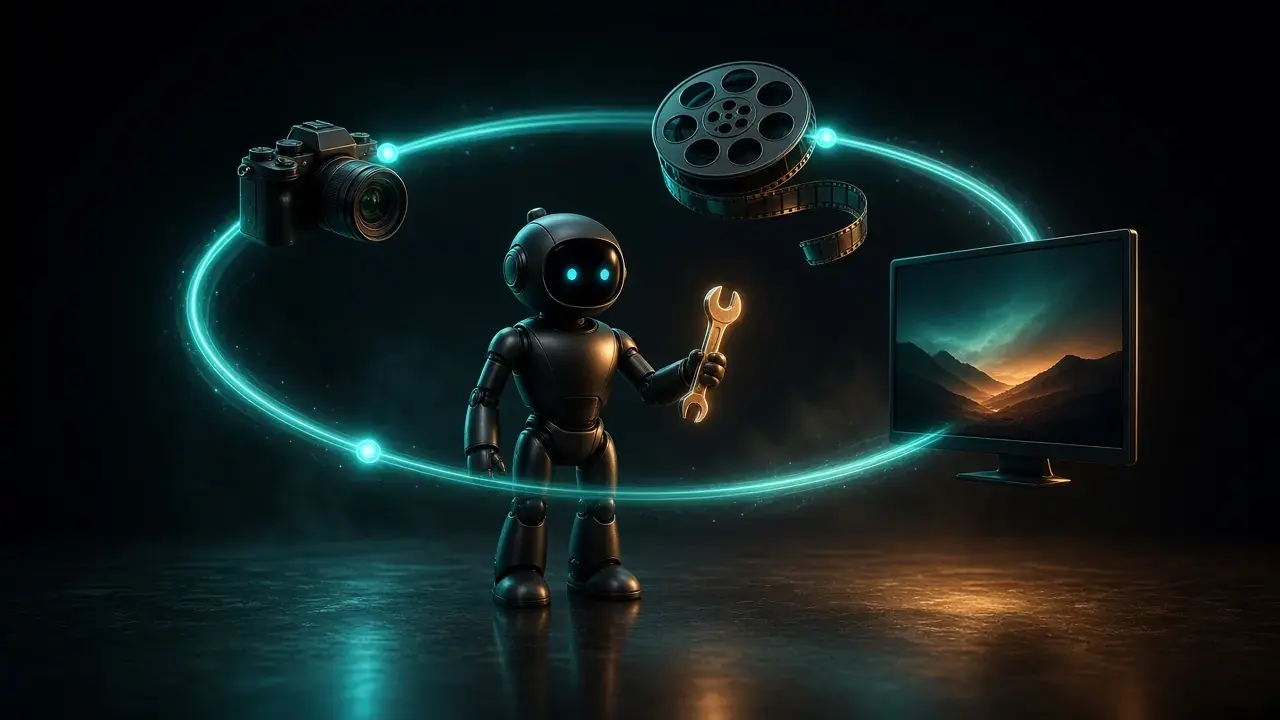
What Is an AI Agent? How Agents Use Tools, and What They Can Do with Your Videos
An AI agent is a model that uses tools in a loop until a task is done. How agents differ from chatbots, how MCP links them to apps, and uses for video.
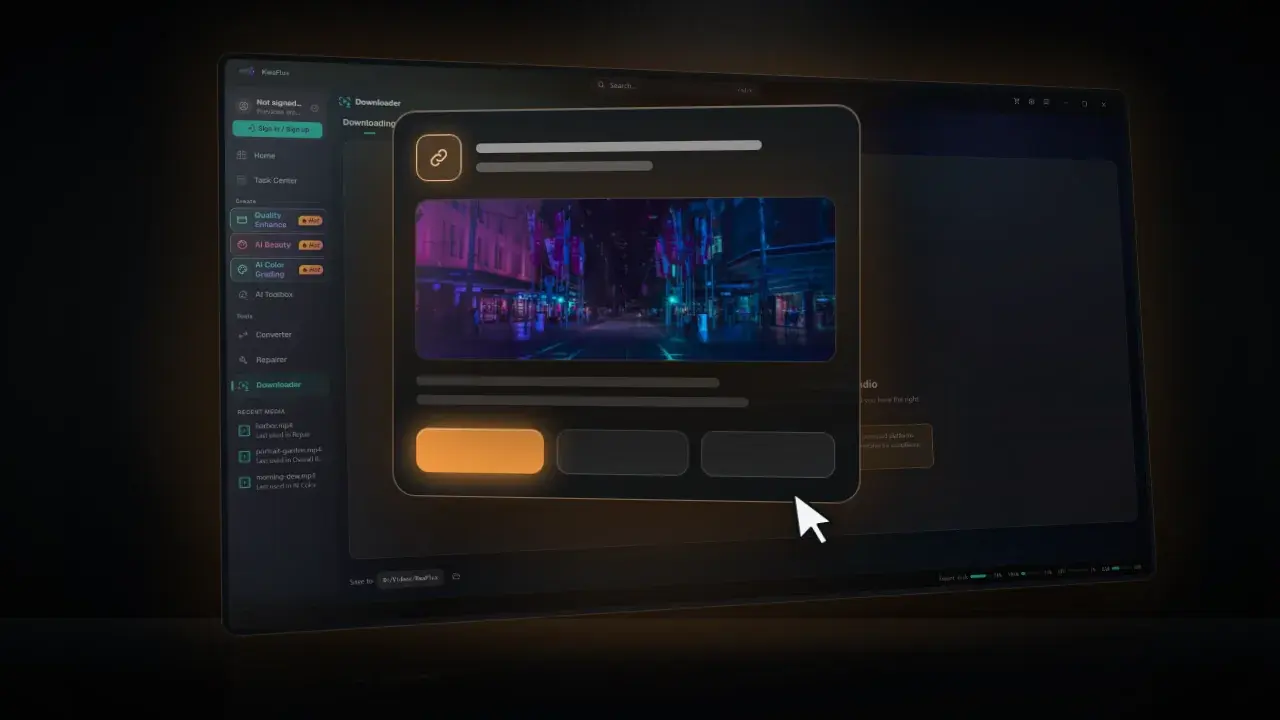
An AI Can't Press OK for You: How KwaFlux Handles Downloads an Assistant Asks For
Why a model saying 'the user has the rights' proves nothing, and how KwaFlux's three download modes and desktop approval keep downloads your decision.
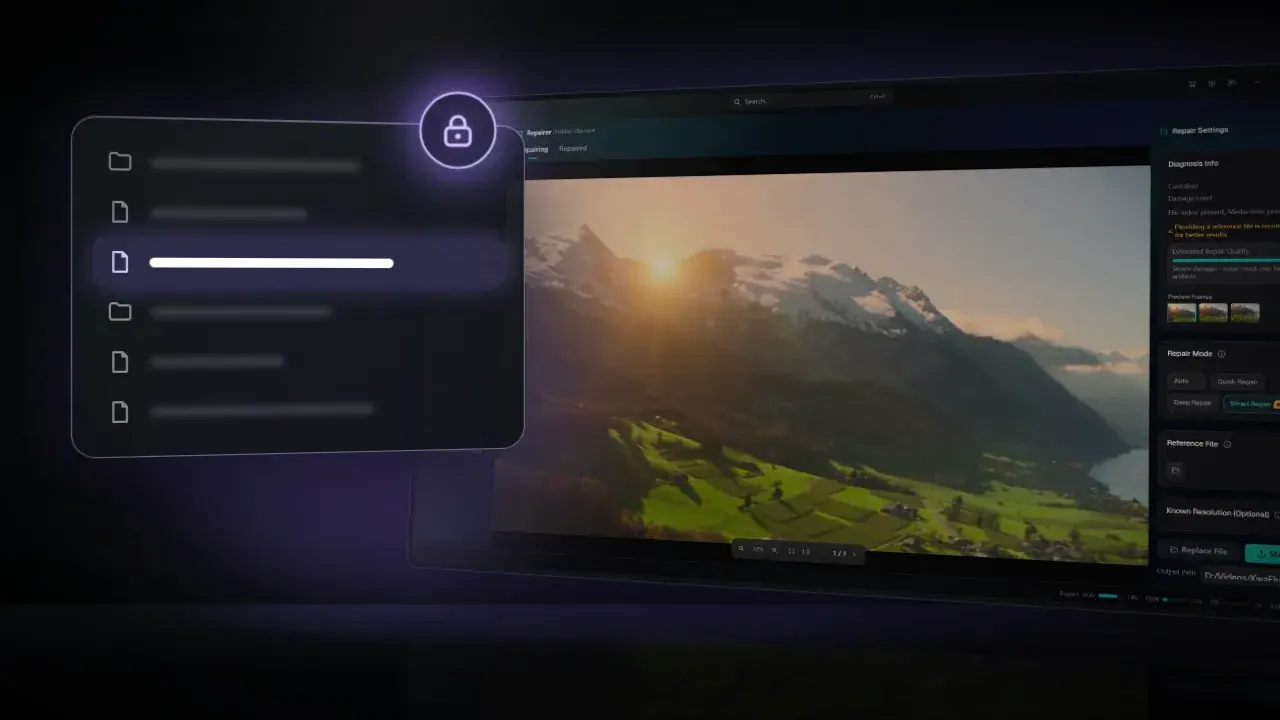
Don't Let the Model See Your Drive: Path and Privacy Rules for an AI-Driven Desktop App
What an AI assistant sends to KwaFlux and what comes back: network paths refused before any file opens, outputs beside the source, no parameters in logs.
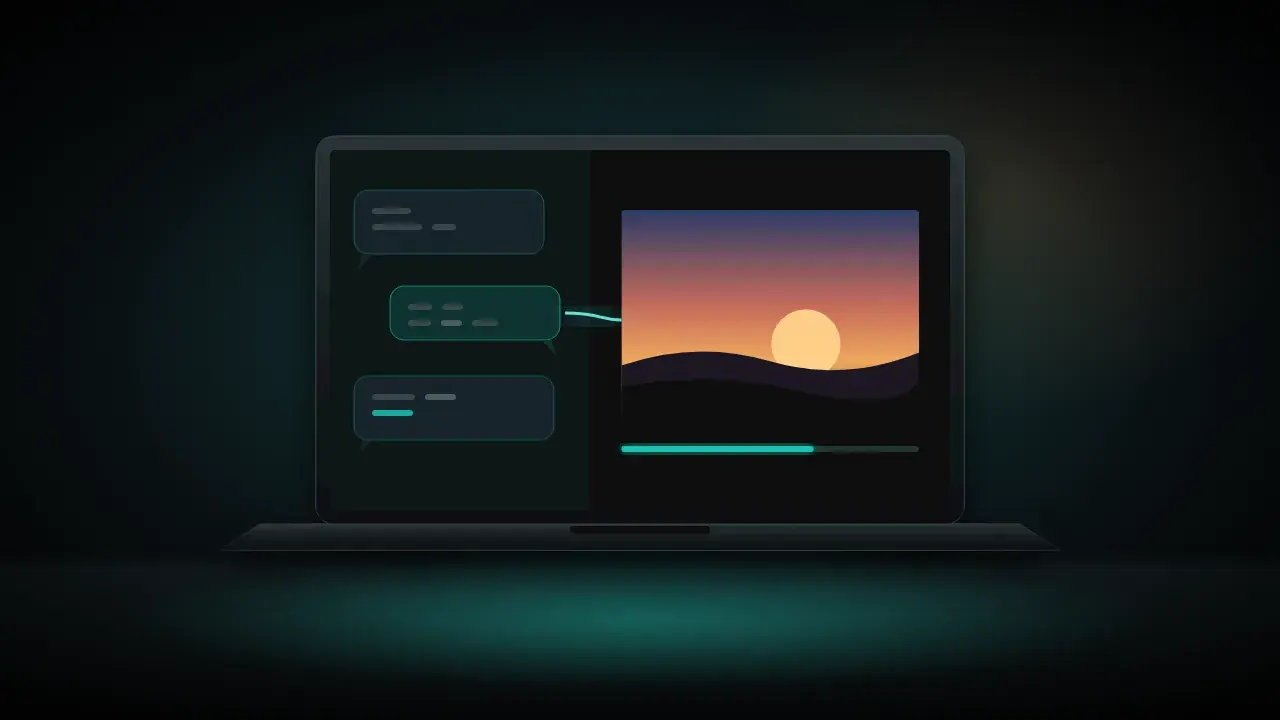
Let Your AI Assistant Run Your Video Software: KwaFlux MCP Quick Start
Connect Cursor, Claude, Codex, or another MCP app to KwaFlux in three steps, then ask it to repair, enhance, compress, or convert videos on your PC.
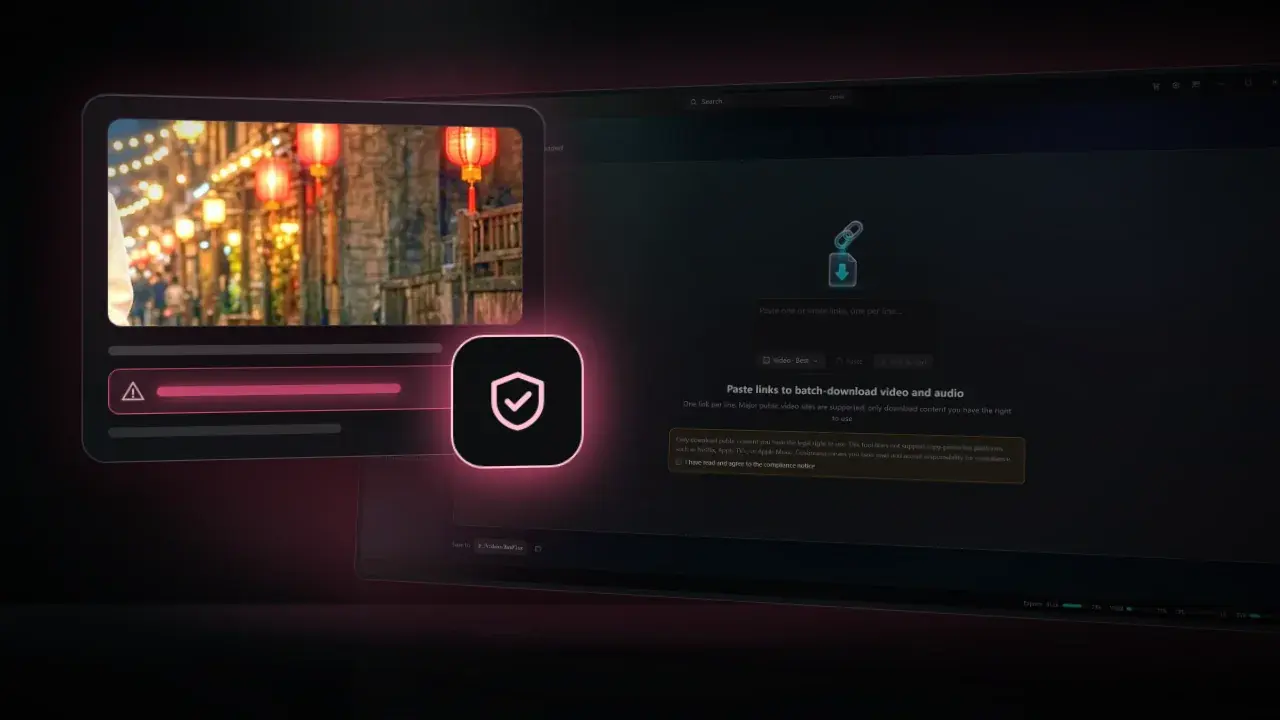
When a Video Title Tries to Give Your AI Orders: Prompt Injection Defenses in KwaFlux
Web page text can carry orders for an AI assistant. How KwaFlux allowlists fields, strips hidden Unicode, truncates, drops image links, and labels it.
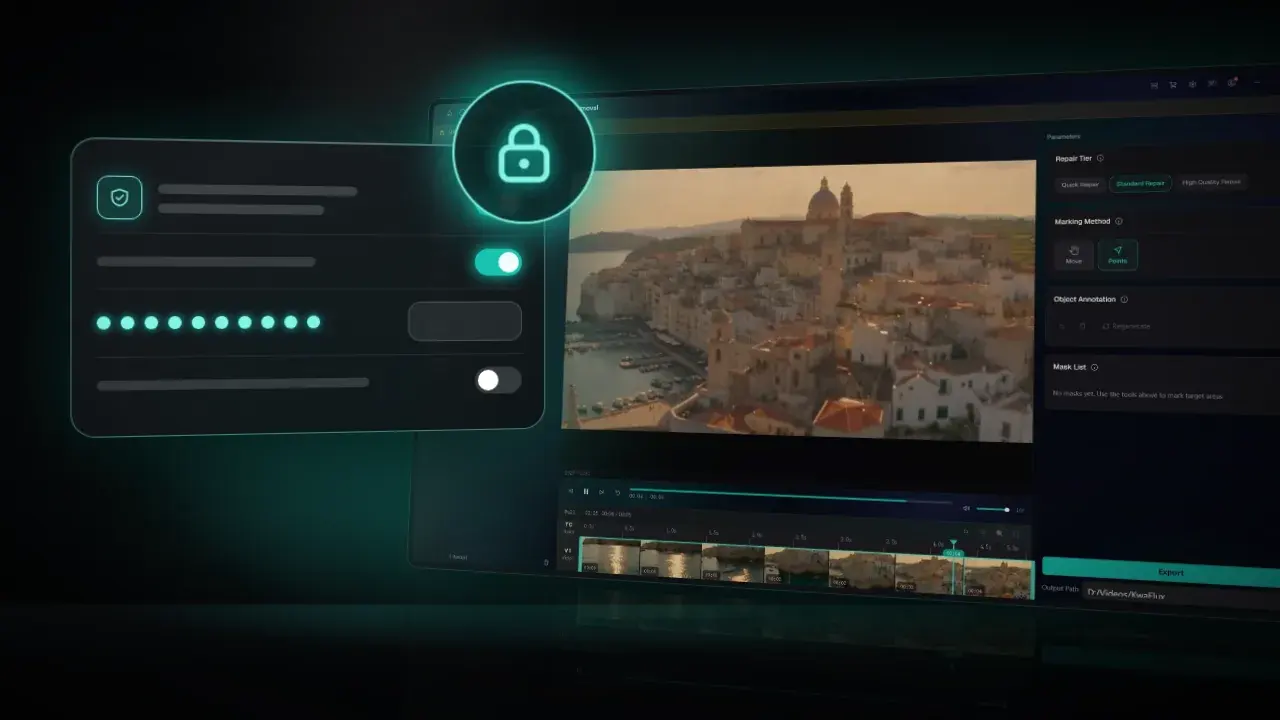
Local Doesn't Mean Safe: Securing the Channel Between an AI Assistant and a Desktop App
Why a local MCP link still needs defenses: per-user named pipes, first-instance ownership, a 128-bit token, constant-time checks, and fail-closed setup.
Denoise, Shrink to 50 MB, Fix a Broken File: What an AI Assistant Can Do in KwaFlux
31 KwaFlux features you can start from a chat: audio cleanup, compression to a size, file repair, AI enhancement, and why 9 stay in the app.
Why AI Agents Shouldn't Click the Screen: Building a Local Control Plane for a Desktop App
Screen automation is fragile and grants too much. How KwaFlux lets AI agents drive a desktop app with typed tools and jobs rebuilt by the app itself.
Topaz Video AI Alternatives in 2026: 9 Options Compared on Price, Hardware, and License
Nine Topaz Video AI alternatives compared on license, list price, devices, hardware, and local vs cloud processing, checked on each vendor's own page.

Free Topaz Video AI Alternatives: Video2X, FFmpeg, and Free Trials Compared
Free ways to do what Topaz Video does: Video2X for AI upscaling, FFmpeg for denoise, scaling and frame rate, and free previews. Tested commands included.
Topaz Video AI Alternatives for Low-End PCs: 8 GB RAM and Integrated Graphics
Topaz Video needs 16 GB RAM and a 6 GB GPU. Here are enhancers that list 8 GB RAM or integrated graphics, plus settings that keep renders practical.

Topaz Video AI Alternatives for Mac: Apple Silicon and Intel Options in 2026
Mac options instead of Topaz Video: which run on Apple Silicon or Intel Macs, what macOS each needs, how licenses work across Mac and PC, and how to test.

Own Topaz Video AI 7? Your Options After the Switch to Topaz Video
Topaz Video AI 7.1.5 is the final release. What your perpetual license still covers, when staying makes sense, upgrading to Topaz Video, and alternatives.

AVCLabs Video Enhancer AI Review 2026: Plans, Pricing, and Limits
AVCLabs Video Enhancer AI in 2026: list prices and promo prices, features, system requirements, license and refund terms, and three-year cost.
Which GPU Do You Need for AI Video Enhancement? Intel, AMD, NVIDIA, and Apple Silicon
What hardware AI video enhancement needs on Windows and Mac: which GPUs work, what makes them faster, laptops with two GPUs, and how to test before buying.
KwaFlux: Everything You Need to Know (Features, Platforms, Pricing, Updates)
What KwaFlux is, what it includes, which systems it runs on, what is free and what is paid, how licenses work, and what changed in each version.
KwaFlux on Mac: Supported Macs, Setup, and Performance Tips
Which Macs run KwaFlux, how to install it, what the GPU Acceleration Component and Standard Mode mean, and how to keep AI video fast on Apple Silicon.

How to Make AI Video Enhancement Faster: Workflow, Settings, and Hardware
Why AI video enhancement is slow and how to speed it up: process less, pick the output size, order the steps, and use the GPU and app settings well.
How to Test Any KwaFlux Tool for Free Before You Buy
No account or card needed: what you can test in KwaFlux for free, how long each preview runs, how to judge a result fairly, and what a plan adds.
Topaz Video Review 2026: Plans, Pricing, and What You Actually Get
Topaz Video in 2026: plans and prices, cloud credits, local vs cloud models, system requirements, and device limits, checked against Topaz's own pages.
Topaz Video vs DaVinci Resolve: Which Should You Use to Enhance Video?
Topaz Video and DaVinci Resolve Studio compared for upscaling, noise reduction, slow motion, and price, and when to use one, the other, or both together.
Denoise, Deblock, Sharpen, Correct Color: Video Restoration Filters in Depth
How denoising, deblocking, debanding, sharpening, white balance, and chromatic aberration fixes work, which order to run them in, with FFmpeg tests.
Hardware Video Decoding and Encoding on Windows and Mac: D3D11, CUDA, Vulkan, OpenGL, and Metal Explained
How NVDEC, NVENC, Quick Sync, AMF, D3D11VA, Vulkan Video, and VideoToolbox work, what a zero-copy GPU pipeline is, and when hardware encoding pays off.

SDR vs HDR in Depth: PQ, HLG, Tone Mapping, and HDR10 Encoding
How PQ and HLG encode light, why HDR needs 10 bits, what HDR10 metadata says, how tone mapping works, plus tested x265, SVT-AV1, and FFmpeg commands.
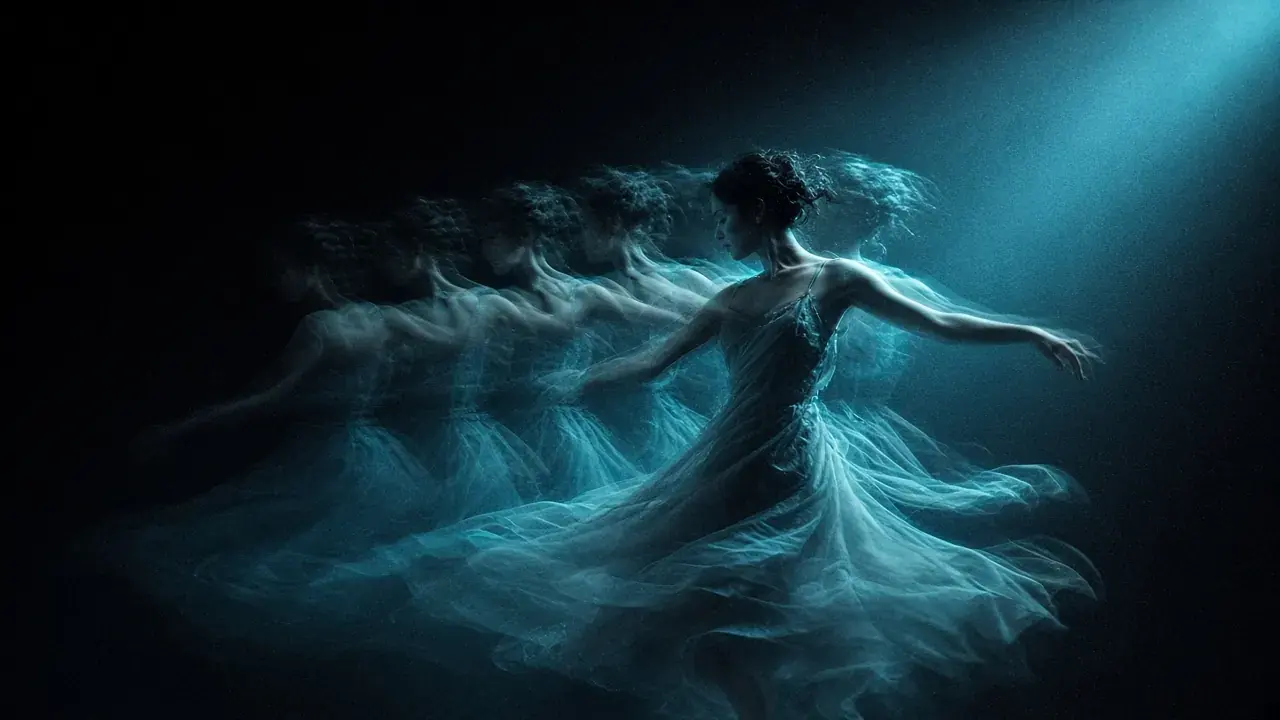
Temporal Consistency in Video: Why Restored Footage Flickers, Shimmers, and Ghosts
Why processed video flickers, shimmers, leaves trails, or shows double images after frame interpolation, how to measure it, and tested FFmpeg fixes.
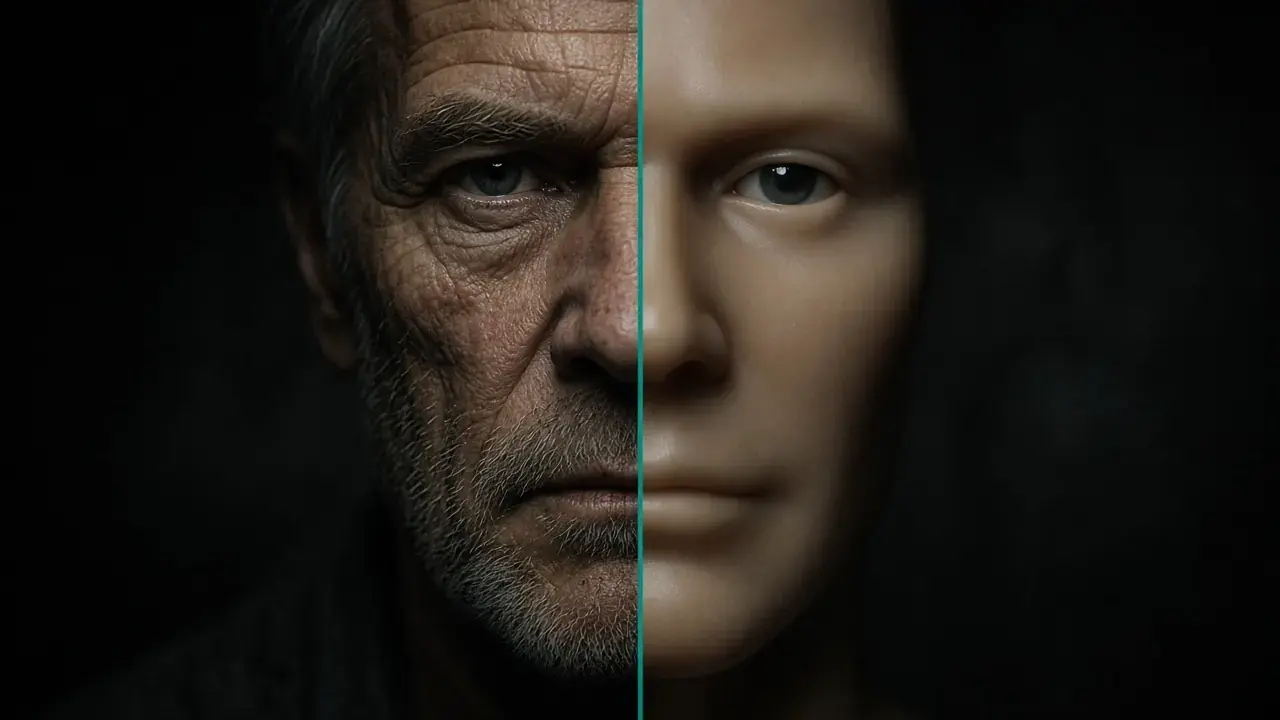
Why AI Restoration Looks Plastic: Losses, GANs, Diffusion, and How to Avoid It
Why AI-restored video looks waxy: averaged detail, invented GAN texture, diffusion drift, and mismatched training data, plus how to spot and avoid it.
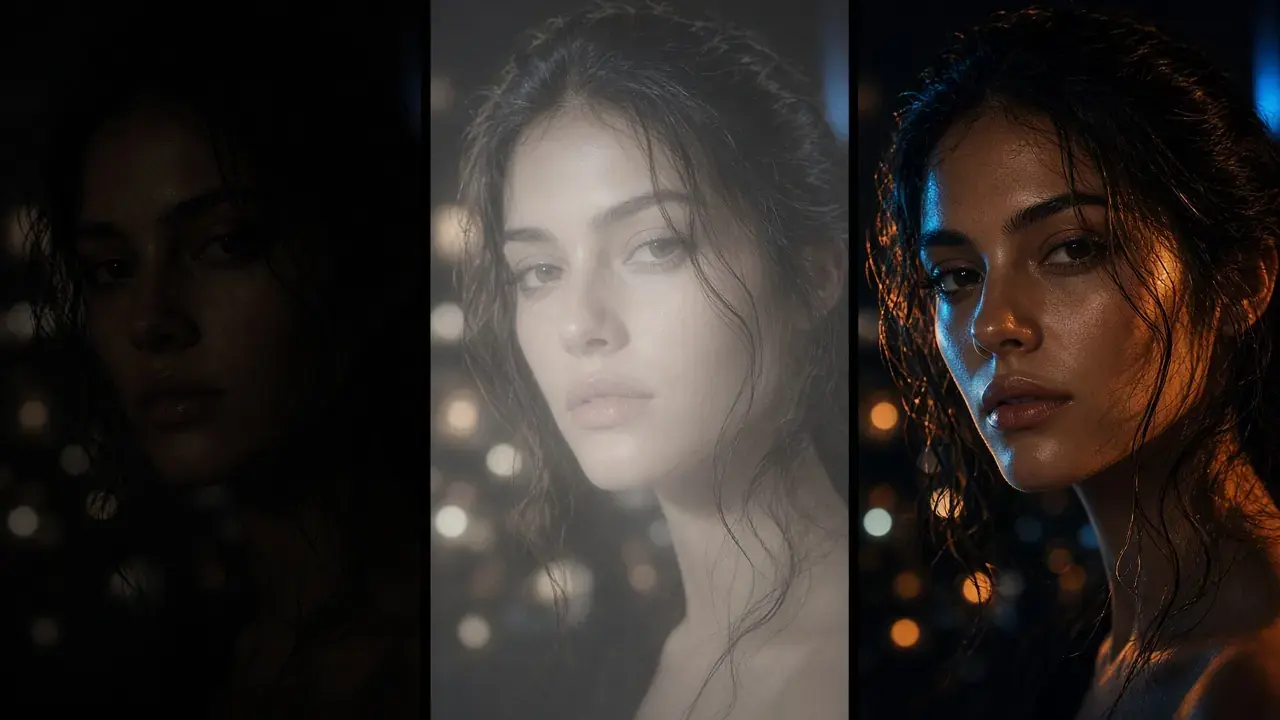
SDR to HDR, Measured: Relabeling, Brightness Boosts, and a Static Curve
One SDR frame converted three computed ways, every pixel measured in nits: a relabel sends the sky to 6,207 nits, a linear boost puts faces at 350.

A Frame That Doesn't Have to Go Home: How KwaFlux Keeps Video on the GPU from Decode to Encode
A 4K 10-bit frame is about 24.9 MB, and every trip between RAM and the GPU costs time. Here's how KwaFlux keeps pixels on the GPU from decode to encode.
How to Compress a Video Without Visible Quality Loss: H.264 vs H.265 vs AV1
Shrink video files without visible quality loss. Pick H.264, H.265, or AV1, set the right bitrate or CRF, and check the result. Free and desktop methods.
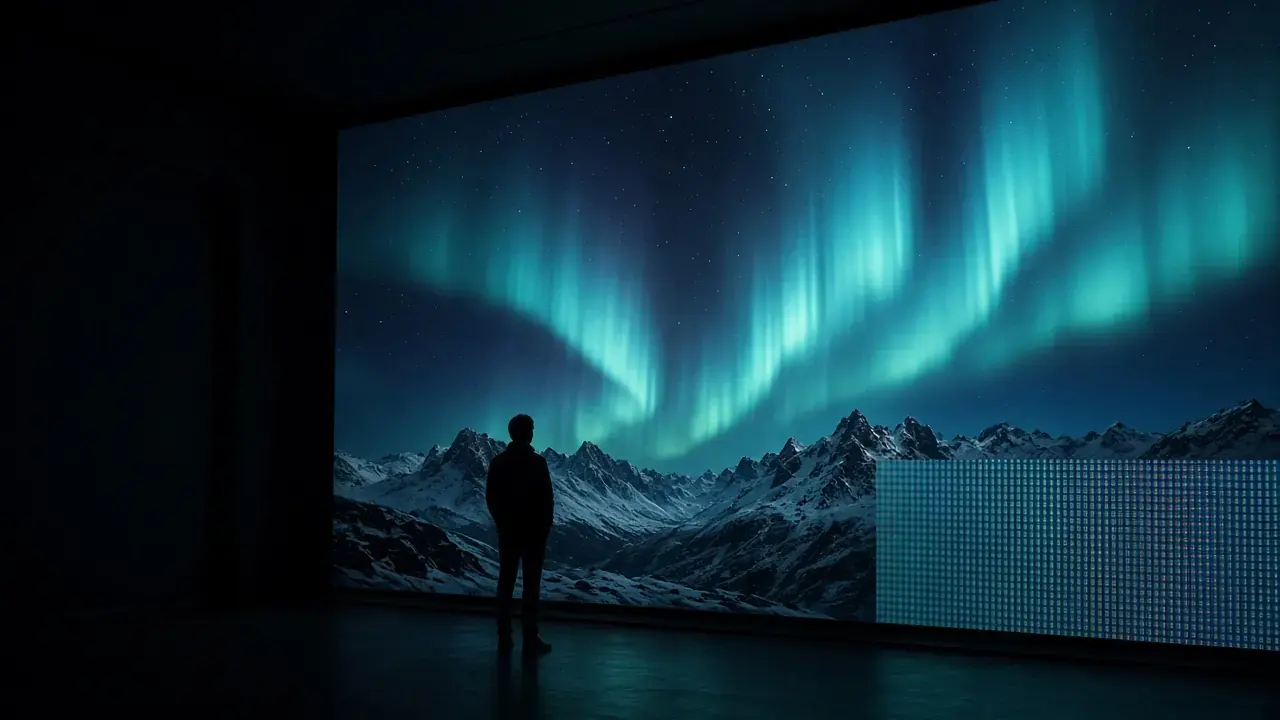
4K vs 8K: What Actually Changes on Screen, and When Upscaling to 8K Pays Off
4K vs 8K explained with pixel math, bitrates, and file sizes. See when 8K pays off, when 4K is enough, and how to export an 8K upscale.
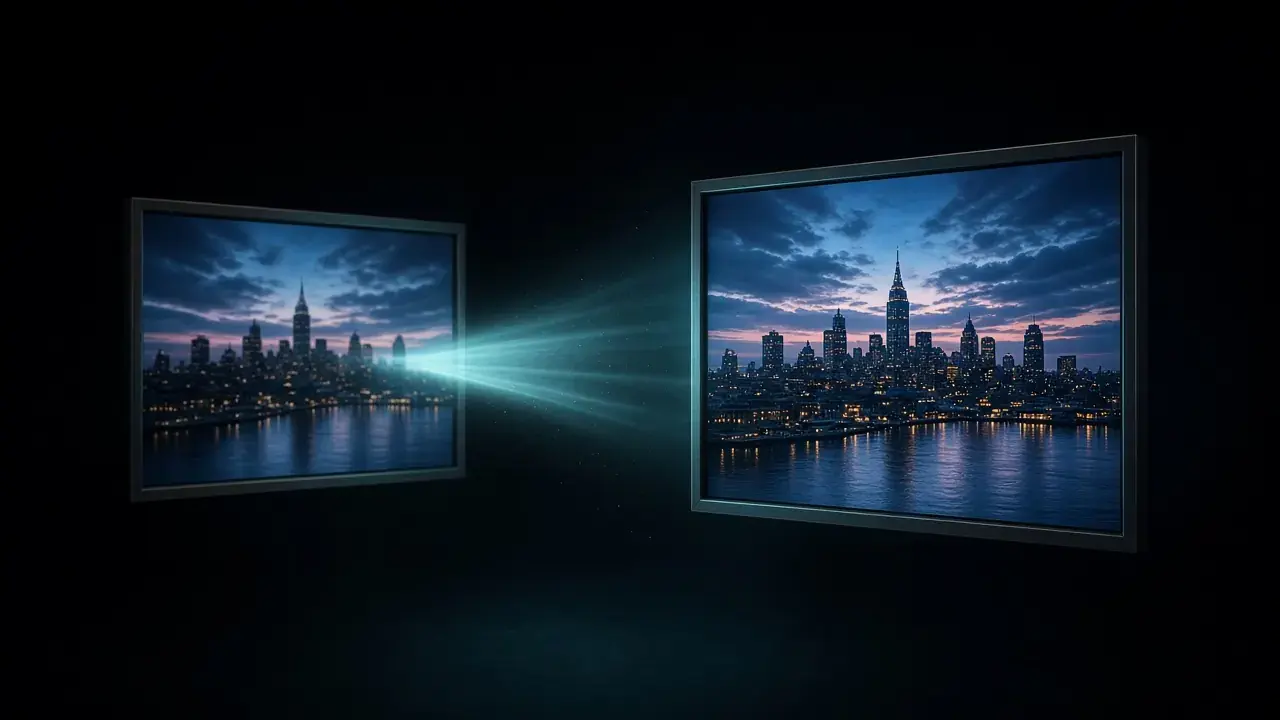
How to Upscale 720p Video to 1080p (and When to Stop There)
Upscale 720p video to 1080p with KwaFlux, HandBrake, or FFmpeg. Exact settings, the bitrate to export at, and when going further to 4K isn't worth it.
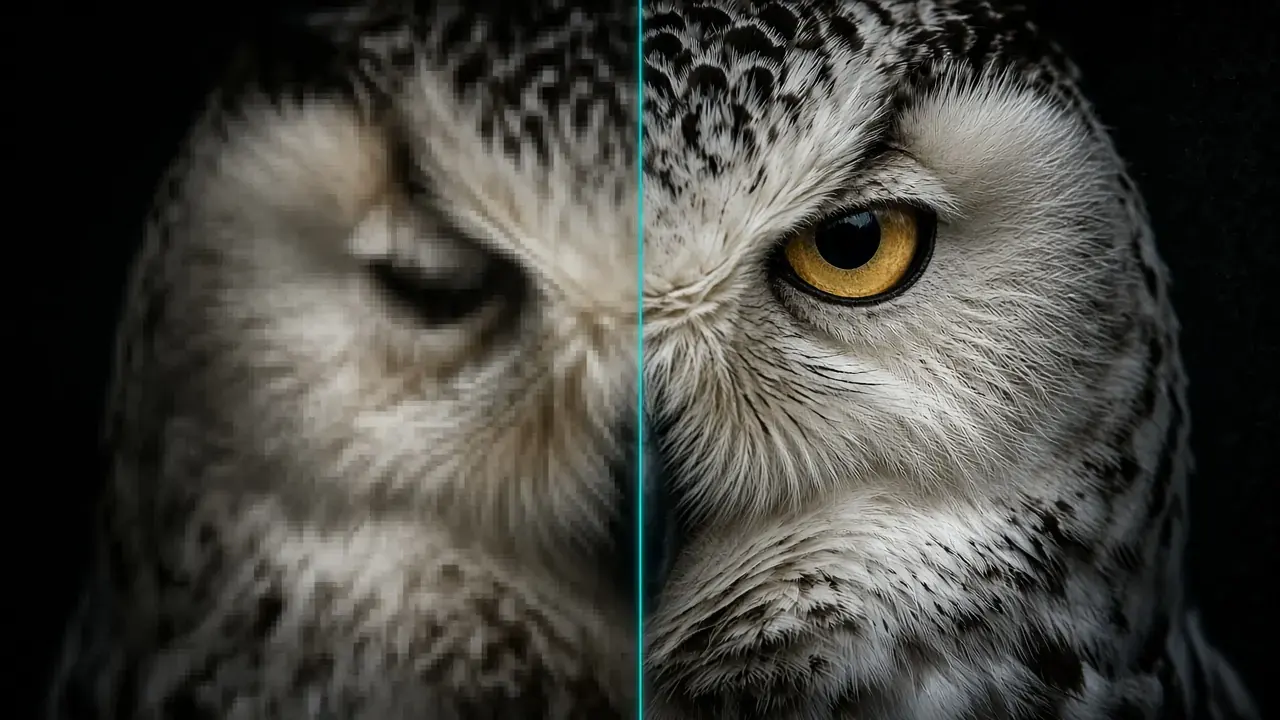
AI Upscaling vs Bicubic and Lanczos: What Actually Changes
Bicubic, Lanczos, and AI upscaling compared: how each one builds new pixels, what none of them can recover, and how to test them on your own footage.
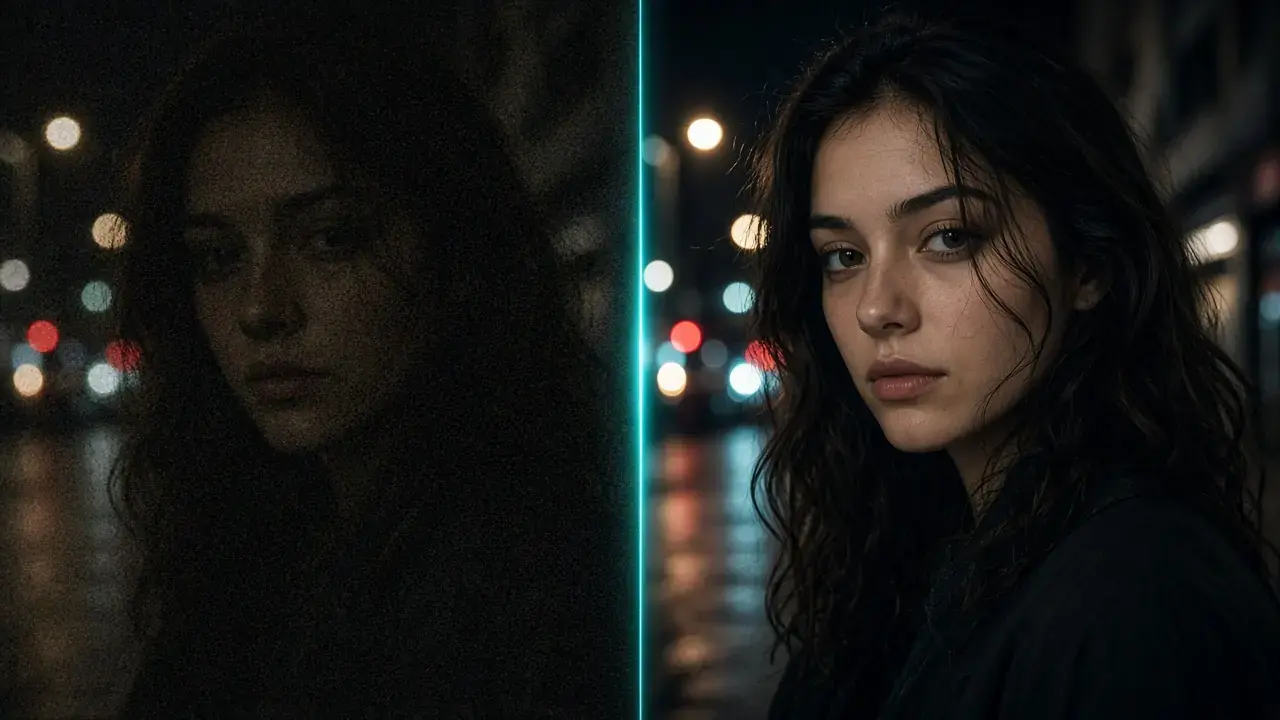
How to Enhance Low-Light and Night Video Without Plastic Skin
Brighten dark, noisy night footage without waxy faces or gray blacks: AI night-scene repair, free FFmpeg and HandBrake settings, and shooting tips.
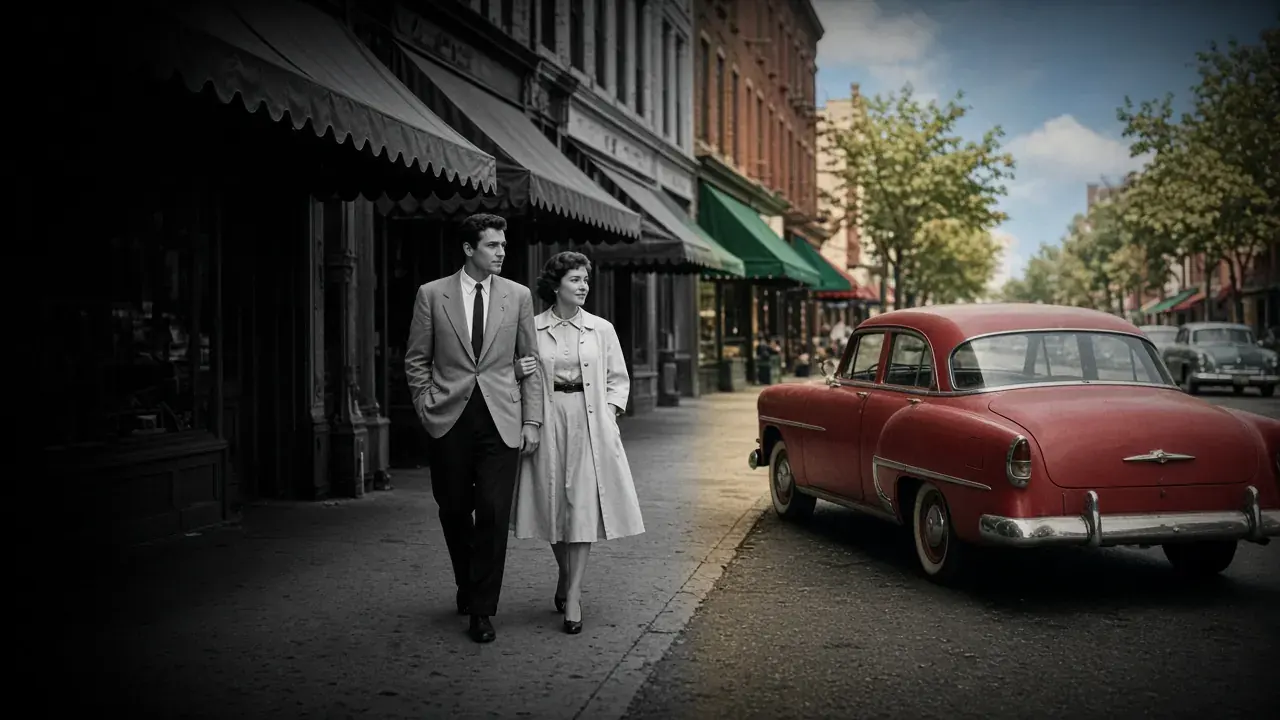
How to Colorize Black-and-White Video with AI (Step by Step)
Colorize black-and-white video with AI: prep the footage, set colorization strength, check skin tones and flicker, and label the result honestly.
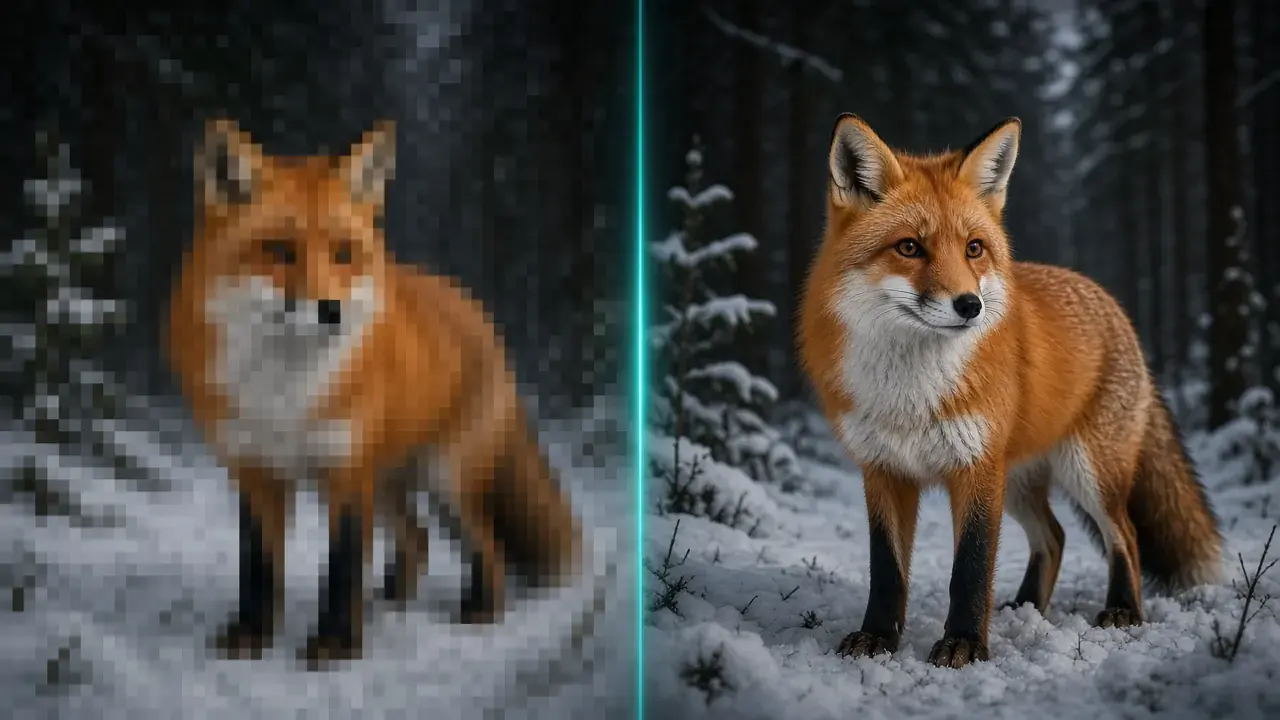
How to Fix Pixelated Video: Compression Blocks vs Low Resolution
Pixelated video has two causes: compression blocks and low resolution. Learn to tell them apart, then fix each with a better source, deblocking, or AI.
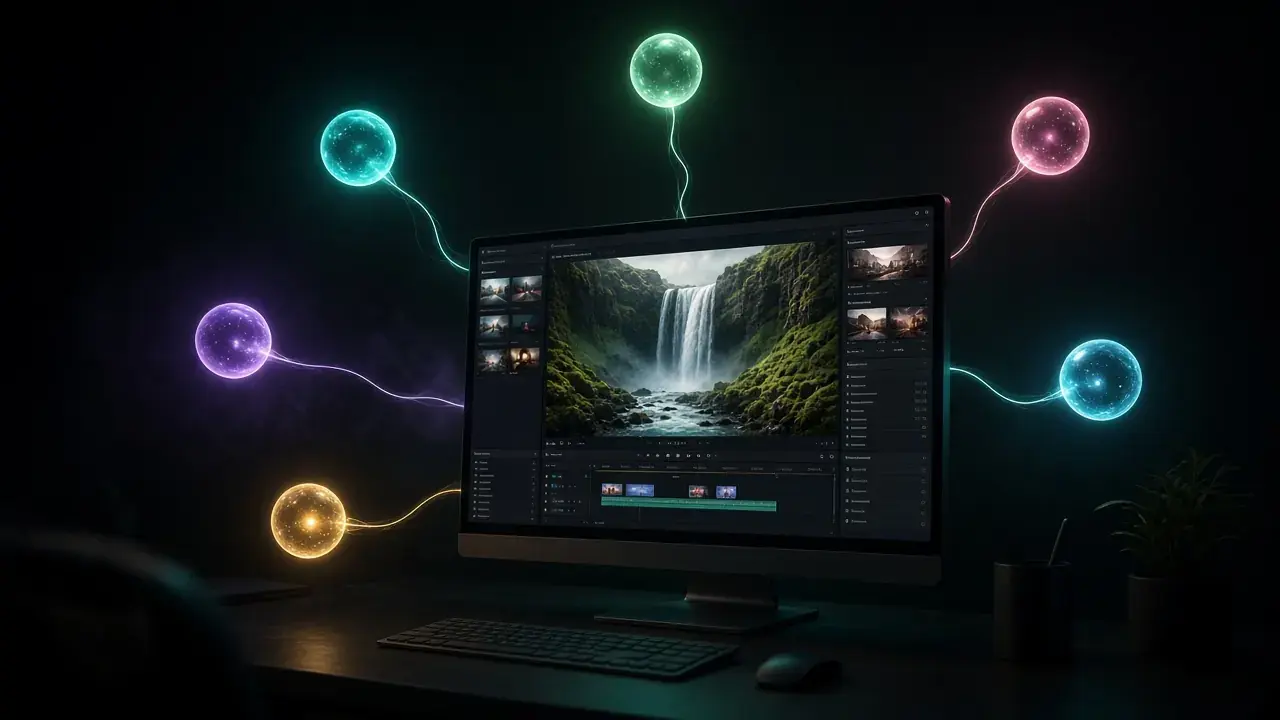
Drive KwaFlux from Codex, Claude, OpenClaw, DeepSeek, Hermes, and Cursor
KwaFlux ships a local MCP server. Keep the app open and connect Codex, Claude, OpenClaw, DeepSeek, Hermes, or Cursor. Convert, repair, enhance, and download need sign-in and a paid plan.
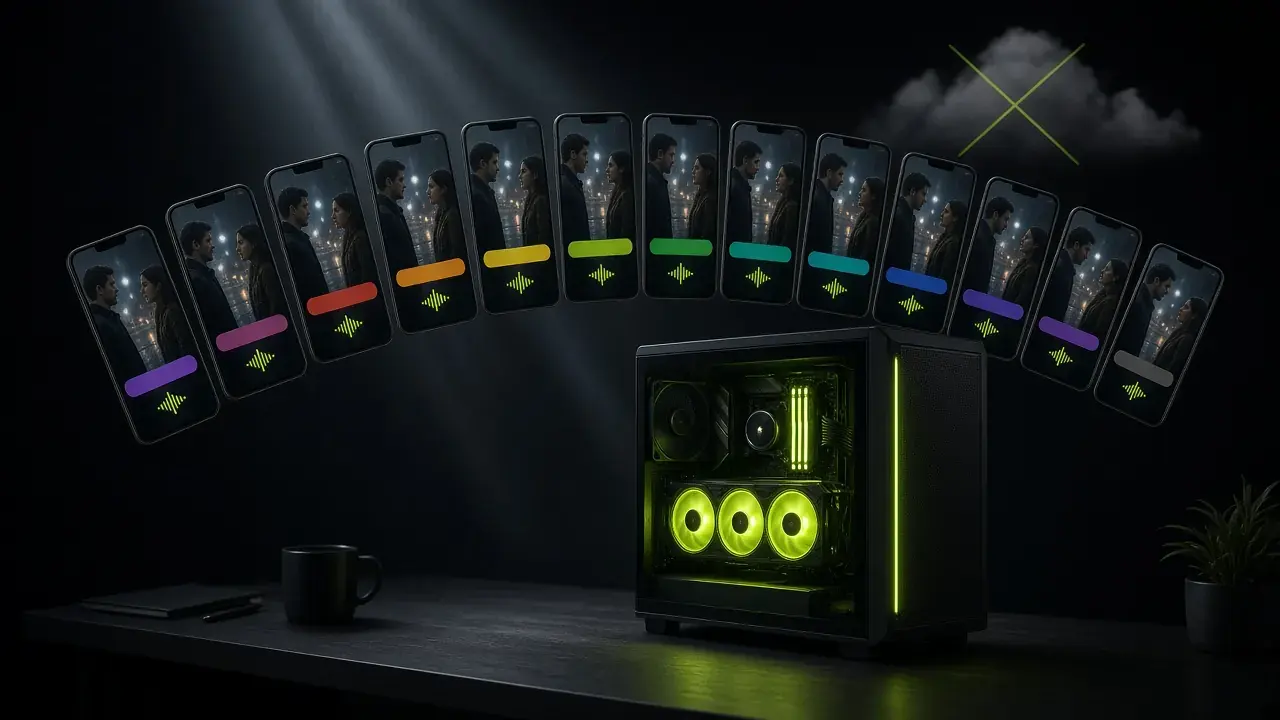
Short-drama localization on one GPU: most middle-processing steps do not need a cloud pipeline
Volcano Engine's AI MediaKit pitch is right about the bottleneck — versioning, not shooting — and wrong that it needs a cloud. What one workstation covers, and what it does not.
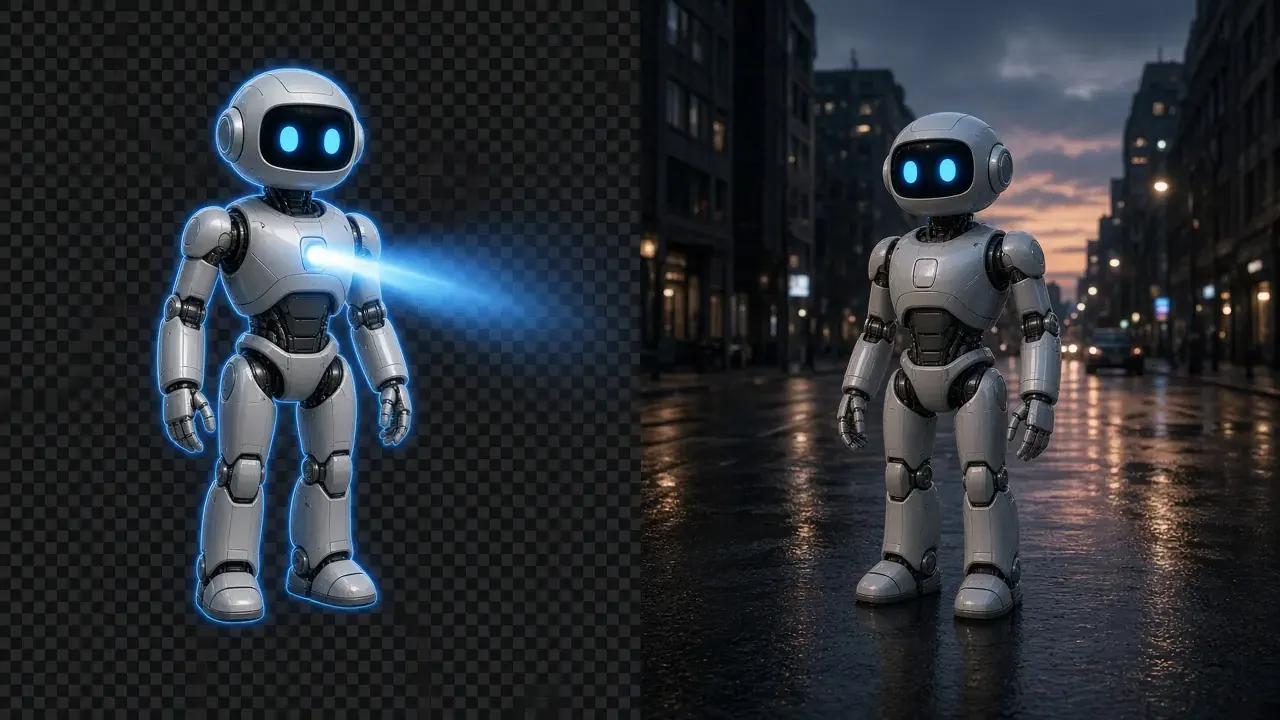
How do I put an AI-generated character into live-action footage?
No green screen needed: isolate AI characters frame-by-frame on your GPU and composite them cleanly into live-action NLE timelines.
The post-processing era of AI-generated video
Generated masters are usually 720p–1080p with diffusion smear. Generate, pick, finish locally, deliver. The step-by-step is in the Sora/Kling/Veo guide.

Lifetime vs subscription: a 3-year cost frame for AI video tools
How long you will use it, what "lifetime" actually covers, and what happens when you stop paying. 2026 public prices, not a quality shootout.
What file repair actually does when a video will not open
Unplayable is a container problem, not a quality problem. Diagnosis, then Quick / Deep / Smart — optional same-camera reference. Not an enhancer.
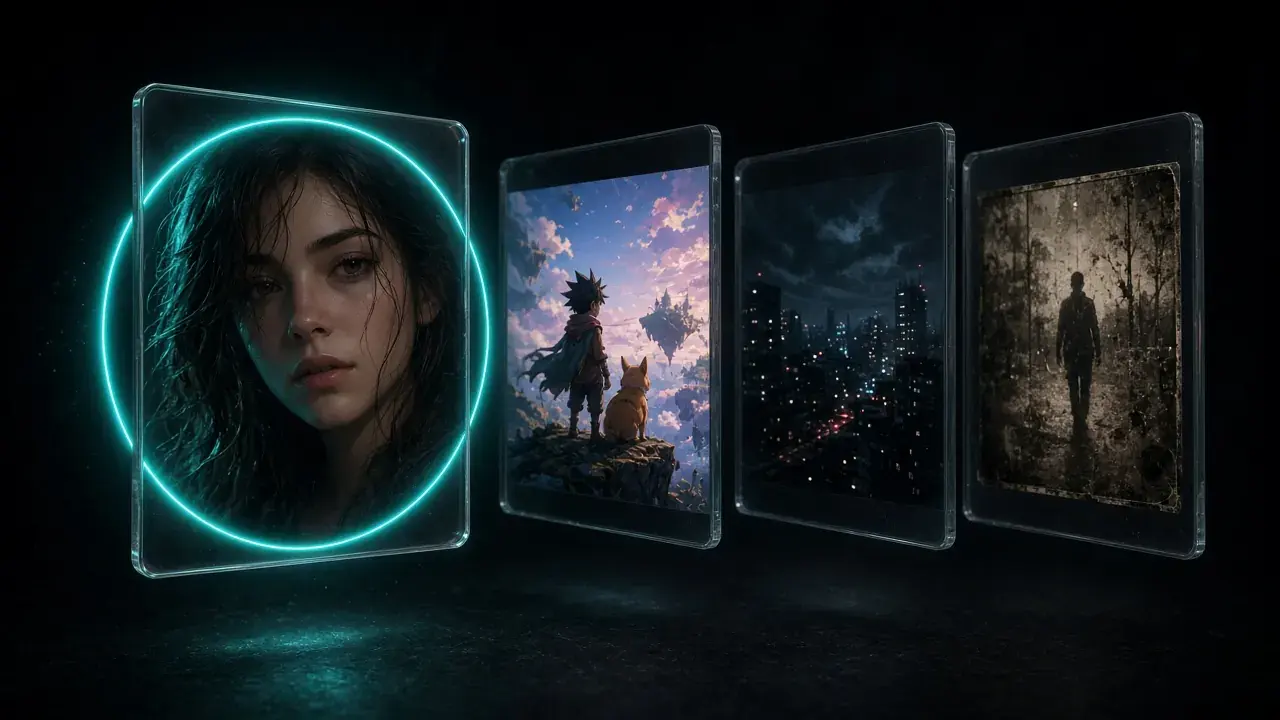
Which repair type to pick: Smart Repair or a scene
Quality Repair offers Smart Repair, which restores faces on its own, and Special Scene Repair for anime, night shots, and restoration. Each fails in its own way on the wrong footage. Here is how to pick before you export.
How we score video quality — and what VMAF actually measures
A single "+30 points" score mixes repair with the jump in resolution. KwaFlux shows the source, same-resolution repair, and the capped resolution gain separately. VMAF measures fidelity to a reference, not looks.

Local vs cloud AI video processing: privacy, speed, and cost
One-off shorts can wait in a cloud queue. Recurring batches, NDA footage, and family faces favor local. Three ways to weigh it, and when the cloud still wins.
480p to 4K: what AI can recover — and what it cannot
A 4K file made from 480p will look better than letting the player stretch it, but it will not match a native 4K camera. Here is what gets rebuilt, what only gets cleaned up, and what is gone.
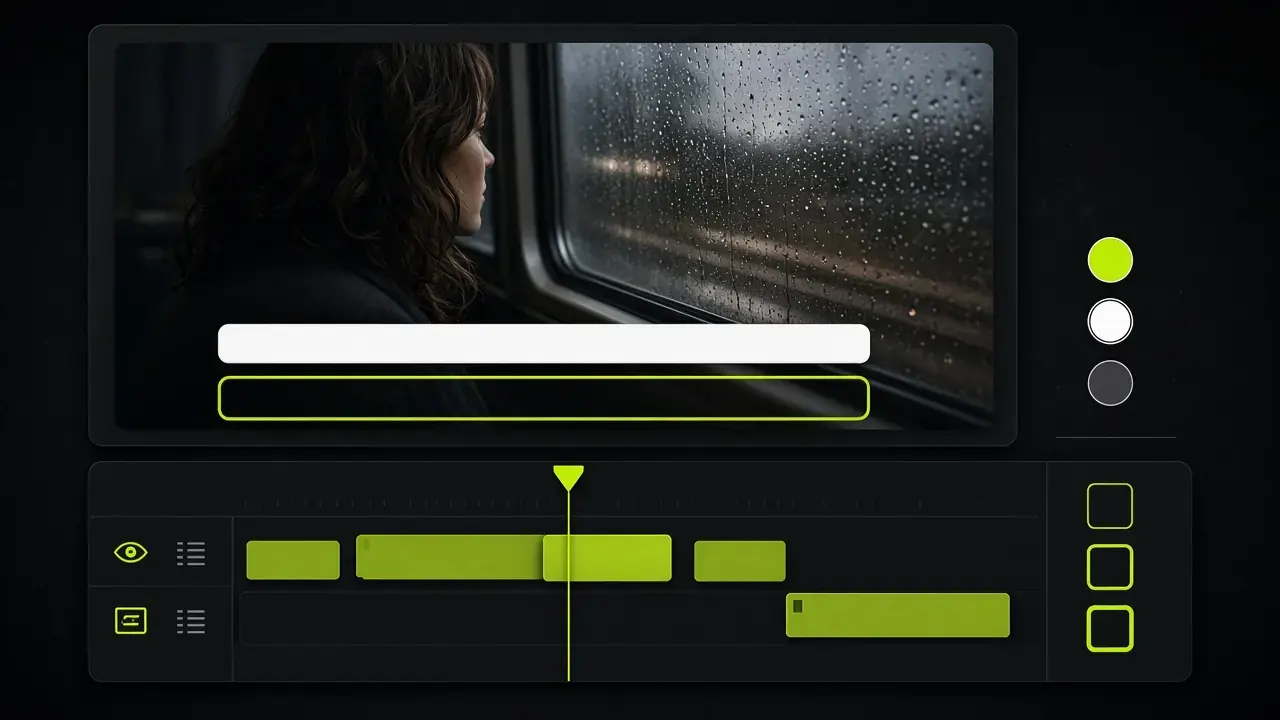
How to edit video subtitles locally — SRT/ASS, not translation
Subtitle Edit is the local tool for SRT/ASS cues: style, timing, burn-in or an MKV soft subtitle track. Translation and speech-to-text are not in this release.
AI image enhancer on your desktop: repair, upscale to 4K, and cut out (no upload)
Smart Repair and Special Scene Repair for photos (1x up to 4K), portrait cutout, object cutout/removal, and folder batches — on your GPU, no upload. Previews are free without an account.
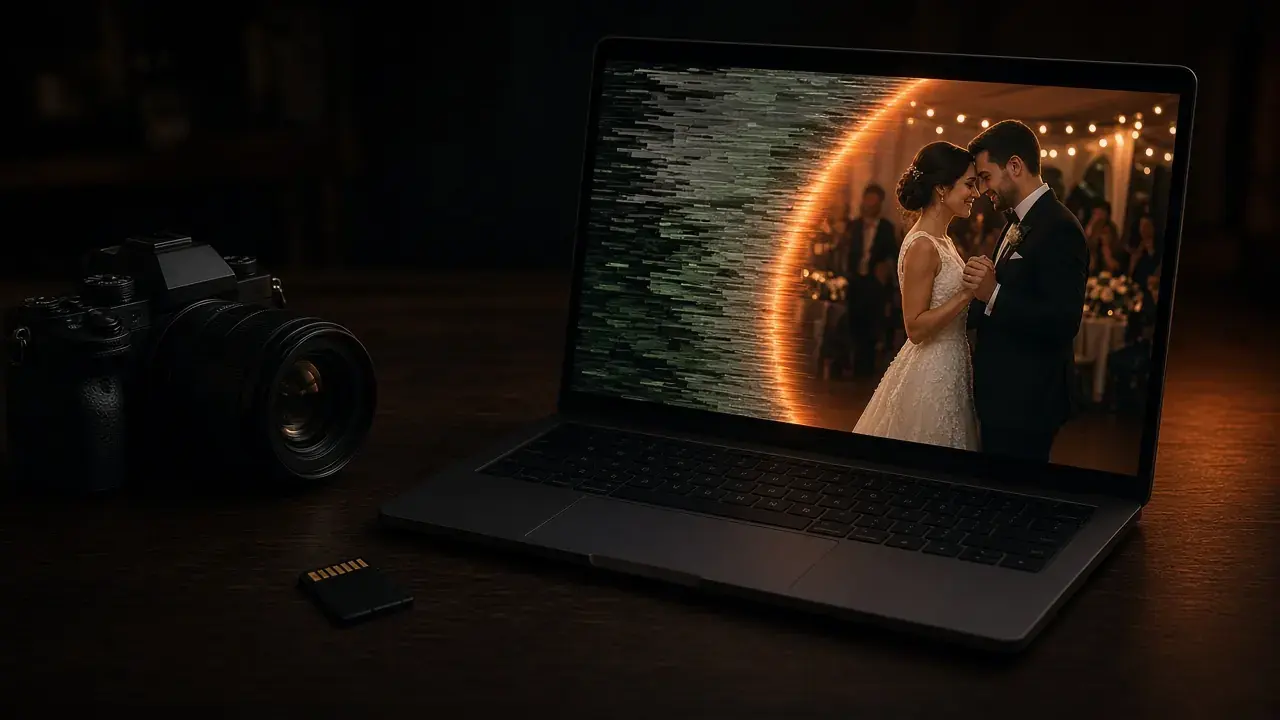
How to fix a video that won't open or play
Video File Repair diagnoses unplayable MP4s locally. Auto, Quick, Deep, and Smart modes — plus an optional same-camera reference. Not an enhancer.
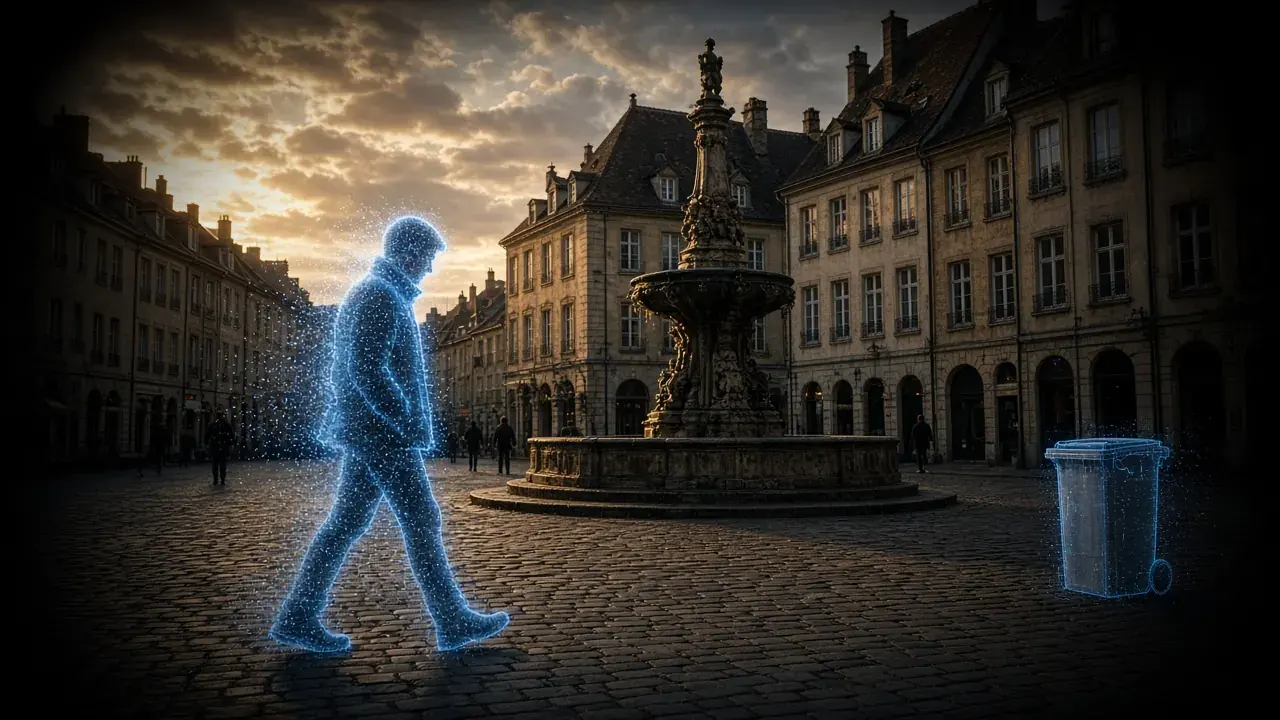
How to remove an object from video — locally, not in the cloud
Dynamic Tracking Removal follows a person or car as it moves. Static Object Removal fills in things that stay put. Both erase only the objects you mark in your own footage.
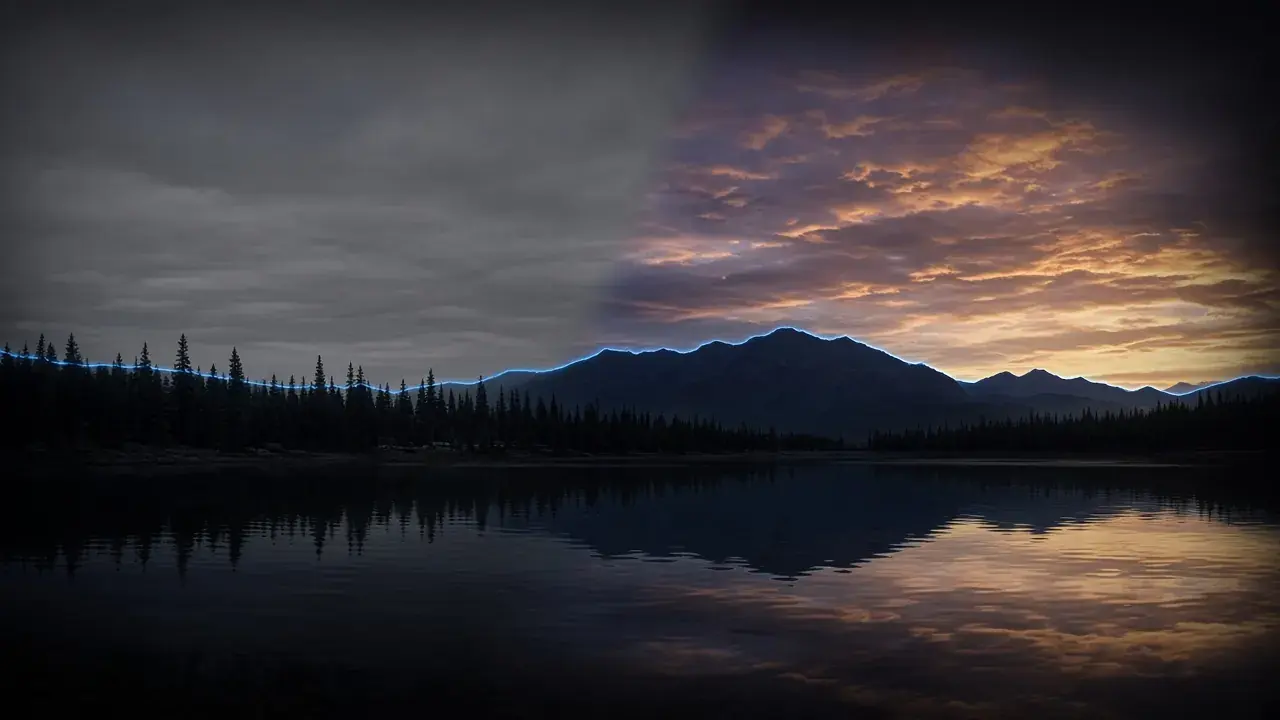
How to replace a sky in video without rotoscoping
Sky Replace is a dedicated local tool for dull or blown-out skies. Check the horizon on a free 1s/3s/5s preview. Previews need no account.
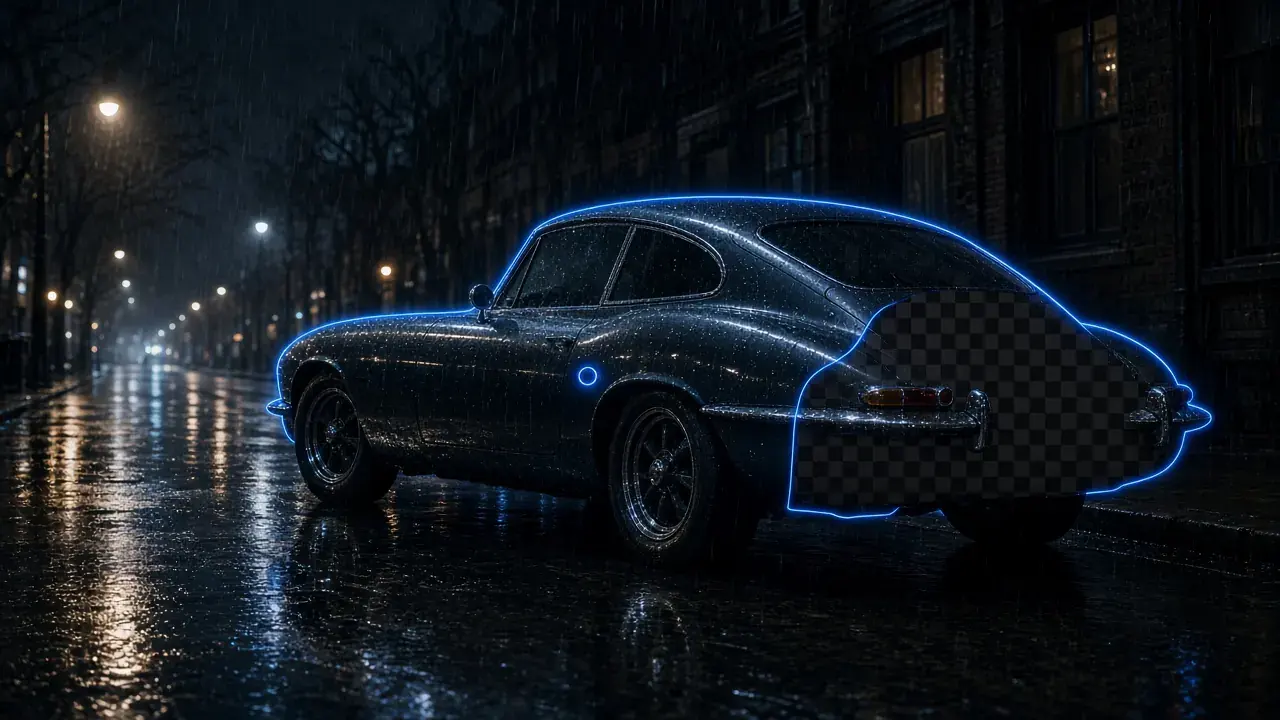
How to replace an object in video with local AI
Click a prop or vehicle and SAM2 tracks it; then swap the background around it — transparent, solid, gallery, or blur — without uploading the clip.
How do I replace a video background without a compositor?
AI Smart Cutout lifts the person and puts a new plate behind them in one local step — a solid color, a still, or a blur — when you do not need a full After Effects graph.

SDR to HDR and AI frame interpolation — enhance without another upscale
Already 1080p but still washed out or choppy? SDR-to-HDR, AI Color Grading, and Frame Interpolation run locally. Free 1s/3s/5s preview, no account needed.
How to remove background noise from video — locally
Viewers forgive soft pixels before they forgive hissy dialogue. Denoise, cut room echo, and separate vocals in the same local pipeline as the picture — no extract-then-reimport.
How to choose a local AI video enhancer in 2026 (no cloud upload)
A buyer's checklist instead of a ranking: what local processing has to mean, five checks before you pay, and how to test any candidate on your own footage.

Convert video formats locally without uploads
Deliver masters locally after enhancement — codecs, containers, and why a built-in converter matters.
How to stabilize shaky video with AI (and when crop hurts)
Automatic vs Subject Lock, what each costs in crop, rolling shutter caveats, and free 5/15/30-second previews. Previews need no account.
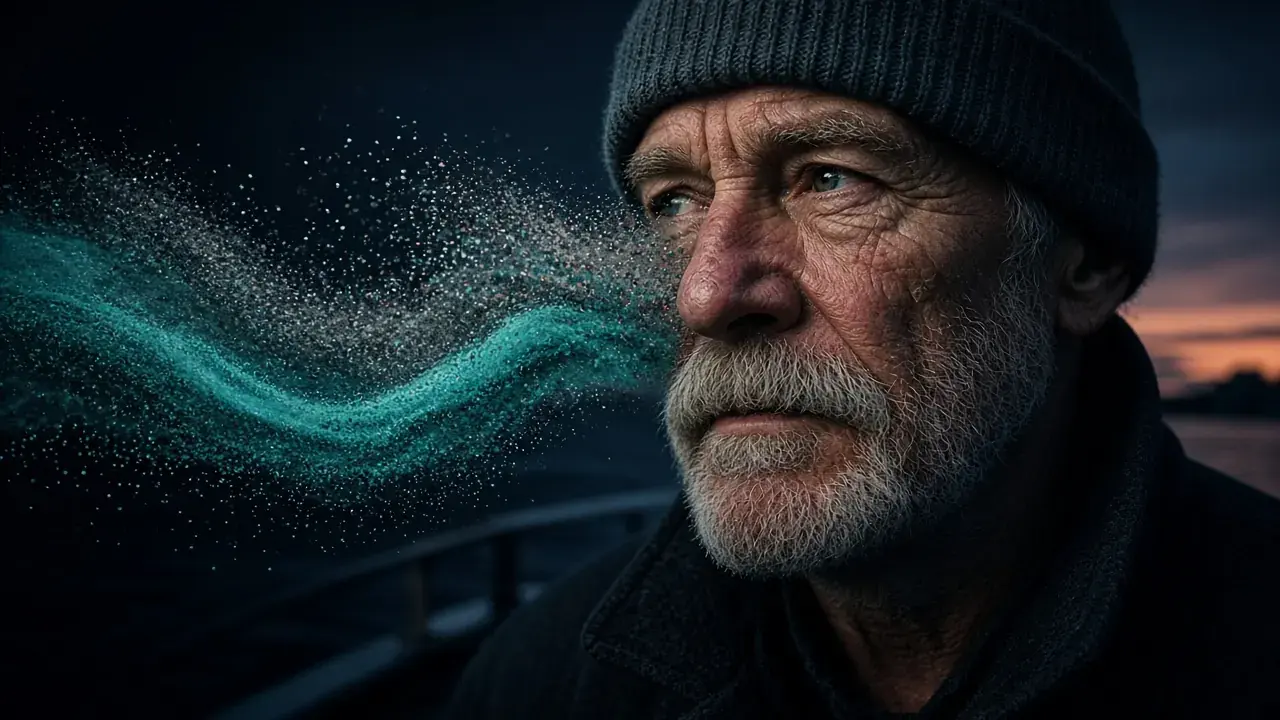
How to denoise video with AI without plastic faces
When grain should stay, which footage cleans up well, and a free 1s/3s/5s preview. Previews need no account.
How to fix blurry or pixelated video with AI
Five ways to fix blurry, soft, or pixelated video — from free sharpening to local AI unblur — and how to pick the right method.
Topaz Video AI license went subscription-only — lifetime alternatives in 2026
Topaz dropped its pay-once license in late 2025 and now costs $299/year. What that means over three years, who should stay anyway, and the alternatives that still sell lifetime licenses.
How to upscale Sora, Kling, and Veo videos locally
AI generators deliver striking clips at modest resolutions. Why generated footage looks soft, which repair type fits which style, and a local workflow that scales to batches.
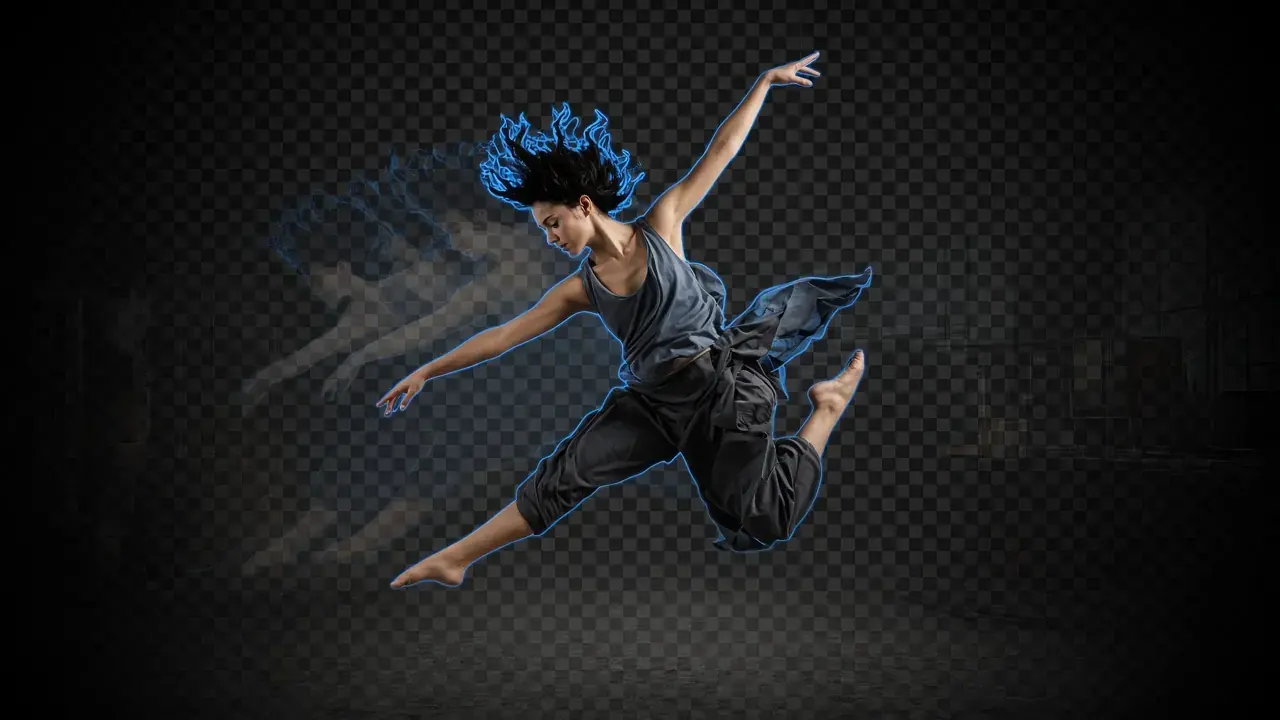
How do I remove a video background without a green screen?
How AI-powered video cutout isolates subjects frame by frame for compositing, background replacement, and clean cutouts — without studio setup.
How to restore old video with AI — grain and color
Step-by-step guide to AI-powered old video restoration: removing grain, fixing color fading, and recovering detail from vintage or damaged footage.
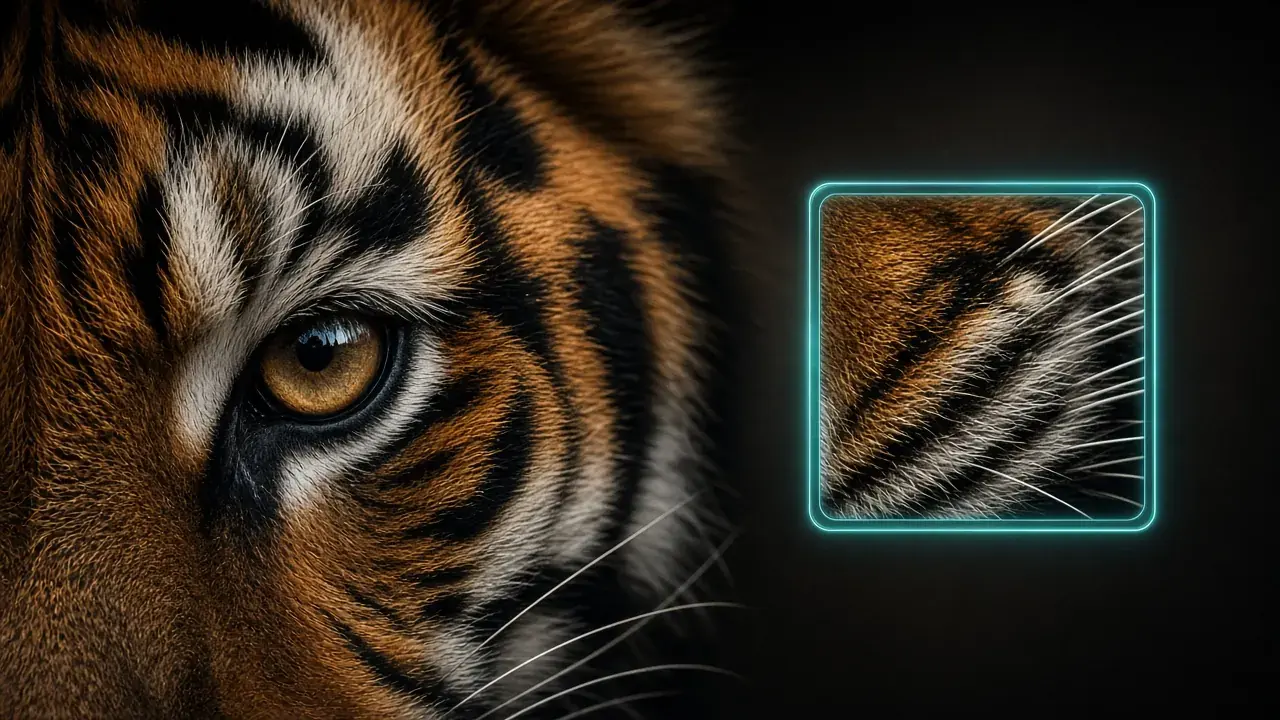
How to upscale video to 4K with AI, not plastic
A practical guide to AI video upscaling: what it can recover, where it falls short, and how to judge reconstructed frames from 480p or 720p source footage.

Building trust before asking for a credit card
How we designed the download, pricing, and legal experience to earn confidence before checkout — not after.
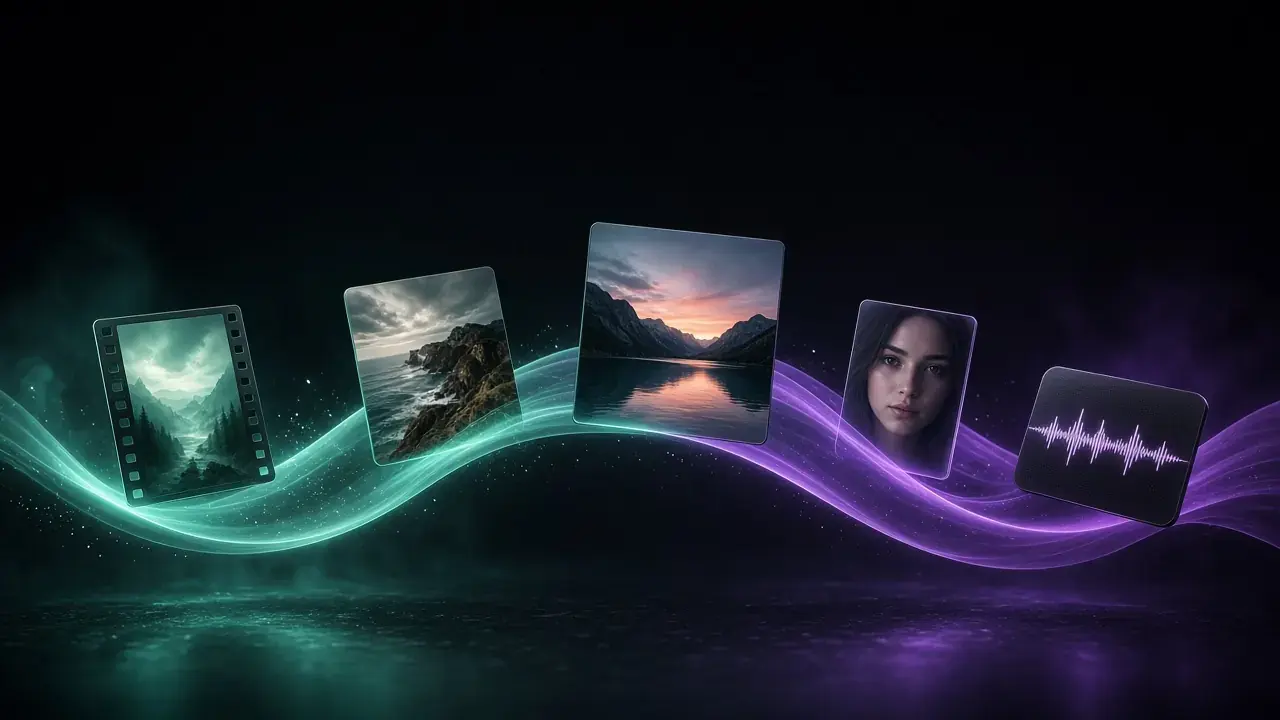
What is KwaFlux? A local app for video, photos, and sound
A look at why we built KwaFlux: one desktop tool for restoration, enhancement, color and motion, AI Beauty, AI Audio Denoise, and delivery — without juggling separate apps.
Done reading? Try it on your own footage.
The download is free and previews need no account, so you can check a setting from these guides on your own clip before you pay.