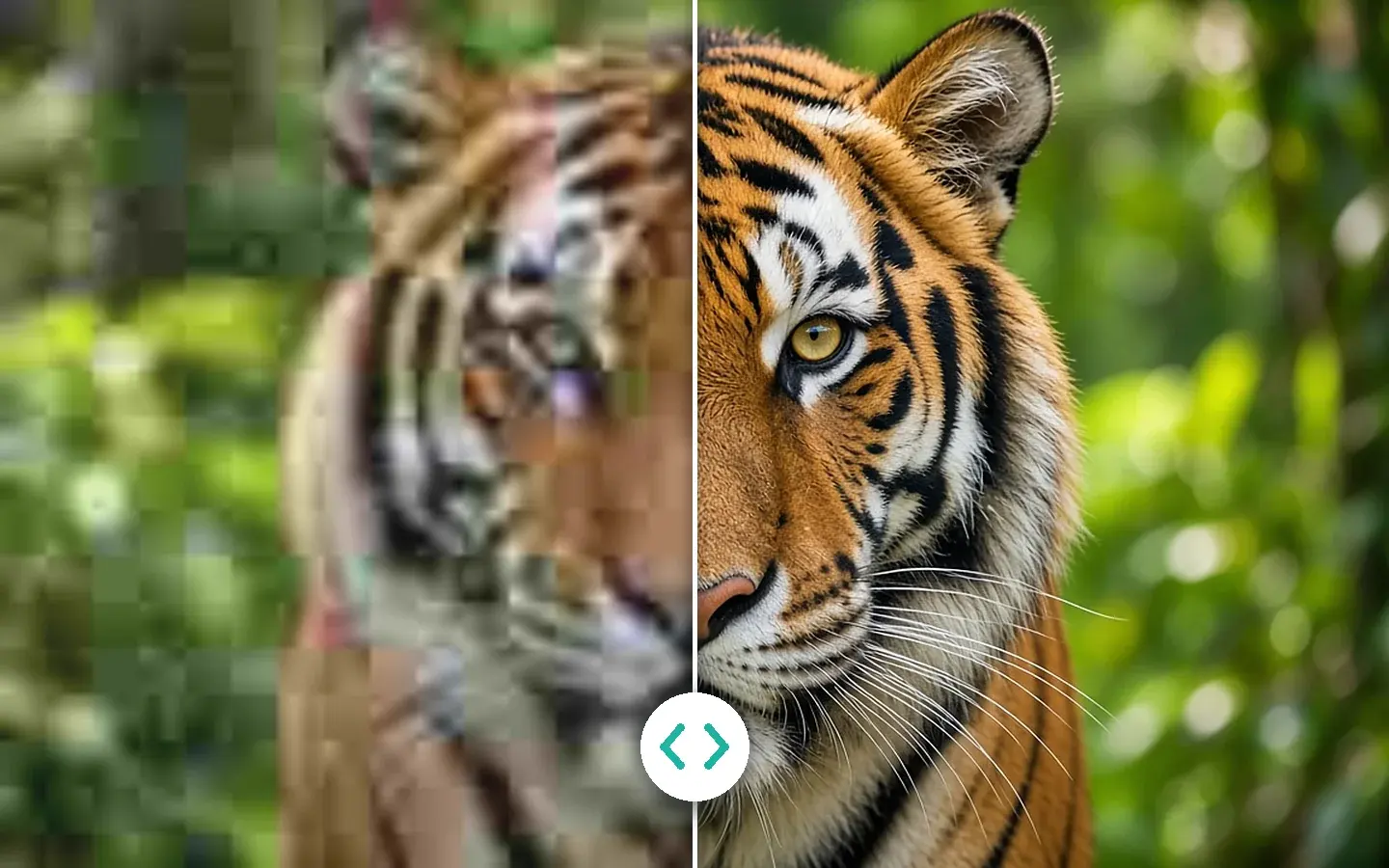
Quality Enhancement
Repair, upscale, restore
Denoise, deblur and rebuild detail up to 8K, deinterlace camcorder tapes, restore and colorize old footage, and add frames up to 144 fps.
KwaFluxFeatures
35 modules in one app: AI repair and upscaling, beauty, color, cutouts and audio cleanup, plus format conversion, file repair and downloading from a link. Every AI module previews free on your own footage, with no account.
Counted by media: a module that handles both video and photos counts once in each.
§01Module index
Pick a job to light up the modules it usually needs. Pick it again to see them all.
Point at a module, or tab to it, to see what it does
§02By category
Quality Enhancement, AI Beauty, AI Color Grading, the AI Toolbox, and the Converter, Repairer and Downloader: the same groups you'll find in the app's sidebar.
Quality Enhancement
Denoise, deblur and rebuild detail up to 8K, deinterlace camcorder tapes, restore and colorize old footage, and add frames up to 144 fps.
AI Beauty
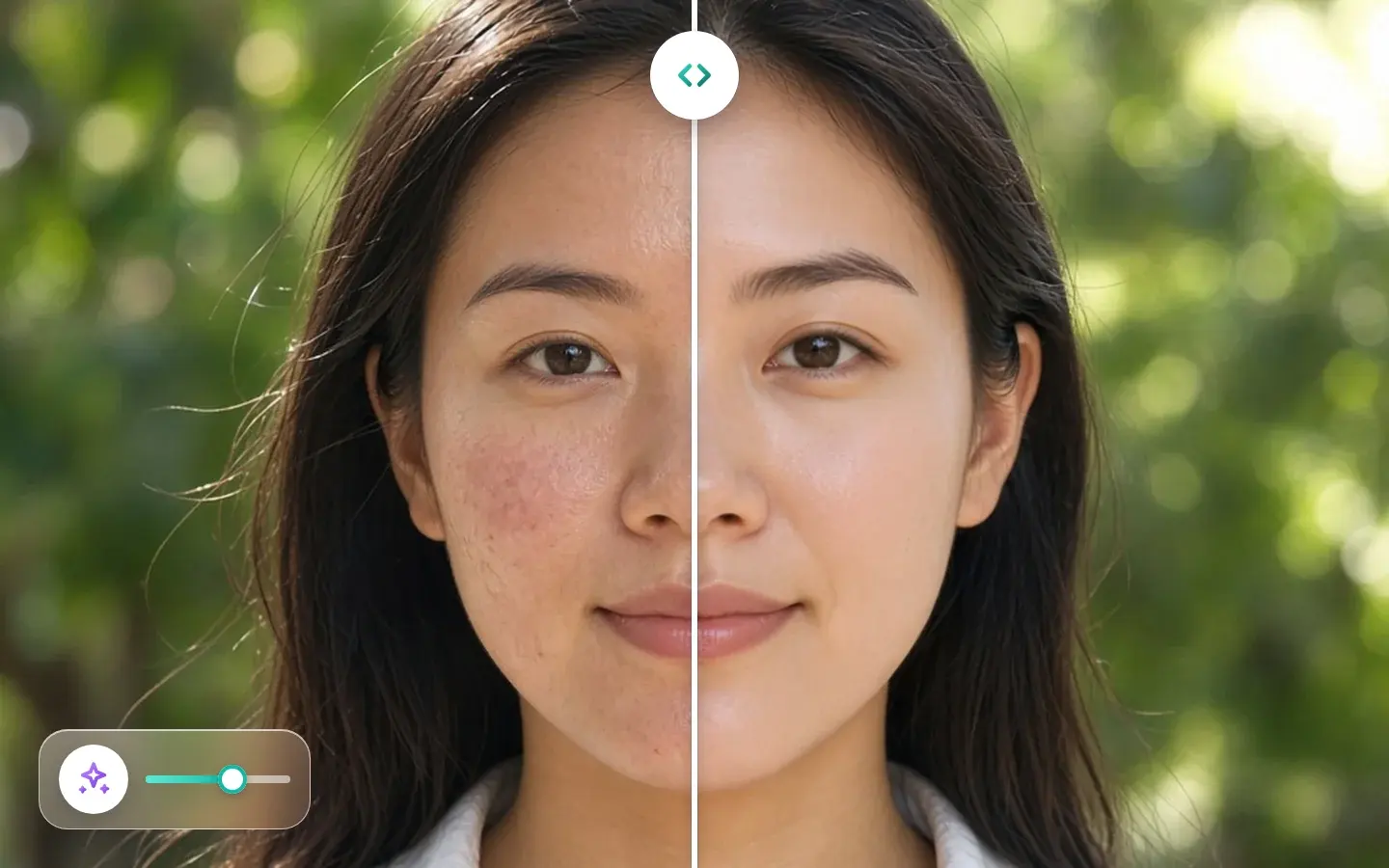
Retouch, skin, makeup, facial features, face shape and hair color, designed to stay steady through motion.
AI Color Grading
SDR to HDR, Smart Color for casts and flat tones, and Filter Grading you can fine-tune.
AI Toolbox
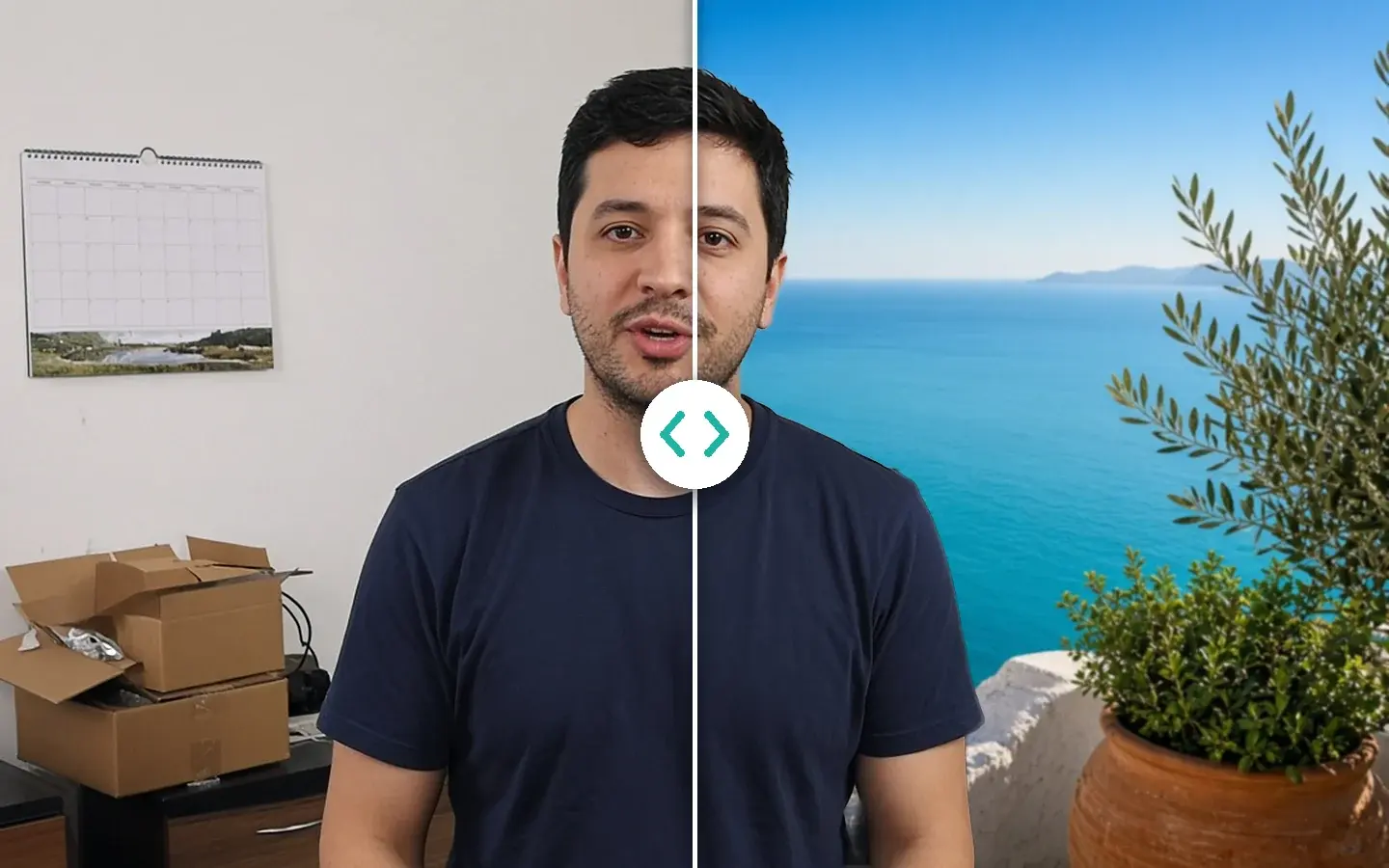
Cut people out without a green screen, swap skies and backgrounds, remove objects, stabilize, add effects, clean up voices and edit subtitles.
Converter · Compressor · Repairer · Downloader
Batch-convert video, audio and images, make GIFs, convert DVD titles, repair files that won't open, and download a file from a link.
§03One pass
In Quality Enhancement these steps stack in a single run: no exporting and re-importing in between, and one less round of compression.
§04Batch
Load several clips or photos into one workspace, set the parameters on one, use Apply params to others, then Export all. Each item goes to Task Center, where you can follow its progress. Preview your hardest clip first.
§05Limits
Better to know the limits before you buy. You can check each one with the free preview.
Detail
Heavily degraded 480p footage gets clearly better, not native 4K.
Motion
Blur from low resolution and compression responds well; motion streaks only partly.
Stabilization
The more shake, the more crop. Use Subject Lock when the subject has to stay put.
Audio
Dense productions separate less cleanly than a single voice.
Speed
There's no cloud acceleration. Integrated graphics work, but 4K, long clips and stacked effects take longer.
Subtitles
It edits SRT and ASS subtitles and burns them in, or adds them as soft subtitles in MKV. It doesn't transcribe or translate.
| Spec | Windows | Mac |
|---|---|---|
| System | Windows 10 (64-bit, version 1809 or later) or Windows 11 | macOS 12 or later, Apple Silicon |
| Graphics | Intel, AMD or NVIDIA from 2016 or later, integrated or discrete | Apple Silicon. On macOS 13 and later, the GPU Acceleration Component is set up automatically |
| Memory | 8 GB RAM, 16 GB recommended | |
| Output | Up to 8K with H.265 or AV1 (H.264, VP9 and ProRes go up to 4K). Frame interpolation up to 144 fps, depending on the source. | |
| Free preview | Video modules 1, 3 or 5 seconds; Video Stabilization 5, 15 or 30 seconds; photos the whole picture; audio the opening 5 to 30 seconds. No account needed. | |
| Needs a paid plan | Export, convert, repair a file, download a file from a link | |
| Devices | Up to 2 per license, Windows and Mac in any mix | |
Download the app, import a clip and render a free preview. You need a paid plan only to export, convert, repair a file or download a file from a link.


 seaside_pier_1998.mov
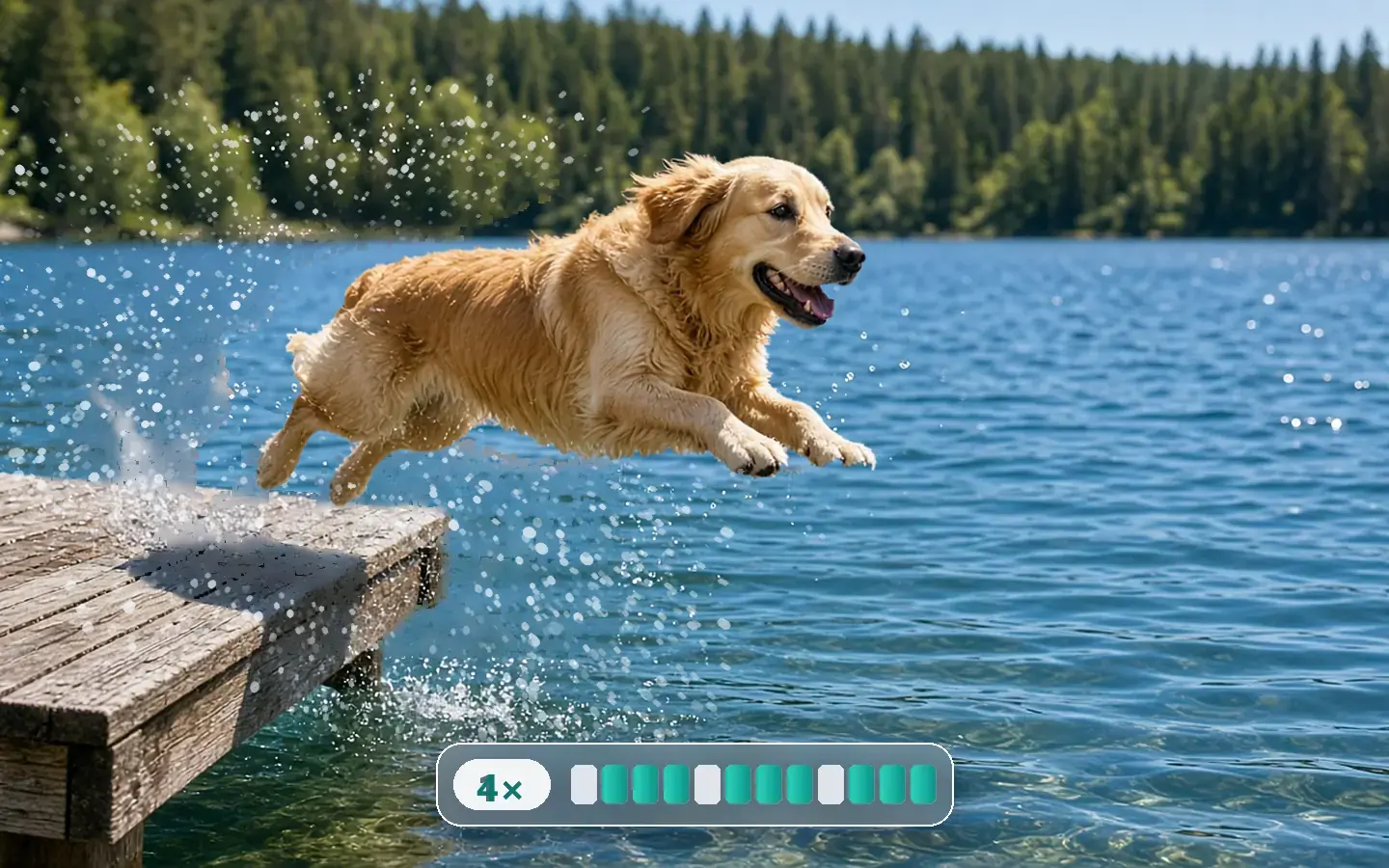 dock_jump.mp4
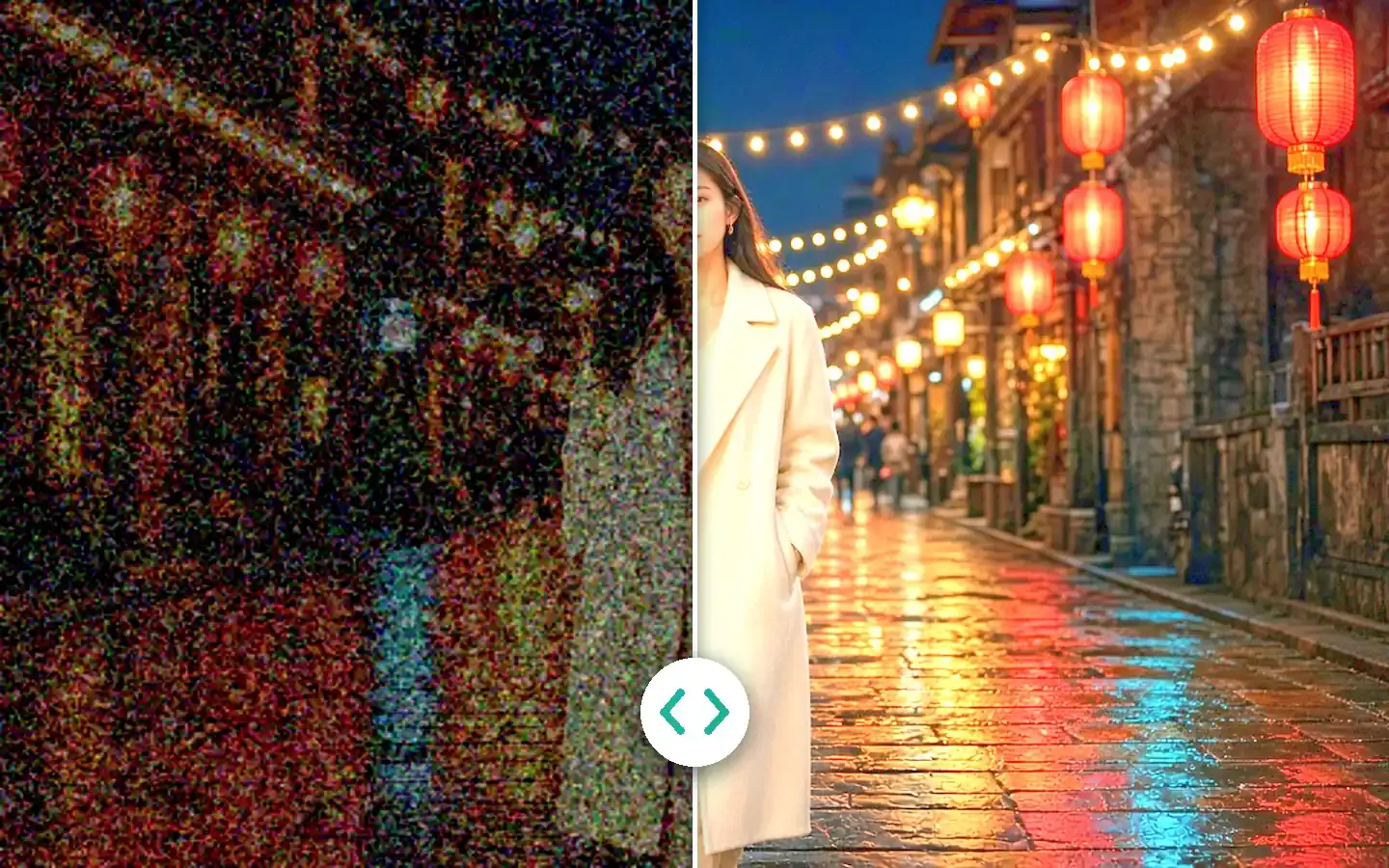 lantern_street_night.mp4