How to fix a video that won't open or play
Video File Repair diagnoses unplayable MP4s locally. Auto, Quick, Deep, and Smart modes — plus an optional same-camera reference. Not an enhancer.
The short answer
A video that will not open or stops partway usually has a damaged container, not damaged pictures. Copy the file first, then run a diagnosis: it reads the header and byte layout and suggests a repair mode. Repair can rebuild what was written; unwritten, cut-off, or overwritten footage cannot come back. Locally, use Video File Repair.

Double-click, and you get black or an error
The camera died halfway, the cable came out during a copy, or the drone went down. The file is still in the folder. Double-click and you get a black screen or a message that it cannot be opened. Do not delete it, and do not let a convert step overwrite the only copy, because often the ending of the file was not written, and the pictures are still inside.
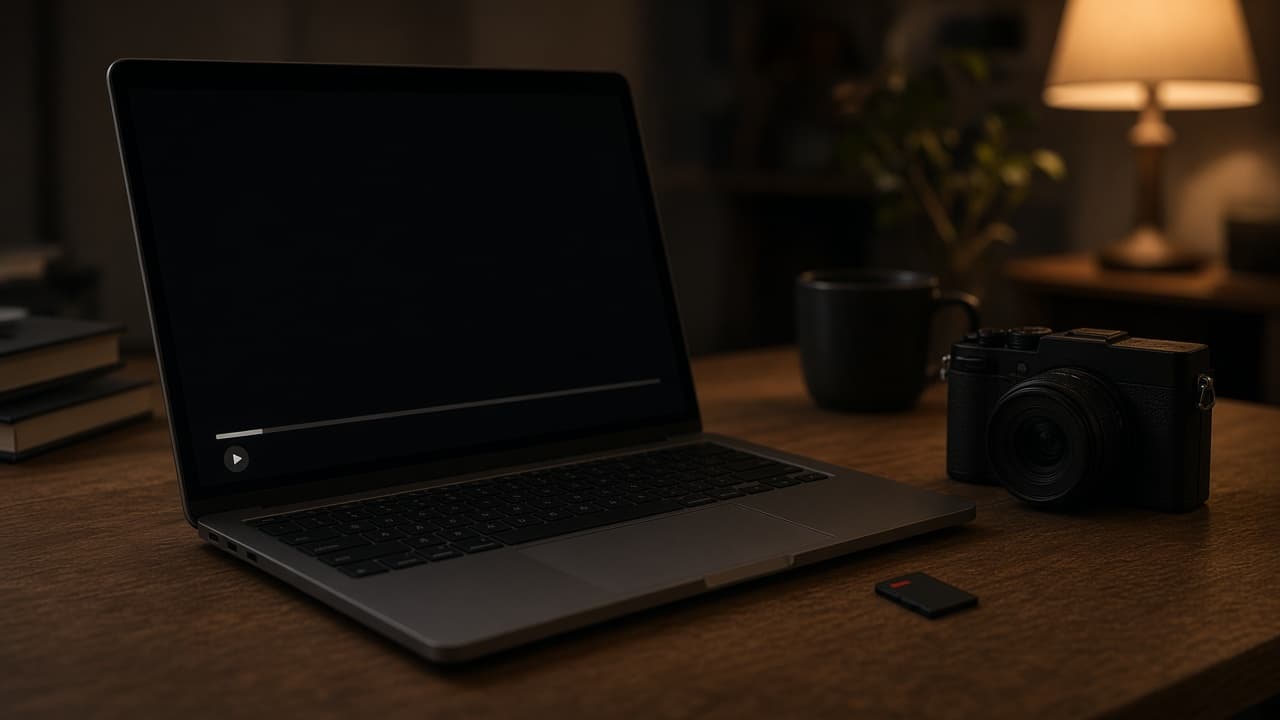
Died mid-record, the copy stopped, or the drone crashed
If the player will not start, stops halfway, or gives you sound with no picture, first repair the file so it can open. If it already plays and looks soft, noisy, small, uneven, or shaky, that is later picture work, not this step. File repair and later picture work cannot create pictures and sound that were not recorded, were cut off, or were overwritten. If the file shows 0 KB, or a card is already formatted, there is nothing left to open. If the file is no longer on the disk, that is recovery, not repair.
Video File Repair tries to open or play video, a still, or audio. Once the file plays, the later work on the same desktop is quality repair, upscale, restore, frame interpolation, and stabilization. A 1-second, 3-second, or 5-second preview belongs to that later work. File repair does not draw that preview.
- The camera or phone died mid-record. The file is still there, it is not empty, and it will not open.
- A copy or an export stopped halfway. The player says it cannot open the file.
- A GoPro or drone clip still has a real size after a crash or a power cut, and it will not play.
- A JPEG or PNG still has a normal size, and the viewer will not open it.
- A voice memo or a recording has a size, but the player shows no duration or will not start.
Do not overwrite the only copy
Work on the copy. Open it in a second player before you reach for a repair tool. Some files fail in one player and play in another. If the file is an AVI and you cannot scrub, the index may be the broken part: VLC can rebuild an AVI index for playback, and DivFix++ rebuilds an AVI index into the file. That only repairs the AVI index. Not every format can be handled that way. If it is a truncated MP4 or MOV, you are comfortable on a command line, and you have a clip from the same camera that already plays, untrunc can try. If those still do not open this file, use file repair on the copy.
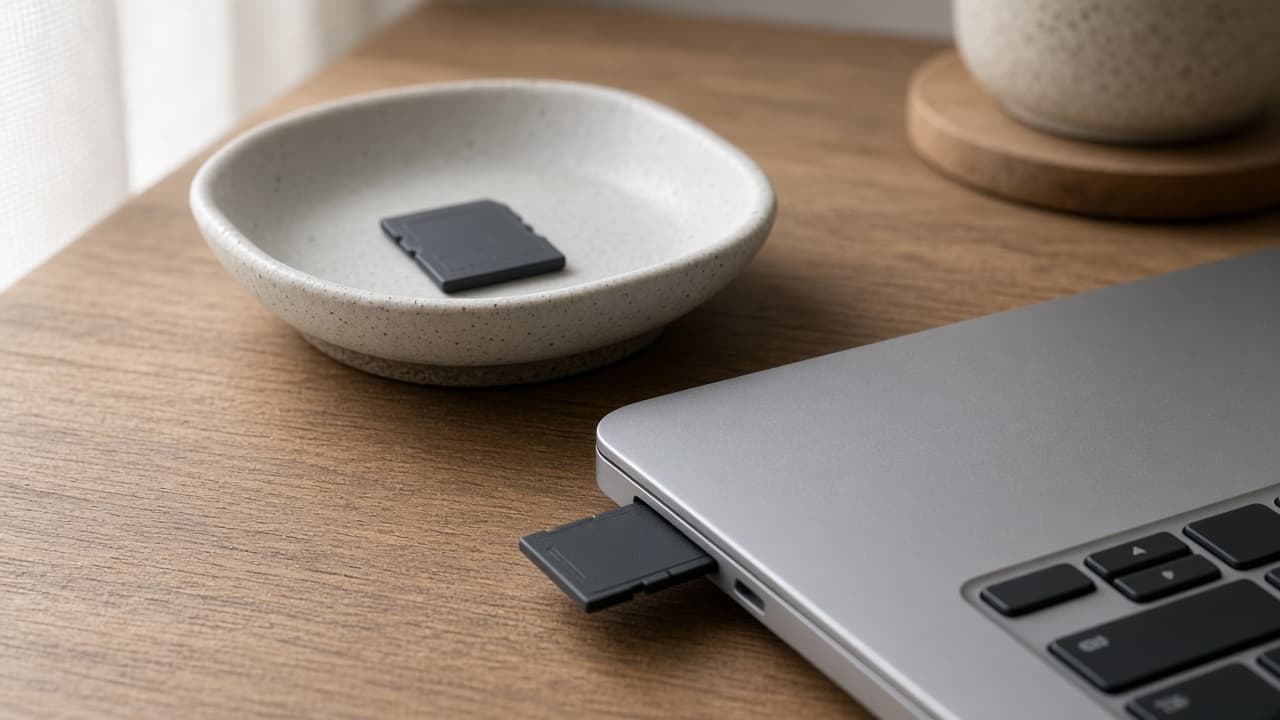
When file repair is the right first step
- The player errors out, or playback stops halfway, while the name still ends in MP4
- The container looks intact and the index or the movie directory is what failed
- You can still copy the file onto the machine. A formatted card and disk forensics are a different job
A bad card pull, or a record that stopped when the power died, can leave a file that looks named and sized like a normal clip. The pictures may still be in the bytes, or they may not. File repair is the first step only when the player cannot get through the file. Grain, fade, soft focus, and a low-resolution master that already plays are not this module. Those go to quality repair, denoise, or upscale after you have something you can open.
What Auto, Quick, Deep, and Smart are doing
Auto tries the gentler pass before the harder ones. Use it when you have not yet read the damage. Quick is for a broken index or header when the pictures and the sound are still in the file. That pass does not recompress the frames. If Quick opens the clip, you still have the original samples, packed so a player can find them.
Deep is for a missing movie directory, which is common when power dies mid-record. A healthy clip from the same camera and the same settings can serve as a structural template, so the surviving frames can be packed into a new container. The reference is optional. Without one, Smart looks for frame boundaries in the bitstream. Deep and Smart take longer than Quick. Extra time does not add samples that were never written.
Image file repair and audio file repair sit in the same family. A JPEG or PNG that will not open, or audio such as a damaged MP3 that will not play, is a file-open problem. They do not enhance the still and they do not denoise the sound. They also do not render a 1-second, 3-second, or 5-second effect preview. Video file repair is the module with Auto, Quick, Deep, and Smart. Keep a copy either way.
What a failed diagnosis is telling you
Diagnosis can fail, and that failure is information. Deep and Smart stop when samples were never written, were cut off, or were overwritten. An empty file, a formatted drive, and an encrypted or DRM-wrapped file are a different job. The module cannot invent frames, and it cannot reconstruct a card you wiped. If the output still will not play, the damaged copy is still there for another tool or a lab. Work on the copy so a failed attempt does not replace the only original.
- A zero-byte file, or a drive that was formatted, is not a container repair
- Encrypted or DRM-wrapped files stay outside this module
- Once a file plays, sharpening it is quality repair, not another diagnosis
How to run a diagnosis
- Copy the damaged file. Work on the copy, and leave the only original untouched.
- Import the copy, start with Auto, attach a same-camera reference if you have one, and click Start Diagnosis.
- If the output plays, enhance next. If it does not, try Deep or Smart, or keep the copy for another tool.
Open the output in a normal player before you queue an enhance. A file that starts and then freezes at the same timestamp is still a container problem. Run the next mode on the damaged copy, not on an output you do not trust. When it plays through, AI Video Quality Repair or Restore Old Video is the next decision, and only if the picture itself is the problem. Play it through before you discard the copy.
It plays, but it is soft, small, or shaky
Playback means the file opened. It does not mean the picture is finished. If it is soft, noisy, or heavily compressed, open quality repair on the copy. If you need a larger frame, open upscale. Faded footage that already plays goes to restore. Uneven motion goes to frame interpolation. A shaky camera goes to stabilization. Each of those is its own pass, with its own free preview. File repair does not sharpen the picture on the way to making it open.
KwaFlux runs on Windows 10 or 11, or macOS 12 or newer on Apple Silicon. This release does not ship an Intel Mac build. On Windows, a 2016 or later Intel, AMD, or NVIDIA GPU can run the app, integrated or discrete. Integrated graphics are slower on long files.
It shows 0 KB, or you already formatted the card
If the file shows 0 KB, or what is inside is empty, there is nothing left to open. If you already formatted the card and the clip is gone, this repair is not the job. Stop writing to that card.
It still will not play
Keep the damaged copy. Do not delete it. If the suggested mode still leaves the file unplayable, the pictures or the sound were likely not written into the file. What was not written cannot be repaired into something that plays.
Further reading: What file repair actually does when a video will not open.
Try It on Your Own Footage
Download KwaFlux and preview effects on your own footage for free before you pay — no account needed, and your media is processed on your GPU, not uploaded for processing. Video previews run 1, 3, or 5 seconds; stabilization previews run 5, 15, or 30 seconds.
Frequently asked questions
Is this the same as restoring old footage?
No. File repair tries to make a broken file playable. Restore old video is for grain, fade, and archival damage on files that already play.
Do I need a reference file?
No. It is optional. A healthy clip from the same camera and the same settings can help Deep pack surviving frames into a new container. Smart runs when you have no reference and looks for frame boundaries in the bitstream.
Why did diagnosis fail when the file is not empty?
The file can have a size and still lack samples. Diagnosis stops when those samples were never written, were cut off, or were overwritten. A longer mode does not invent the missing pictures or sound.
Should I convert the file first?
Do not convert the original first. Copy it first. A second player is a fair try. Converting over the only original can replace the file you still need.
Does file repair make the picture sharper?
No. File repair tries to make the file open or play. Softness, noise, and a larger frame are the next passes, after it plays.
Is the damaged file uploaded?
On KwaFlux, the file is not uploaded to finish the repair. Sign-in, license checks, and software updates still use the network. A browser repair is a different path, because you send the file up.
Sources
- Apple Developer: QuickTime File Format (accessed 2026-10-11)
- untrunc: restore a truncated MP4/MOV (GitHub) (accessed 2026-10-11)
Related articles
Restore Old Video
Colorize, denoise, and deinterlace archival footage locally
OpenHow we score video quality — and what VMAF actually measures
A single "+30 points" score mixes repair with the jump in resolution. KwaFlux shows the source, same-resolution repair, and the capped resolution gain separately. VMAF measures fidelity to a reference, not looks.
OpenRestore old photos
Restore old photos — repaired and enlarged locally
OpenFile Repair
Video, image, and audio
OpenFmMore in Formats & Files
Keep reading

How to Compress a Video Without Visible Quality Loss: H.264 vs H.265 vs AV1
Shrink video files without visible quality loss. Pick H.264, H.265, or AV1, set the right bitrate or CRF, and check the result. Free and desktop methods.
What file repair actually does when a video will not open
Unplayable is a container problem, not a quality problem. Diagnosis, then Quick / Deep / Smart — optional same-camera reference. Not an enhancer.
Convert video formats locally without uploads
Deliver masters locally after enhancement — codecs, containers, and why a built-in converter matters.