

Now showing · Quality Enhancement
AI video enhancer: Fix video, photos and sound in one local app
Repair, upscale, retouch and color-grade your footage with AI that runs on your own computer. Try free previews on your own clips before you pay.
- Windows — stable
- macOS — stable
- First year $79.99, then $99.99/year, or $169.99 perpetual
- No account needed for previews
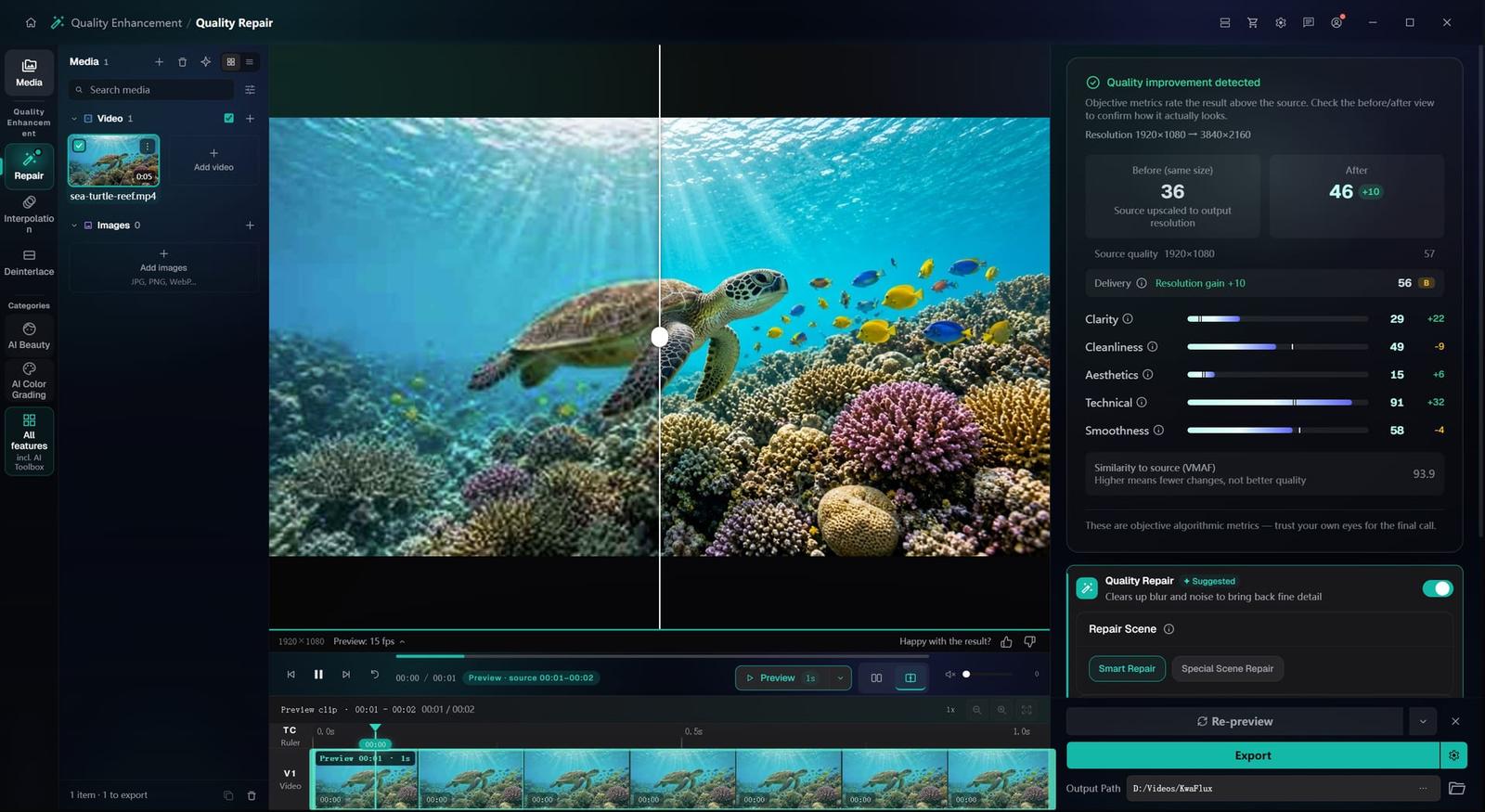
Most footage isn't bad. It just has a few fixable problems: noise, softness, shake, faded color. KwaFlux looks at each clip, then repairs what it can — noise, blur, color, motion and faces — on your own computer, with your own graphics card.
30+ modules · Windows and Mac
From noisy, shaky footage to finished scenes.
To see what KwaFlux does with your own footage, render a free preview. No account needed.
Old film, cleaned up.
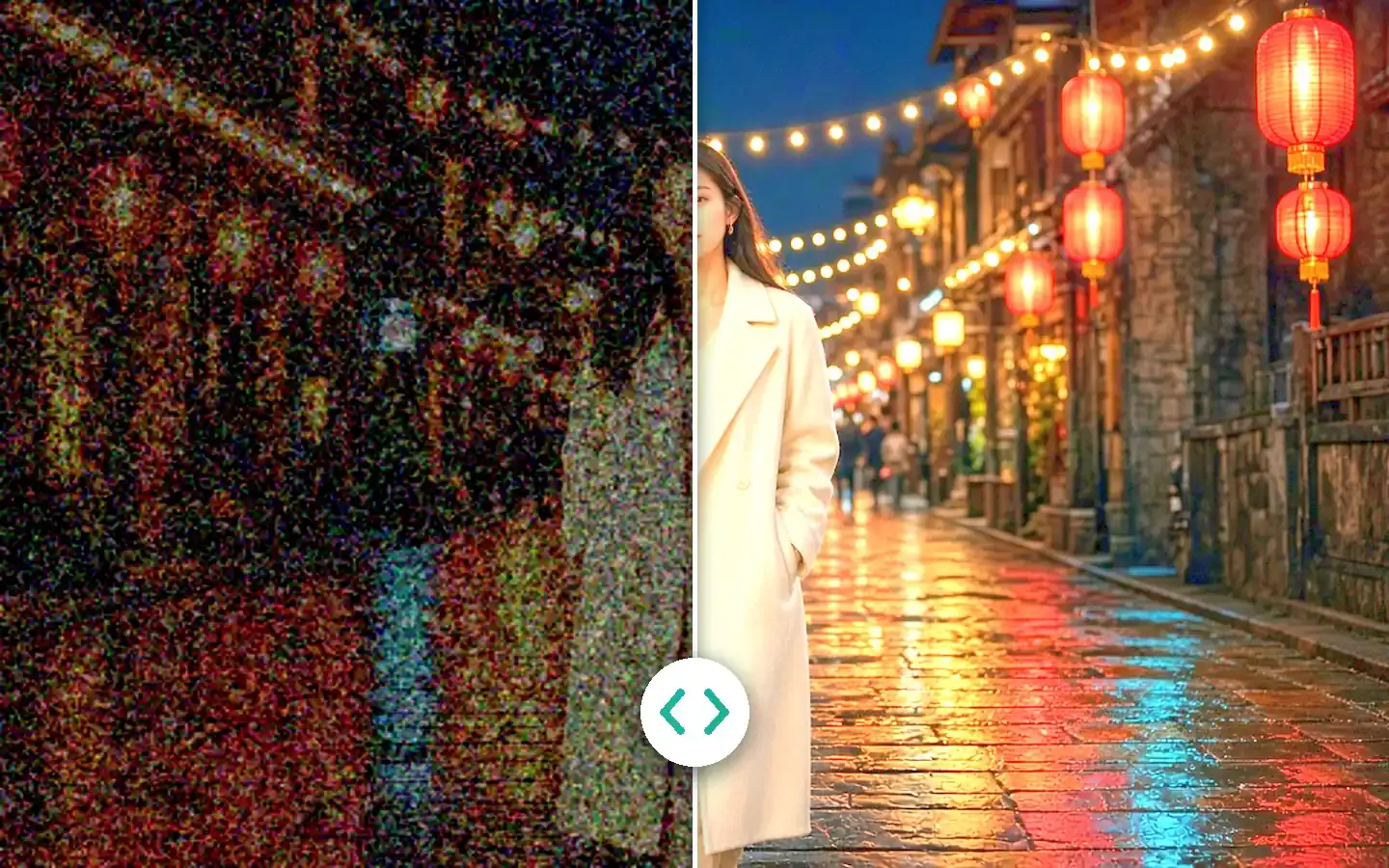
Film-grain denoising and detail recovery, tuned for scanned and analog footage.
Restore Old VideoBlack and white, now in color.
AI colorization for black-and-white footage. Preview a few seconds before you export.
Restore Old VideoNight shots, less noise.
Special Scene Repair has a Night Scene type for dark, grainy footage.
AI Video EnhancerDetail, brought back.
Smart Repair goes after compression damage, grain and general softness.
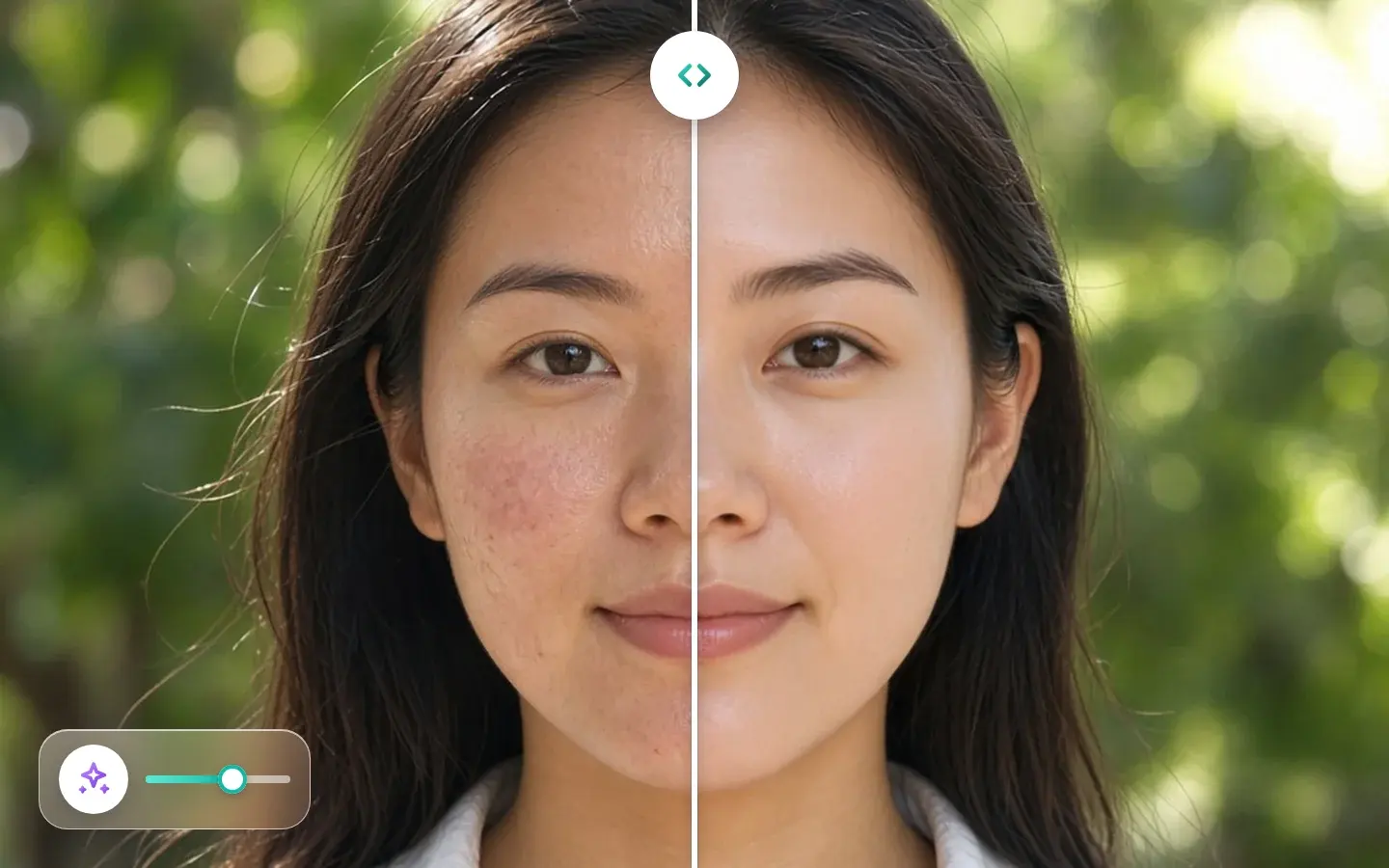
AI Video Quality RepairRetouched, frame by frame.
Overall retouch with 9 preset styles, applied across the whole clip.
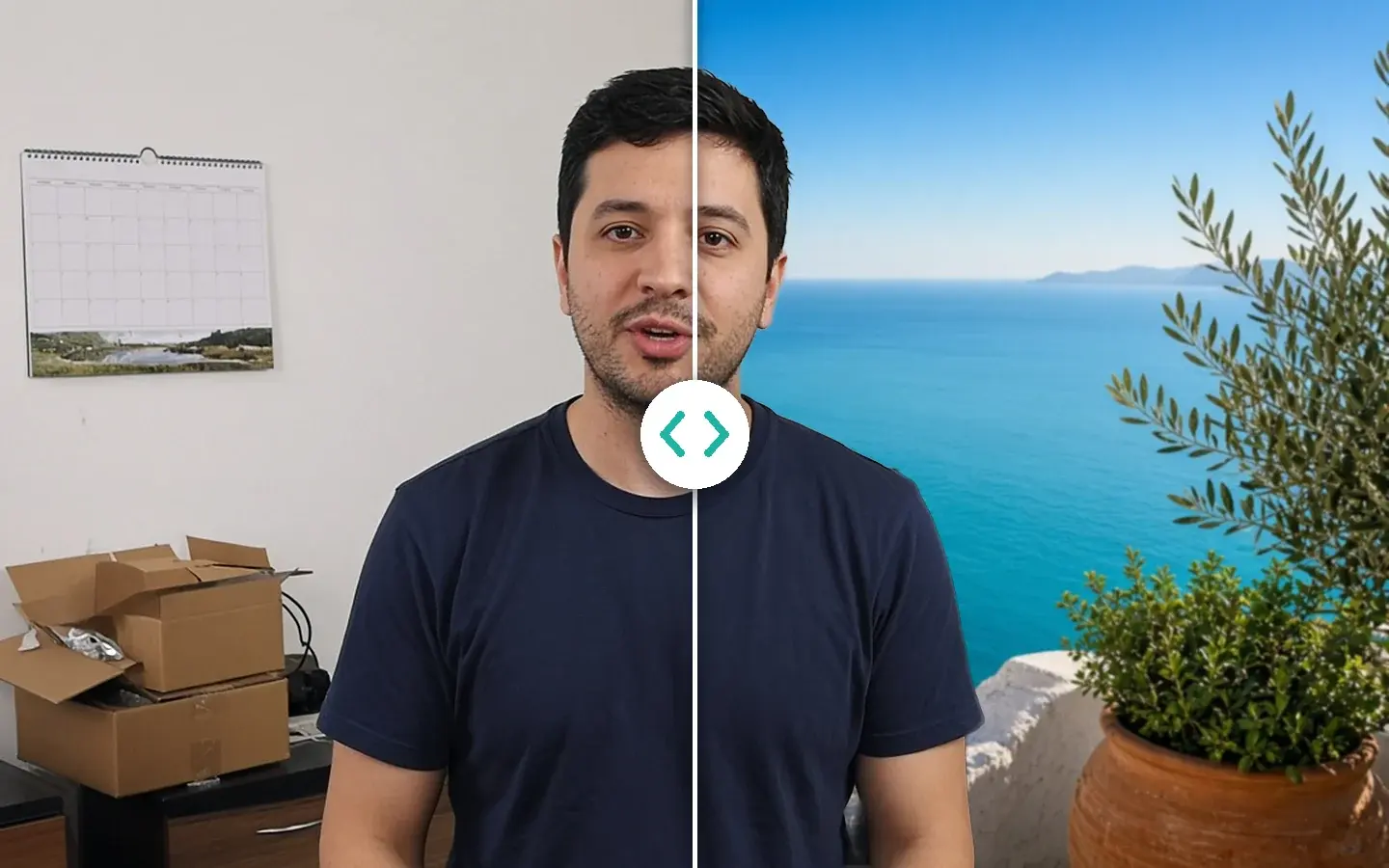
AI BeautyA new background, no green screen.
Cut out the person, then place them on a solid color, a still image or a blur.
AI Smart CutoutSlow motion from ordinary clips.
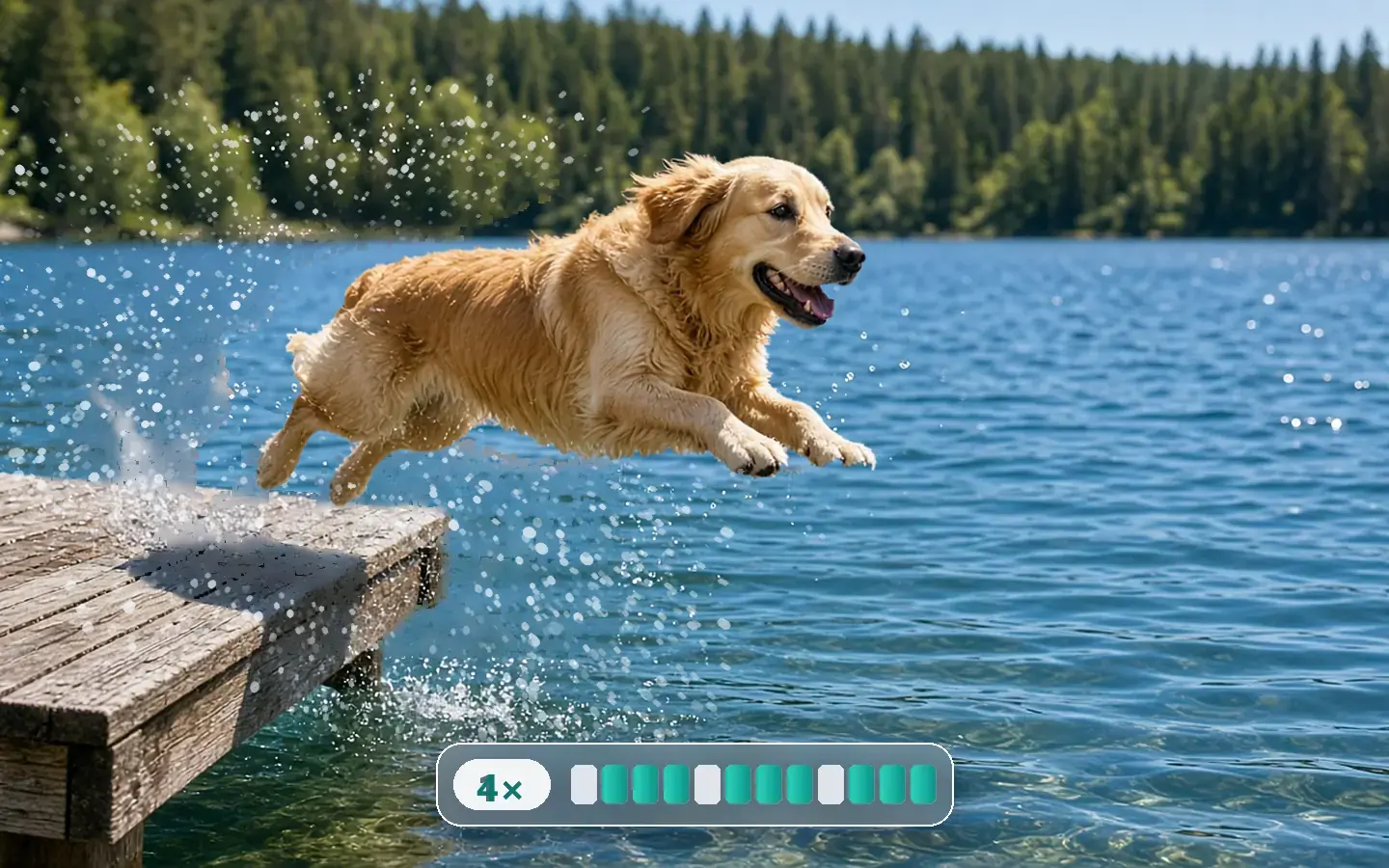
AI Slow Motion builds in-between frames for 2×, 4× or 8× slower playback, with no high-speed camera.
Smart EffectsSmoother motion, up to 144 fps.
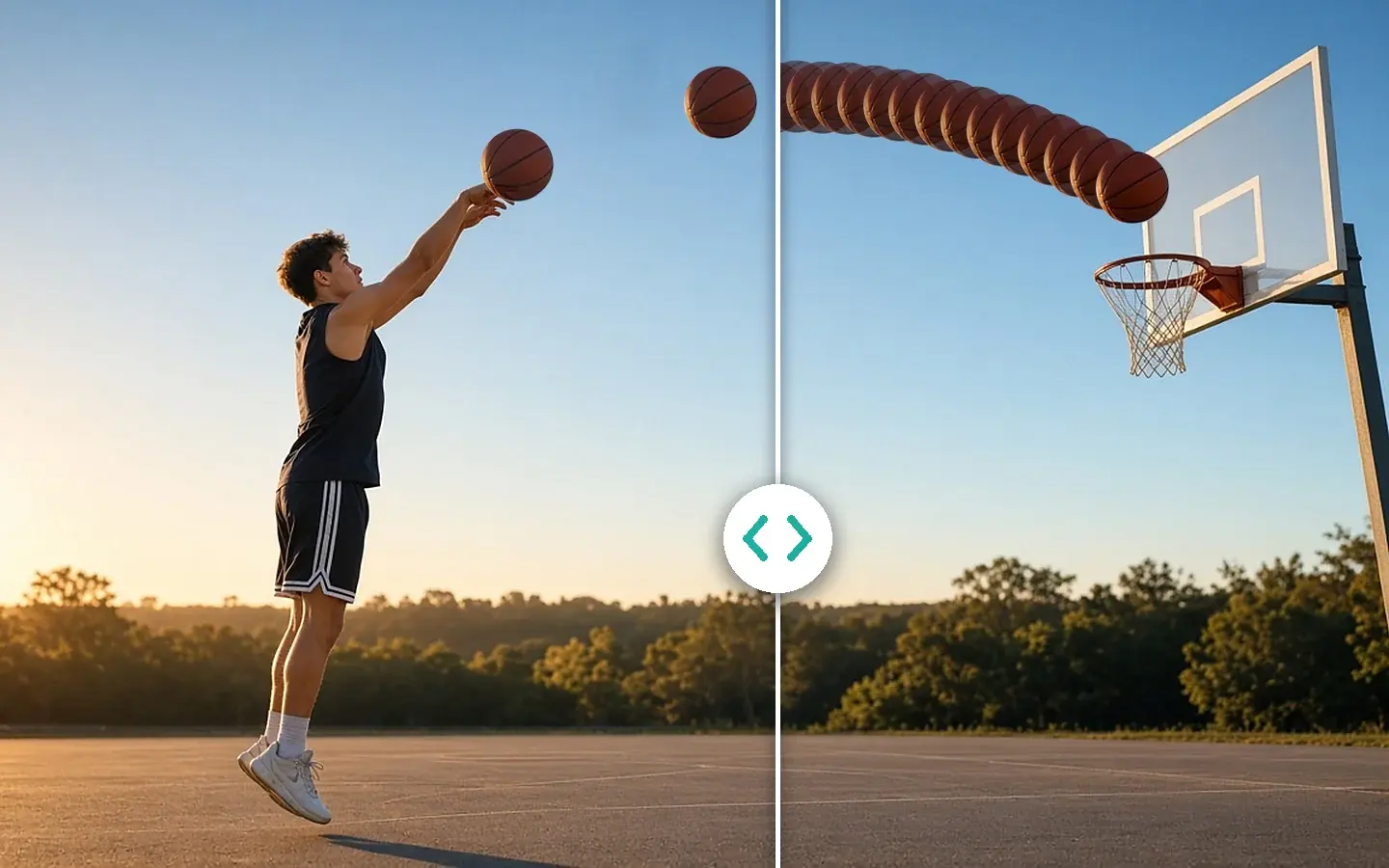
Frame Interpolation raises the frame rate 2×, 3× or 4×, or to a custom target when the source allows.
Frame Interpolation


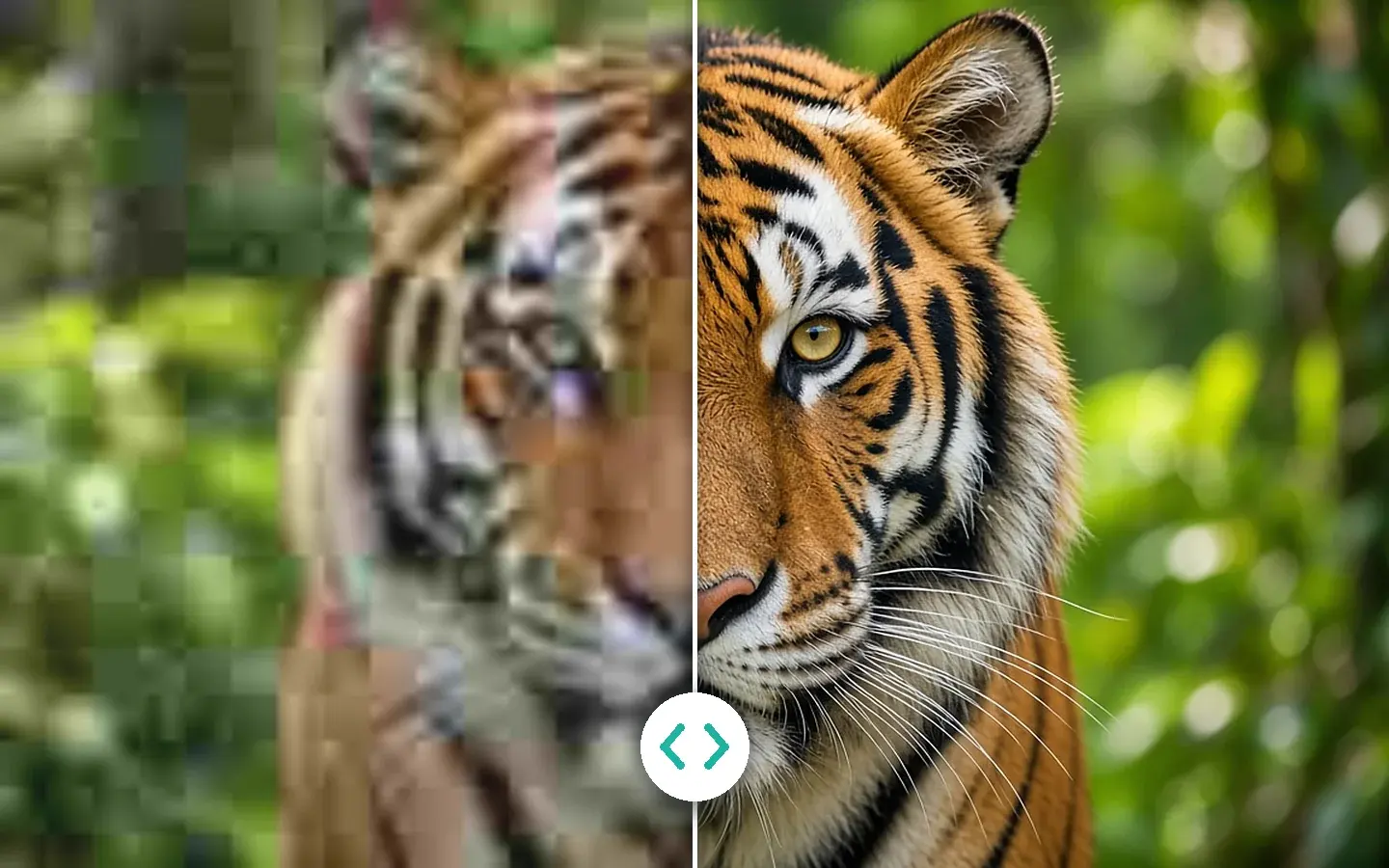
Look closer.
Upscaling only matters if the detail holds up close. Move the lens across the frame: its left half shows the original, its right half the processed version, both magnified.


Every module, on one sheet.
All 35 modules in the app: video, photos, sound and file tools. Every plan includes all of them, and every AI module previews free on your own footage.
Point at a module, or tab to it, to see what it does
Made on your own machine.
Your media is not uploaded for processing
AI processing runs on your own GPU. KwaFlux goes online for sign-in, license checks, updates, model downloads, link downloads, and crash reports.
No per-minute or credit meter
Every plan includes all local AI modules. A long job costs your computer's time, not extra credits.
Previews without an account
Import your own footage and render 1, 3, or 5 second effect previews before you sign in. Photos preview as the whole picture.
2 devices, Windows and Mac in any mix
One license covers 2 devices at the same time, PC and Mac in any combination. Revoke a device from your dashboard when you switch.
Three renewals, or one payment?
Topaz Video is sold as a yearly subscription, so three years comes to $897. KwaFlux also offers a Perpetual License that you pay for once.
- Year 1Topaz Video, 1 year$299
- Year 2Topaz Video, 1 year$299
- Year 3Topaz Video, 1 year$299
$897 over three years
KwaFlux
Perpetual License
$169.99
Paid once · 2 computers · video, photo, audio and file tools
Topaz Video price: $299 a year, as listed on topazlabs.com on October 25, 2026. Check their site for current pricing. This compares price and license type, not output quality. Topaz Video is a trademark of Topaz Labs, LLC; KwaFlux is not affiliated with Topaz Labs.Full Topaz comparison
Creators using KwaFlux
What people say about local AI enhancement
Local enhancement, free previews, export when it looks right.
“I finally stopped uploading client ceremonies to cloud enhancers. Local 1s/3s/5s previews on my own GPU let me approve looks before I pay to export.”
Marcus Chen
Wedding filmmaker
5 out of 5
“The upscaler recovers texture instead of that plastic stretch look. Short free previews were enough to trust it on my channel masters.”
Sofia Alvarez
YouTube editor
5 out of 5
“Restoring family tapes without shipping files off-site was the whole point. Denoise and deinterlace in one desktop pipeline saved me days.”
Jonah Reed
Archive digitizer
5 out of 5
“Stabilization is honest about crop. Automatic keeps my walk-and-talk moves, and I save Subject Lock for shots that must not move.”
Priya Natarajan
Indie producer
4 out of 5
“Smart cutout on interview B-roll without a green screen — and nothing left the laptop. That matters on NDA shoots.”
Elena Volkov
Documentary assistant
5 out of 5
“Audio denoise in the same app as the picture pass is underrated. One export, dialogue already cleaner.”
Chris Okonkwo
Podcast video lead
5 out of 5
“Lifetime pricing beat stacking another annual AI sub. Team machines stay on two-device seats without drama.”
Hannah Brooks
Social studio owner
4 out of 5
“Sora and Kling clips look soft out of the box. Local 4K upscale is now the last step before I post.”
Diego Santos
AI-gen creator
5 out of 5
“SDR to HDR preview on a 3-second slice beats guessing. I tune, then commit the full render overnight.”
Aya Nakamura
Color assistant
5 out of 5
“Converter sitting next to enhance means I deliver H.265 masters without bouncing through three utilities.”
Liam O’Connor
Freelance editor
4 out of 5
“Phone clips come in noisy and soft. A 3-second local preview on the worst take is enough before I batch the rest on my GPU.”
Maya Park
Short-form creator
5 out of 5
“Grain cleanup used to be a second app before I comp. I preview denoise on a slice, then export the plate overnight — files never leave the desk.”
Henrik Larsen
VFX artist
4 out of 5


One app. Pay the way you like.
Every plan unlocks the same local modules. Prices are in USD and exclude tax.
1 Month License
$29.99
First month at the sale price, then $35.99/month. Cancel anytime.
1 Year License
$79.99
about $6.67 a month
First year at the sale price, then $99.99/year. Cancel anytime.
- Pay once
Perpetual License
$169.99
One-time desktop license.
Compatibility
Specs that matter before you download
- OS support
- Windows 10/11 (64-bit) and macOS 12+ (Apple Silicon).
- GPU support
- Windows: 2016+ Intel, AMD, or NVIDIA GPU (integrated or discrete); recent discrete GPU recommended. Mac: Apple Silicon.
- Memory profile
- 8 GB RAM minimum; 16 GB recommended for long clips and queued jobs.
- Export formats
- Export enhanced media in MP4, MOV, PNG, and more — ready for review or final delivery.
Curious what's next? The product roadmap shows what we're working on after the current Windows and Mac releases.Roadmap
Frequently Asked Questions
What does KwaFlux do?
It's a desktop app that improves your own videos, photos, and audio on your computer: upscale and repair, restore old footage, smooth motion, retouch faces, grade color, clean up voices, edit and burn in subtitles, convert formats, and repair files that won't open. One license covers every module on up to 2 devices.
Can I try KwaFlux for free?
Yes — previews on your own footage need no account or card. Exporting, converting, repairing a file, and downloading a file from a link need sign-in and a paid plan, with no credits or per-minute fees. Plans and prices are on the Pricing page.
Does KwaFlux upload my videos?
No. Your media is processed on your own computer and isn't uploaded. KwaFlux still goes online for sign-in and license checks, app updates and model downloads (plus the GPU Acceleration Component on Mac), downloading a file from a link, and the crash and diagnostic reports described in our Privacy Policy.
What can AI video enhancement actually fix?
It reconstructs detail lost to compression and low resolution, corrects dull or faded color, smooths choppy motion with frame interpolation, stabilizes handheld shake, and isolates subjects without a green screen. It cannot invent detail that was never captured — heavily degraded sources improve substantially but won't become native 4K.
Which computers does KwaFlux run on?
Windows 10 (64-bit, version 1809 or later) and Windows 11, and macOS 12 or newer on Apple Silicon. Intel Macs, phones, tablets, and Linux aren't supported. macOS 12 runs in Standard Mode without GPU acceleration; macOS 13 and later prepare the GPU Acceleration Component automatically.
Will KwaFlux run on my laptop or integrated graphics?
Yes, if it meets the basics: on Windows, an Intel, AMD, or NVIDIA GPU from 2016 or later, integrated graphics included; on Mac, Apple Silicon; 8 GB of RAM, 16 GB recommended. Integrated GPUs take longer on 4K, long clips, and stacked effects. TensorRT acceleration isn't supported on Windows yet, and we haven't published a minimum GPU memory.
How long will it take to process my video?
It depends on your GPU, the source and output resolution, and how many effects you stack; we don't publish benchmarks yet. Before a long job, preview your hardest shot to judge quality and speed on your own machine.
Make every frame worth watching.
Download KwaFlux, try it on your toughest footage, and see how much a dedicated finishing tool can fix.
- Windows — stable
- macOS — stable
- No account needed for previews