Home video restoration workflow
Fix old home video without uploading family archives
Digitized VHS, MiniDV and early phone clips need more than one filter. Restore Old Video and AI Video Quality Repair clean up the picture, AI Audio Denoise clears the soundtrack, and the Converter turns out a file the family can play, all on your own computer.
Free 1s/3s/5s previews · no account
§01Why
Why old home video needs more than one filter
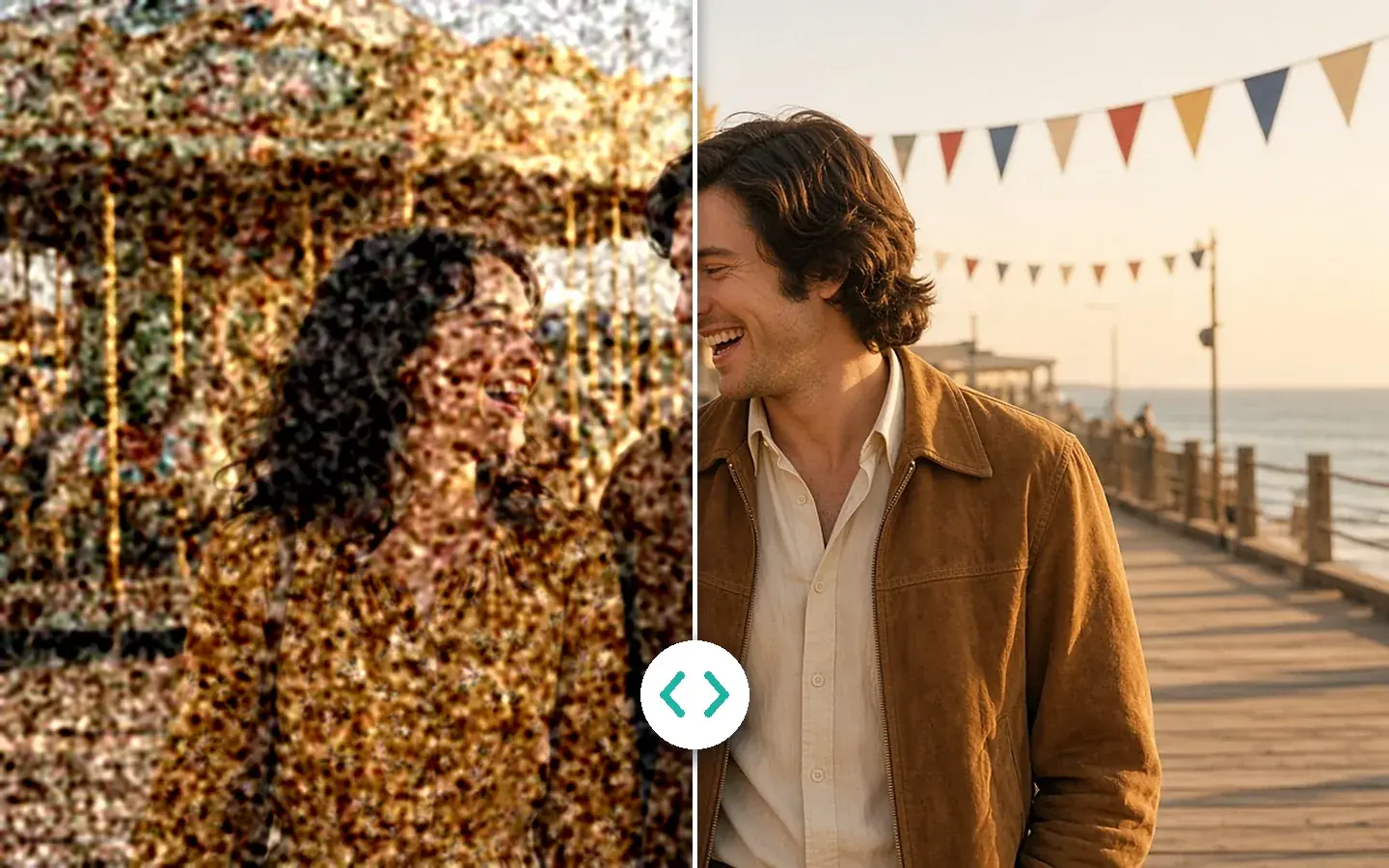
- 01Tape transfers are often interlaced, grainy and soft all at once, so a single sharpening filter won’t fix them.
- 02Cloud restore services ask you to upload private family footage. KwaFlux processes it on your own computer instead.
- 03A player’s “enhance” mode only changes playback; it doesn’t leave you a restored file to keep or share.
- 04The soundtrack needs as much help as the picture: camcorder hiss and room noise often bury the voices.
§02Workflow
One timeline, from source to delivery.
Follow the playhead through each step. Every block is a module you'll find in the app, running on your own computer.
Steps
- Restore Old Video for tape damageRestore Old Video
- Quality Repair for blocks and blur, at 1080p or 4KAI Video Quality Repair
- AI Audio Denoise on the soundtrackAudio Enhance
- Converter for a file everyone can playVideo Converter
§03Settings
Recommended KwaFlux settings
- Restore Old Video for tape damageDeinterlace the combing first, then use Special Scene Repair to remove film grain, or Colorize when the footage is black and white.Open feature
- Quality Repair for blocks and blur, at 1080p or 4KSmart Repair cleans compression blocks and noise and restores faces. Set 1080p or 4K as the output in this pass instead of enlarging a damaged frame.Open feature
- AI Audio Denoise on the soundtrackLowers camcorder hiss, hum and room reverb so the voices are easier to follow. Preview a short stretch before you process the whole tape.Open feature
- Converter for a file everyone can playConvert to H.264 or H.265 in MP4 for TVs and phones. The Converter also takes a whole folder, so every transfer gets the same output settings.Open feature
KwaFlux on your computer
Repair picture and sound, preview a few seconds free, then export, with no upload needed for processing.
Typical cloud restore path
Upload the family tapes, wait in a queue, then download a copy you can’t adjust any further.
§04Steps
Three-step workflow
Import the digitized tape
Bring in the VHS, MiniDV or Hi8 transfer. If the file won’t open, run Video File Repair on a copy first.
Repair picture and sound, then preview
Deinterlace and remove grain in Restore Old Video, run Quality Repair if blocks remain, and denoise the soundtrack. Check a free 1s/3s/5s preview on the worst section.
Export and convert
Set 1080p or 4K in the last repair pass and export, then use the Converter for an MP4 that plays on TVs and phones.
Family archive
Picture, sound and format in one app
Each pass gets a free 1s/3s/5s preview on the worst section before you export the whole tape.
§05More
More finishing workflows
- Repair then upscale
- Social repurpose
- Course & interview finishing
- Talking-head background
- Short-drama localization
- Clean up video audio
- Stabilize, then slow motion
- Restore old photos
- SDR to HDR video




AI generator upscale pages
§06FAQ
Frequently asked questions
- What if my digitized tape file won’t open or play?
- Then the file itself is damaged. Run Video File Repair on a copy first, because restoration needs a file that plays. KwaFlux can’t capture the physical tape.
- Should I upscale before deinterlacing?
- No. Enlarging an interlaced frame enlarges the combing with it. Deinterlace in Restore Old Video first, then set 1080p or 4K in the Quality Repair pass.
- Can I colorize a color tape that only looks faded?
- Colorize is meant for black-and-white footage. For faded color, use Smart Color in AI Color Grading after the repair pass, and check a face and a sky in the preview.
- Can I run several clips through the same settings?
- Yes. Load the clips into one workspace, set the parameters on one, apply them to the rest and Export all. The Converter also takes a whole folder at once.
- Is my footage uploaded anywhere?
- No. The AI processing runs on your own GPU, and your clips are not uploaded for processing — there are no per-minute cloud fees or upload queues. KwaFlux still goes online for sign-in and license checks, app updates and model downloads (plus the GPU Acceleration Component on Mac), downloading a file from a link, and the crash and diagnostic reports described in our Privacy Policy.
Features used here
- Restore Old VideoDeinterlace, remove film grain, colorize
- AI Video Quality RepairClean blocks and noise, output 1080p or 4K
- AI Audio DenoiseLower hiss, hum and room reverb
- Video ConverterMP4, MKV or MOV with H.264, H.265 or AV1
Guides & comparisons
- Restore Old VideoColorize, denoise, and deinterlace archival footage locally
- How to restore old video with AI — grain and colorStep-by-step guide to AI-powered old video restoration: removing grain, fixing color fading, and recovering detail from vintage or damaged footage.
- How to fix blurry or pixelated video with AIFive ways to fix blurry, soft, or pixelated video — from free sharpening to local AI unblur — and how to pick the right method.
- How to denoise video with AI without plastic facesWhen grain should stay, which footage cleans up well, and a free 1s/3s/5s preview. Previews need no account.
These workflows use the same local KwaFlux app as AI Video Quality Repair, Video Converter and AI Video Enhancer. Free previews need no account; sign-in and a paid plan are needed to export, convert, repair a file, or download a file from a link.
KwaFlux is a local media finishing toolkit. Feature availability depends on your license and installed modules.