Short-drama localization on one GPU: most middle-processing steps do not need a cloud pipeline
Volcano Engine's AI MediaKit pitch is right about the bottleneck — versioning, not shooting — and wrong that it needs a cloud. What one workstation covers, and what it does not.
The short answer
Most middle-processing steps for short dramas (upscaling AIGC or low-resolution masters, styling and burning subtitles, exporting platform-spec files) can run on one workstation with its existing GPU, and unreleased episodes stay on it. Volcano Engine's AI MediaKit article (InfoQ, 31 August 2026) assumes a cloud pipeline; this article maps which steps KwaFlux covers and which it does not.
Why versioning became the bottleneck
The InfoQ piece, published on 31 August 2026 in the enterprise channel, cites Sensor Tower to argue that short-drama apps have reached mainstream download charts and that the business model is proven. Its conclusion: competition now turns on supply efficiency — how fast a team can produce, process, and distribute versions to more regions and channels. We see the same signal from the other side of the counter. Requests to “fix the whole season, then export it three ways” have overtaken requests to fix a single clip.
- Upstream production houses receive scripts or AIGC footage and must ship a watchable master fast — resolution, subtitle stability, pacing, and compliance all have to land
- Midstream distributors keep feeding multi-language, multi-region, multi-channel variants; ad creatives iterate faster than manual editing can follow
- Downstream platforms absorb every asset — upload, processing, playback, protection — and it is their infrastructure that gets tested
Different roles, one problem, in the article's own framing: turning good content into deliverable versions is too slow. Where we differ is on what kind of tool the long tail of that chain can actually run.
Three roles, one constraint the article never mentions
AI MediaKit is written for platform architects who can budget a video-cloud stack and wire it in through APIs and MCP. Most of the industry is not that. It is production houses of a dozen people, regional distributors, and translation shops handling a few hundred episodes a quarter. They cannot build a pipeline, and they carry a constraint the article does not raise: the unreleased episodes are the asset. Uploading a season's masters to a third-party processing service before release is a leak surface, and in a category where pirated early leaks are routine, that risk is not abstract.
That constraint is what makes a local workstation the natural home for the middle-processing layer. Not because it is cheaper on every job — on some it is not — but because the master does not travel.
One master → every deliverable version
The processing step in the middle of short-drama localization, on one workstation GPU
Season master
Unreleased episodes are processed here, with no upload
Version A · Resolution
1080p / 4K master
AI Video Enhancer + Quality Repair on AIGC or low-resolution sources
Version B · Catalog
Restored re-release
Restore Old Video: denoise, deflicker, then upscale older seasons
Version C · Language
Subtitled per market
Subtitle Edit: import SRT/ASS, style for 9:16, burn-in or MKV soft-sub
Version D · Delivery
Platform-spec files
Video Converter: H.264/H.265, MP4/MOV, batched per channel
What runs on one workstation, step by step
- Low-resolution or AIGC masters to 1080p or 4K. AI Video Quality Repair with Smart Repair rebuilds texture and edges and restores faces, which is most of a drama frame; the same pass cleans compression blocks from a generator or a messaging-app transfer and, as on the AI Video Enhancer page, sets the output size. Generator-specific notes live in Upscale Kling video and its siblings
- Back catalog to re-release. Older seasons shot at 720p or transferred badly respond to Restore Old Video: denoise, deflicker, then upscale. Preview the worst scene at 1s/3s/5s before committing the season
- Frame rate and motion. Vertical platforms differ in what plays smoothly; Frame Interpolation lifts 24 or 25 fps masters where a channel expects more, and AI Video Stabilization settles handheld inserts
- Subtitles, per language. Subtitle Edit imports the SRT or ASS your translator delivered, lets you style and position cues on the actual vertical frame, and exports a burned-in picture per language or one MKV with soft subtitles. It does not translate or transcribe — see the boundaries below
- Covers and stills. AI Image Enhancer sharpens frame grabs for thumbnails; AI Smart Cutout lifts a character out of a scene for key art without a green screen
- Delivery. Video Converter batch-exports each version to the codec and container a platform asks for — H.264 or H.265, MP4 or MOV — with no second upload loop. The reasoning is in Convert video formats locally
Everything above runs on a 2016 or later Intel, AMD, or NVIDIA GPU — integrated or discrete — with free previews before you sign in (1s/3s/5s on video modules), and a paid plan only when you export, convert, repair a file, or download a file from a link. Current requirements are on the download page; the same chain, condensed into recommended settings, is the short-drama localization workflow.
“Generate low, finish high”: the cost logic with the assumptions shown
The article's most quotable claim is that generating at low resolution and enhancing to 1080p cuts total cost by up to 80%. We will not repeat the percentage: it arrives with no test conditions, and our house rule is that a number travels with its method. The structure of the argument, though, is sound, and worth stating with the assumptions visible.
- Generation is metered per second of output and priced by resolution tier; every re-roll at native 1080p is paid at the 1080p rate. Generating at the lowest tier that still lets you judge motion and blocking, and re-rolling there, moves the expensive step to the end
- Finishing is a fixed software cost when it runs locally. A KwaFlux plan — monthly, yearly, or a one-time perpetual license — has no per-export meter; the tenth episode costs GPU time, not another bill
- So the saving scales with how many takes you throw away. A team that keeps one generation in five pays for five low-tier passes and one local finish instead of five 1080p passes. A team that keeps every take saves little. Run the arithmetic on your own re-roll ratio before trusting anyone's percentage — ours included
Where the workstation stops
The honest half of this map is what a desktop tool does not do, and the article lists several things we do not offer.
- Highlight detection and one-click narration. Finding the conflict beat or the reversal in an episode is semantic video understanding; KwaFlux has no such module and we are not announcing one
- OCR, speech-to-subtitle, and machine translation. Subtitle Edit is an editor, not a caption service. Bring the SRT from a specialist tool or a translator; we style, burn, or mux it
- Subtitle erasure. AI MediaKit markets pixel-level removal of burned-in subtitles. Our AI Object Remover tracks and fills moving or static objects. It does not clear burned-in text, so it cannot strip a subtitle track for a new one. Start from the textless master
- Storage, playback, CDN, and DRM. Those are platform layers. A workstation produces the versions; it does not distribute them
Pair the workstation with a translation vendor and your editing suite and the chain is complete. Pretending one desktop app is the whole pipeline would be the same mistake as pretending one cloud is.
Volcano Engine and AI MediaKit are trademarks of their owners; InfoQ is a publication of Geekbang. KwaFlux is independent and not affiliated with either. Figures attributed to the article are theirs as published on 31 August 2026 and may change.
Try It on Your Own Footage
Download KwaFlux and preview effects on your own footage for free before you pay — no account needed, and your media is processed on your GPU, not uploaded for processing. Video previews run 1, 3, or 5 seconds; stabilization previews run 5, 15, or 30 seconds.
Frequently asked questions
Can KwaFlux remove burned-in subtitles so I can re-subtitle a drama?
No. AI Object Remover erases tracked objects and static clutter, not burned-in text. Start from the clean master, or ask the producer for the textless export.
Does Subtitle Edit translate or transcribe?
Not in the current release. It imports SRT or ASS, styles and positions cues, and exports burn-in or MKV soft subtitles. Translation and speech-to-subtitle are not shipped, so we do not describe them in the present tense.
Is any footage uploaded while processing?
No. Every module runs on your own GPU, and 1s/3s/5s previews need no account. For unreleased episodes, that is the point.
Which systems and GPUs does this need?
Windows 10 and 11, plus macOS 12+ on Apple Silicon. On Windows, any 2016 or later Intel, AMD, or NVIDIA GPU works, integrated or discrete. On Mac, Apple Silicon.
Sources
- InfoQ (2026-08-31): 从出片到出海:AI MediaKit 重塑短剧全链路生产力 (accessed 2026-10-11)
- YouTube Help: Recommended upload encoding settings (accessed 2026-10-11)
Related articles
Audio Enhance
Remove background noise from video or standalone audio files
OpenHow to edit video subtitles locally — SRT/ASS, not translation
Subtitle Edit is the local tool for SRT/ASS cues: style, timing, burn-in or an MKV soft subtitle track. Translation and speech-to-text are not in this release.
OpenClean up video audio
Clean up audio in video — less noise, less echo
OpenSubtitle Edit
SRT / ASS cues
OpenAuMore in Audio & Subtitles
Keep reading
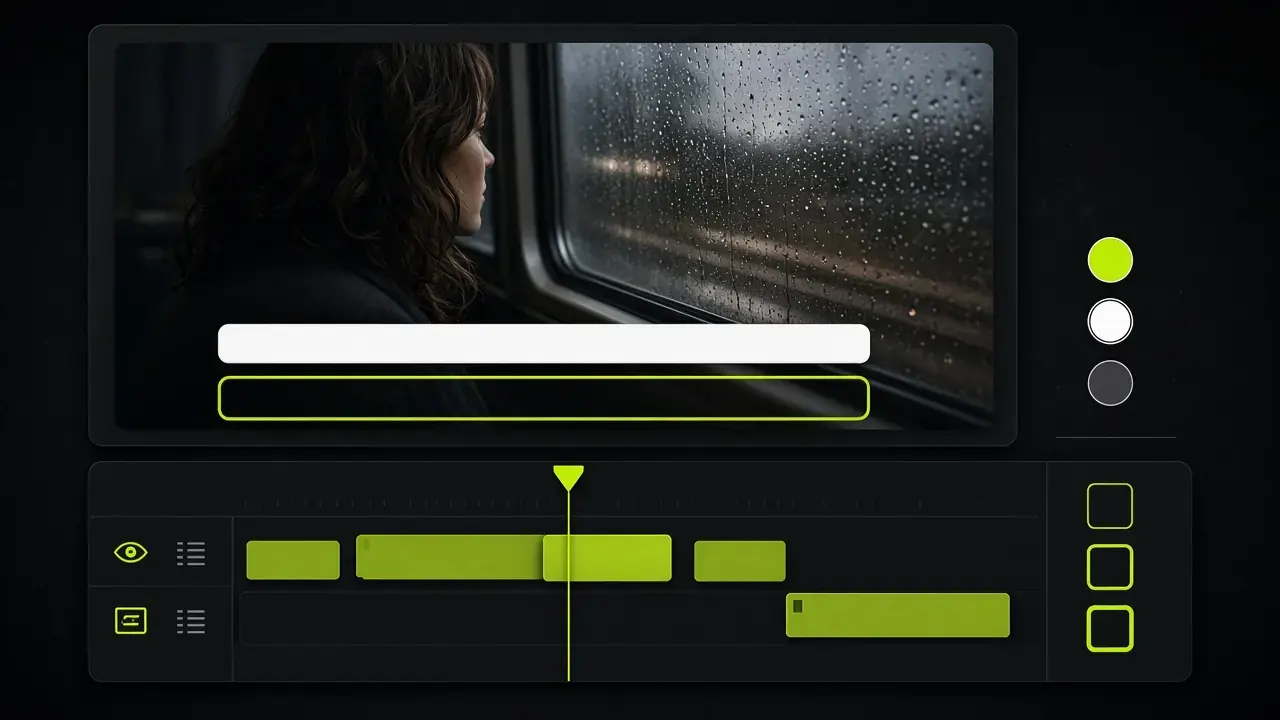
How to edit video subtitles locally — SRT/ASS, not translation
Subtitle Edit is the local tool for SRT/ASS cues: style, timing, burn-in or an MKV soft subtitle track. Translation and speech-to-text are not in this release.
How to remove background noise from video — locally
Viewers forgive soft pixels before they forgive hissy dialogue. Denoise, cut room echo, and separate vocals in the same local pipeline as the picture — no extract-then-reimport.