Halloween Party Photos: Retouch Costume Selfies and Try a Spooky Makeup Look with AI
Retouch Halloween party selfies with AI: soften tired eyes after a late night, add witchy or vampire makeup and purple hair, and keep it looking like you.
Key takeaways
- AI retouching helps Halloween photos in two ways: it fixes what a long night leaves on faces, and it adds a costume look you didn't have time to put on.
- For the morning-after selfies, brighten dark circles and add a little color back to the skin.
- For a spooky look, stack dark lips, smoky or cat eyes, and a bold hair color in one render.
- In group photos, retouch each person separately, and only the people who asked.
- Keep pores and expressions, so the photo still looks like the person in it.
AI retouching makes Halloween party photos look better in two ways. It fixes what a long night leaves behind, such as dark circles and tired skin, and it can add the look you didn't manage before the party: smoky eyes, dark lips, or purple hair. Keep the pores and the expressions, and the photo still looks like you.
In this guide, you'll learn which effect suits which party photo, how to retouch Halloween photos in KwaFlux step by step, four Halloween looks you can recreate, and how to keep the result natural.
Halloween offer: from October 24 to November 2, the KwaFlux Perpetual License is $169.99 instead of $199.99, and the yearly and monthly plans have a lower first-year and first-month price. The full offer is at the end of this post.
Contents
- What is AI beauty retouching?
- Which effect for which Halloween photo?
- How to retouch Halloween party photos in KwaFlux
- Four Halloween looks to try
- Party videos work too
- Keep it looking like you
- What AI retouching can't do on Halloween photos
- KwaFlux Halloween offer
- FAQ
What is AI beauty retouching?
AI beauty retouching is face-aware photo and video editing: a model finds each face, maps the skin, eyes, lips, and hair, and applies effects such as smoothing, makeup, or a new hair color only to those areas, without masks or brushes. Because it works per face, it can treat each person in a group photo differently.
Which effect for which Halloween photo?
| Your photo | Effect to use | Where to find it |
|---|---|---|
| Tired eyes the morning after | Rough-night rescue (dark circles, eye bags, a healthy flush) | Entry card in AI Beauty |
| Gray-looking skin under porch lights | Ruddy, at low strength | Skin Quality |
| No time for costume makeup | Dark Matte, Cat Eyes, or Winged Eyeliner | Makeup |
| Wig-free costume hair | Purple, Teal, Cherry Red, or Copper | Hair Dye |
| A dressed-up party look | Glam | Quick looks |
| Only one person in the group wants it | Tune separately | Who to retouch |
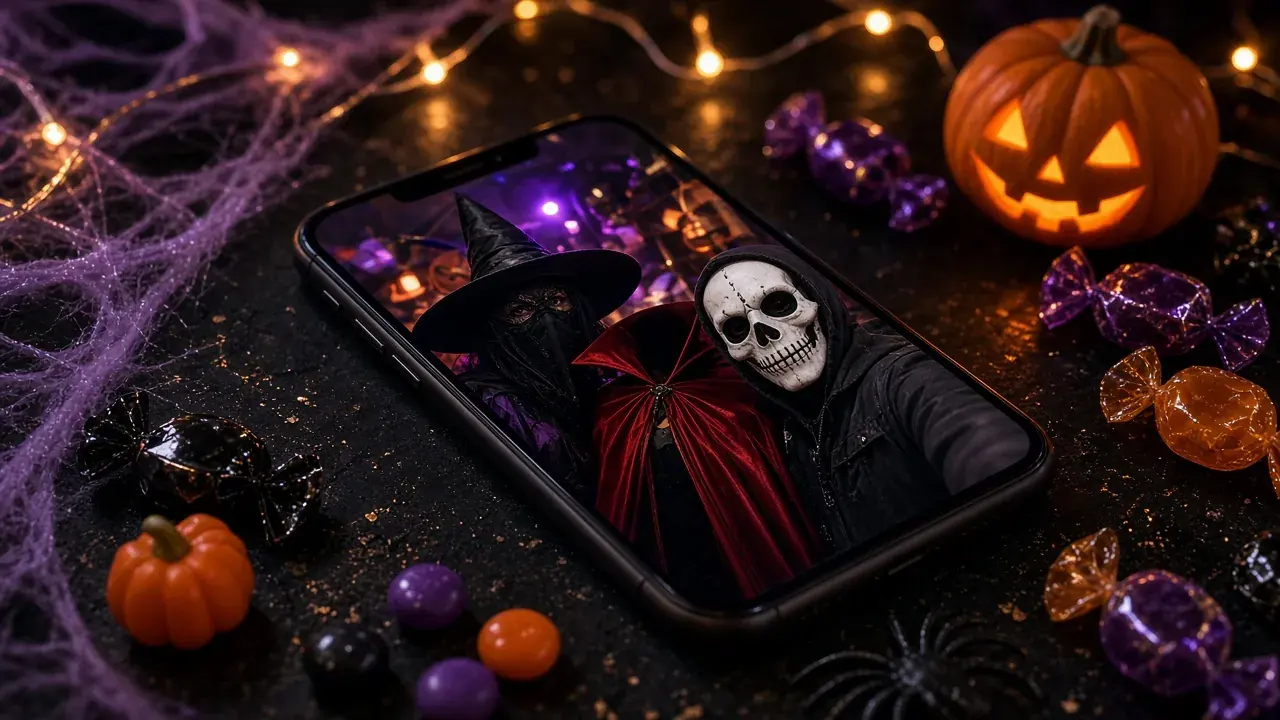
How to retouch Halloween party photos in KwaFlux
KwaFlux's AI Beauty works on photos and videos, and stacks every effect into one render.
- Open AI Beauty and add your party photos.
- Choose who to retouch. All faces applies the same settings to everyone. Tune separately first identifies who appears; then you tap a person's portrait and give that person their own look.
- Fix first, then decorate. Start with skin: the Rough-night rescue card stacks Remove Dark Circles, Remove Eye Bags, and Ruddy. Then add makeup, then hair.
- Stack the look. Add effects from Makeup and Hair Dye; each has its own Strength slider. The effect list keeps everything you stacked.
- Check the preview. A photo preview shows the whole picture next to the original. Zoom into the lips, the eye corners, and the hairline, where makeup and hair color are most likely to slip.
- Export when every face looks right.
Four Halloween looks to try
These recipes use only makeup and hair effects, so they work on top of a costume without face paint. Start at the strengths below and adjust on the preview.
| Look | Makeup | Hair Dye |
|---|---|---|
| Witchy | Dark Matte 70, Cat Eyes 65 | Purple 80 |
| Vampire red | Matte Lips in Classic Red 70, Winged Eyeliner 60 | None |
| Ghostly | Light Matte 60 (light lips, blue-gray eyes) | Platinum 70 on light hair |
| Pumpkin spice | Lipstick in Orange Red 60, Blush 45 | Copper 70 |
Two things to know about hair color: it keeps strand highlights, and it shifts the color more than the brightness. Light hair takes purple, teal, or platinum well; dark hair turns a darker shade of the color instead of becoming lighter.
Party videos work too
AI Beauty works on video the same way it works on photos. Render a Preview 1s, 3s, or 5s from a stretch where the head turns, because makeup that holds on a still can slip at the lip line or the eye corners in motion. Hair color skips frames where the hair is too small or the model is unsure, and fades in and out softly, so wide shots of a crowded party may keep their original hair color.
Keep it looking like you
- Moderate strength. Smoothing keeps pores and texture at moderate strength; pushed too far, skin starts to look like plastic. Check cheeks and forehead at full size.
- Fix, don't replace. Dark circles and a gray complexion are fair game. Freckles and laugh lines belong to the face.
- Ask before you retouch other people. Especially before you post a group photo. Tune separately lets you leave anyone who said no exactly as they are.
- Keep the costume honest. If your friend went as a zombie, don't make the zombie glamorous.
What AI retouching can't do on Halloween photos
- Masks and full face paint. A face behind a mask or under white paint may not be detected, and makeup effects can't line up with features they can't find.
- Very dark or blurry photos. Fix the picture first, then retouch. See how to brighten dark Halloween photos and how to fix blurry Halloween photos and videos.
- Changing the costume. Retouching works on faces and hair, not on clothes or props.
KwaFlux Halloween offer
From October 24 to November 2, 2026, KwaFlux is on sale. Every plan includes every feature and works on 2 computers at once, Windows and Mac in any mix.
| Plan | Halloween price | After the offer |
|---|---|---|
| Perpetual License | $169.99 one-time, instead of $199.99 | No renewal: you pay once |
| Yearly | $79.99 for the first year | Renews at $99.99 a year |
| Monthly | $29.99 for the first month | Renews at $35.99 a month |
Prices exclude tax. The Perpetual License includes free updates within the current major version. Details are on the plans page.
Final thoughts
Halloween photos get the most out of AI retouching when you fix first and decorate second: brighten the tired eyes, then add the dark lips, the cat eyes, or the purple hair you didn't have time for. Retouch each person separately, ask before you change anyone else, and keep the pores.
For every other fix from the same night, from old family photos to spooky effects and party cleanup, see our Halloween photo and video editing guide.
Try it on your own party photos
KwaFlux runs AI Beauty on photos and videos on your own computer. AI processing runs locally on your GPU — media files are not uploaded for processing. It runs on Windows 10 (64-bit, version 1809 or later), Windows 11, and macOS 12 or newer on Apple Silicon. Previews need no account: the whole picture for photos, and 1, 3, or 5 seconds for video. Signing in with an active paid plan is required only to export, convert, repair a file, or download a file from a link.
Try It on Your Own Footage
Download KwaFlux and preview effects on your own footage for free before you pay — no account needed, and your media is processed on your GPU, not uploaded for processing. Video previews run 1, 3, or 5 seconds; stabilization previews run 5, 15, or 30 seconds.
Frequently asked questions
Can AI add Halloween makeup to a photo?
Yes, for makeup-style looks: dark lips, smoky or cat eyes, winged liner, blush, and a new hair color can be added to any face the software detects. Full face paint, masks, and prosthetics are a different job; a costume app or a manual edit suits those better.
How do I get rid of dark circles in party photos?
Brighten the under-eye area instead of painting over it. An under-eye effect at moderate strength softens the shadow, and a little added color makes the whole face look less tired. Puffiness can be reduced, not erased.
Can I change my hair color in a photo for Halloween?
Yes. AI hair recoloring finds the hair and shifts its color while keeping the highlights. Light hair takes bold colors such as purple or teal well; dark hair turns a darker shade of the new color rather than getting lighter.
Is it okay to retouch other people in a group photo?
Usually, if you ask first. Light fixes such as brightening tired eyes are common, but changing someone's makeup or face without asking can upset them, especially before you post. Retouch each face separately so people who said no stay as they are.
Does AI makeup work on video?
Yes. Makeup, skin, and hair effects can be applied to video frame by frame. Preview a stretch where the head turns, because a look that holds on a still can slip at the lip line or the eye corners in motion.
Will retouching a dark party photo make it look fake?
Sometimes, if you retouch first. Dark, grainy skin gives the model less to work with, so brighten and clean up the photo before adding makeup. The steps are in how to brighten dark Halloween photos.