Topic 09Fix & create
Formats & Files
Converting, compressing and extracting audio, and repairing files that won't open.
- articles
- 4
- how-tos
- 3
- last update
How-to
3 articlesStep by step, with settings that worked.
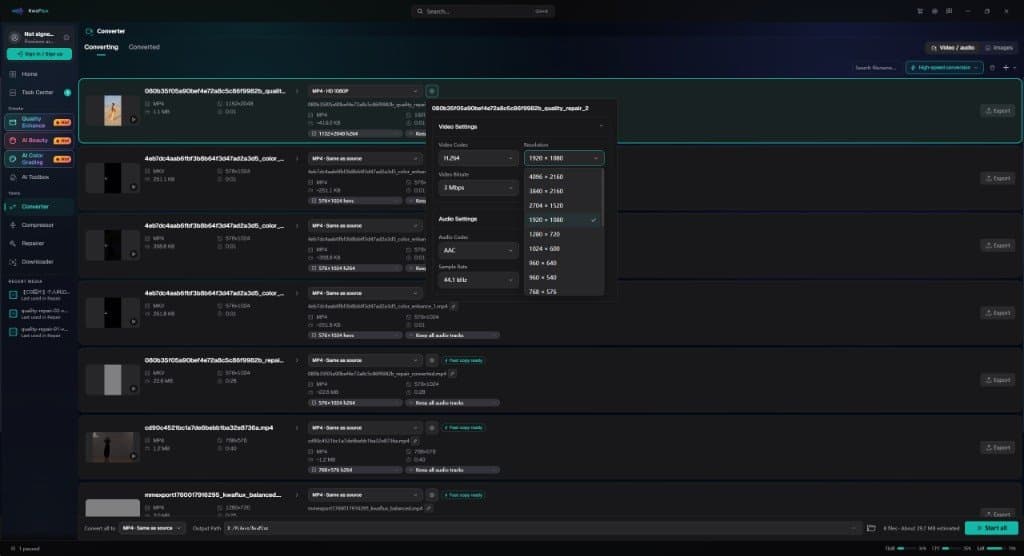
How to Compress a Video Without Visible Quality Loss: H.264 vs H.265 vs AV1
Shrink video files without visible quality loss. Pick H.264, H.265, or AV1, set the right bitrate or CRF, and check the result. Free and desktop methods.

How to fix a video that won't open or play
Video File Repair diagnoses unplayable MP4s locally. Auto, Quick, Deep, and Smart modes — plus an optional same-camera reference. Not an enhancer.

Convert video formats locally without uploads
Deliver masters locally after enhancement — codecs, containers, and why a built-in converter matters.
Explainer
1 articleHow it works, and how to tell the cases apart.