Topic 01Fix & create
Upscale & Repair
Blur, noise, compression blocks, low light and low resolution, and how far AI can take each.
- articles
- 13
- how-tos
- 8
- last update
How-to
8 articlesStep by step, with settings that worked.
How to Upscale 720p Video to 1080p (and When to Stop There)
Upscale 720p video to 1080p with KwaFlux, HandBrake, or FFmpeg. Exact settings, the bitrate to export at, and when going further to 4K isn't worth it.
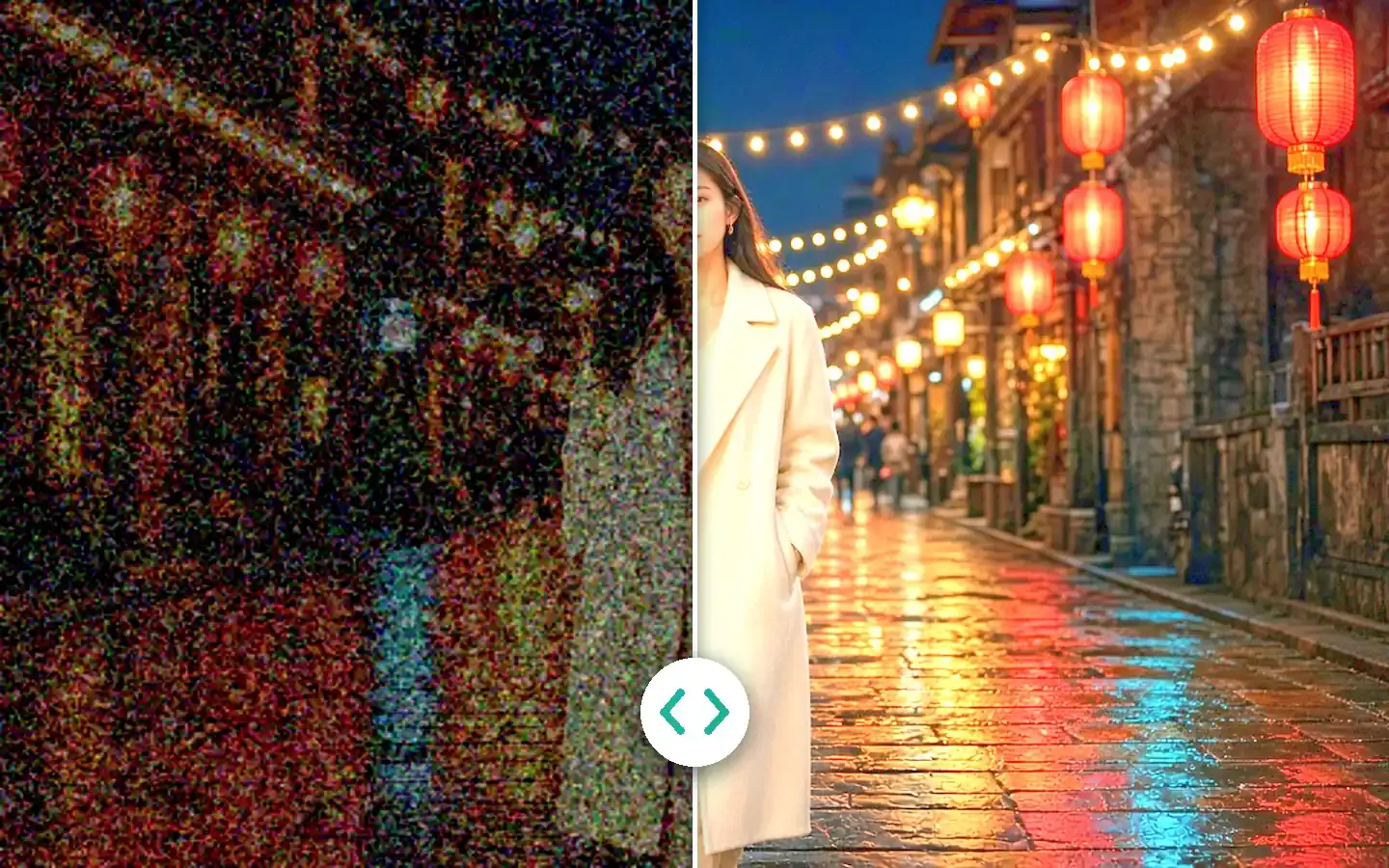
How to Enhance Low-Light and Night Video Without Plastic Skin
Brighten dark, noisy night footage without waxy faces or gray blacks: AI night-scene repair, free FFmpeg and HandBrake settings, and shooting tips.
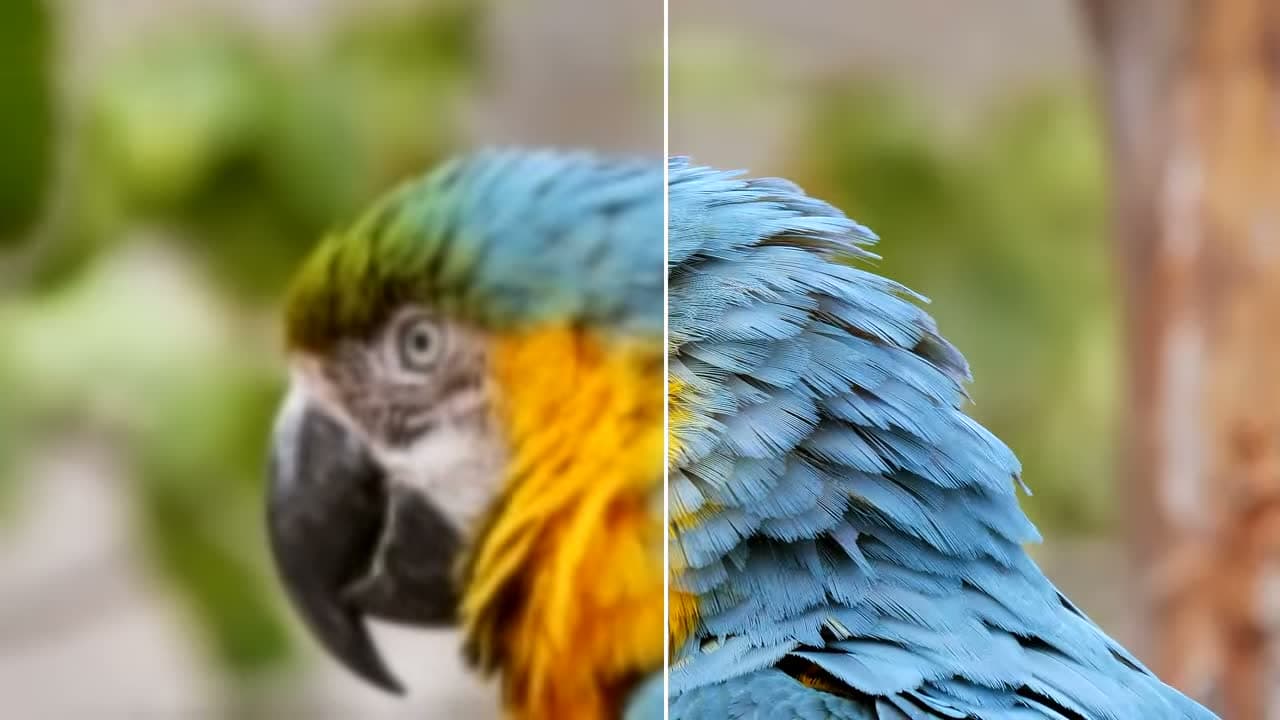
How to Fix Pixelated Video: Compression Blocks vs Low Resolution
Pixelated video has two causes: compression blocks and low resolution. Learn to tell them apart, then fix each with a better source, deblocking, or AI.

Which repair type to pick: Smart Repair or a scene
Quality Repair offers Smart Repair, which restores faces on its own, and Scene Repair for anime, night shots, and restoration. Each fails in its own way on the wrong footage. Here is how to pick before you export.

AI image enhancer on your desktop: repair, upscale to 4K, and cut out (no upload)
Smart Repair and Scene Repair for photos (1x up to 4K), portrait cutout, object cutout/removal, and folder batches — on your GPU, no upload. Previews are free without an account.
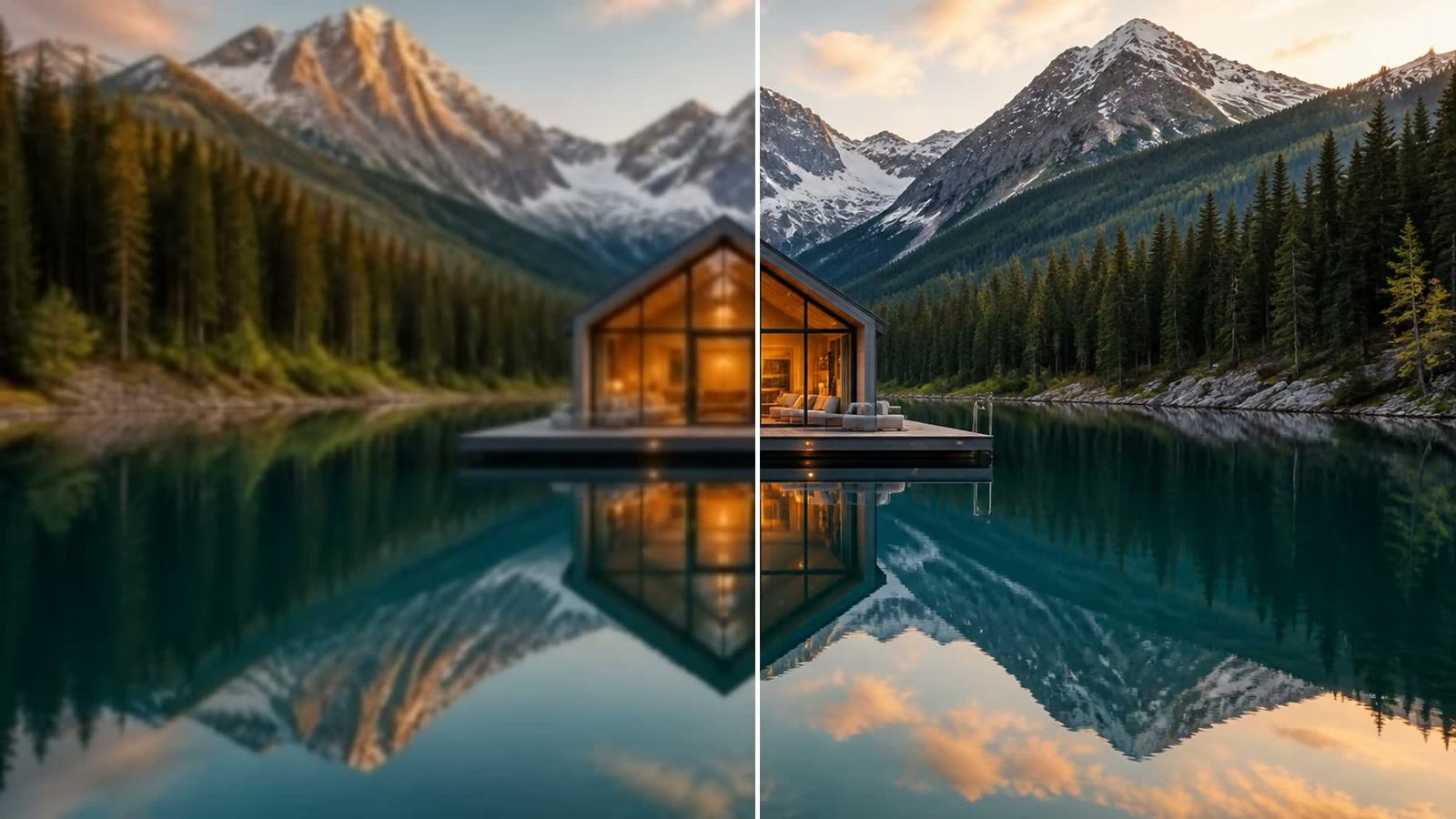
How to denoise video with AI without plastic faces
When grain is signal, which sources respond, and a free 1s/3s/5s preview. Previews need no account.
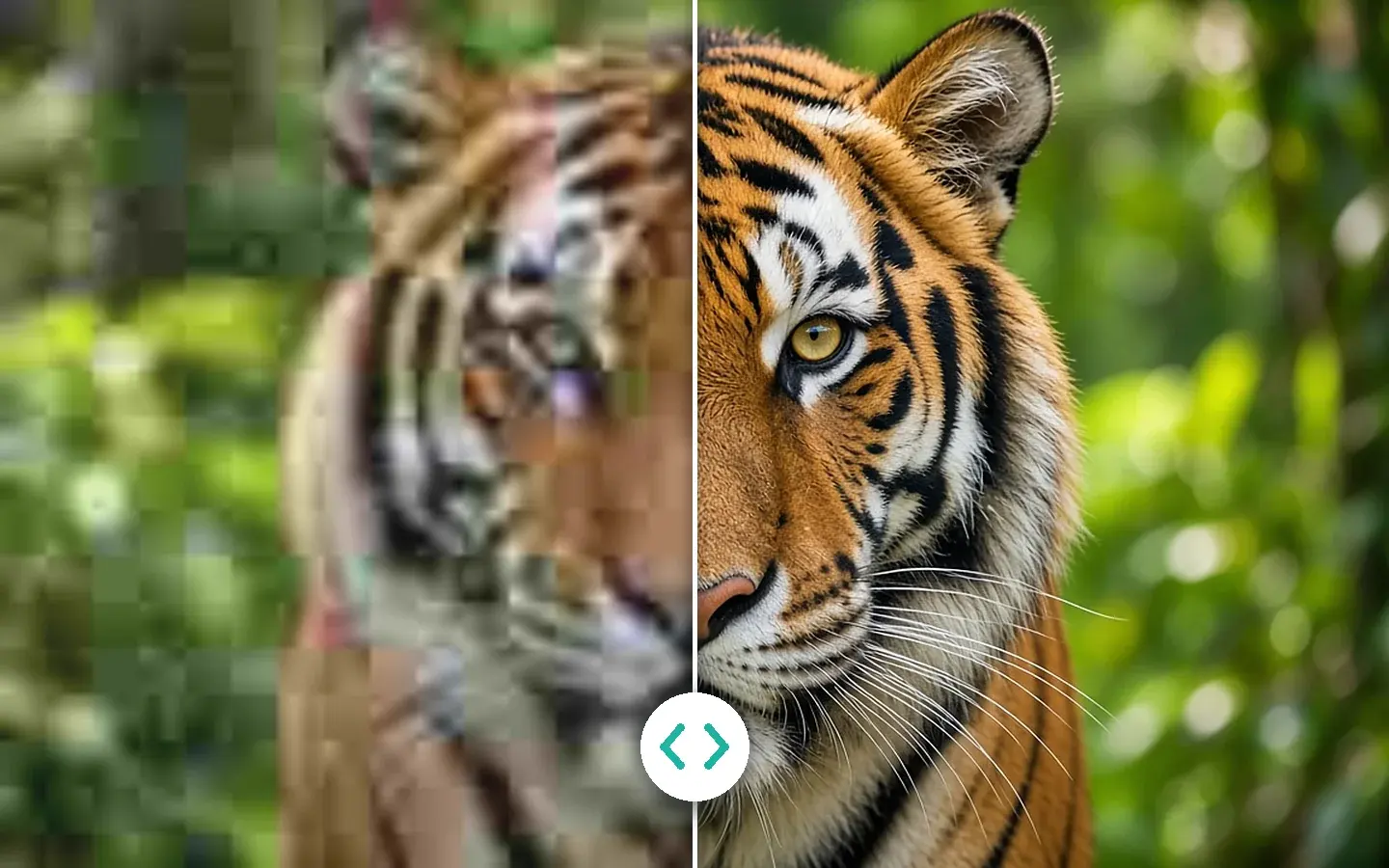
How to fix blurry or pixelated video with AI
Five ways to fix blurry, soft, or pixelated video — from free sharpening to local AI unblur — and how to pick the right method.

How to upscale video to 4K with AI, not plastic
A practical guide to AI video upscaling: what it can recover, where it falls short, and how to judge reconstructed frames from 480p or 720p source footage.
Explainer
3 articlesHow it works, and how to tell the cases apart.
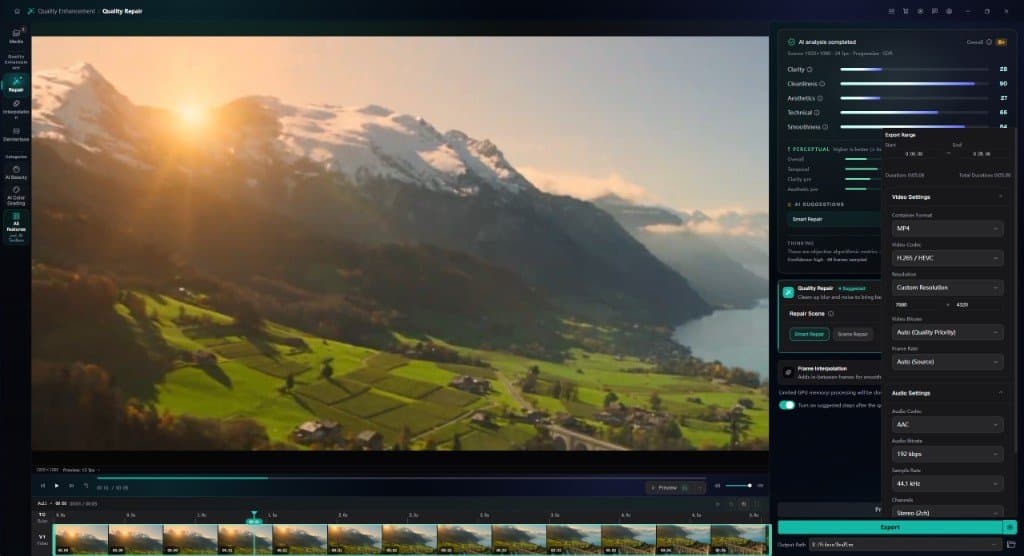
4K vs 8K: What Actually Changes on Screen, and When Upscaling to 8K Pays Off
4K vs 8K explained with pixel math, bitrates, and file sizes. See when 8K pays off, when 4K is enough, and how to export an 8K upscale.
AI Upscaling vs Bicubic and Lanczos: What Actually Changes
Bicubic, Lanczos, and AI upscaling compared: how each one builds new pixels, what none of them can recover, and how to test them on your own footage.
480p to 4K: what AI can recover — and what it cannot
A 4K file from 480p will look better than a player stretch. It will not equal a native 4K camera. Here is what reconstructs, what only cleans up, and what is gone.
Deep dive
2 articlesLong reads with measurements and sources.
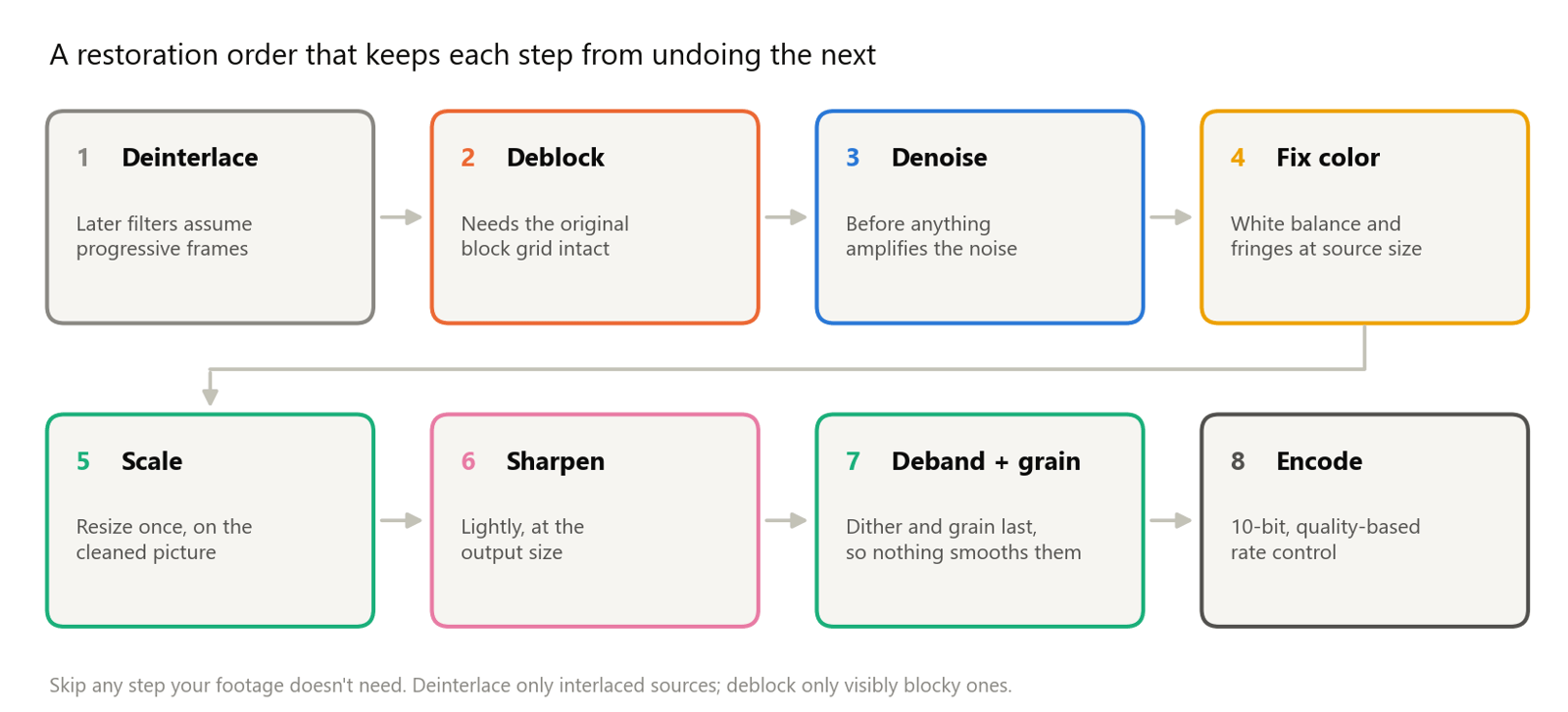
Denoise, Deblock, Sharpen, Correct Color: Video Restoration Filters in Depth
How denoising, deblocking, debanding, sharpening, white balance, and chromatic aberration fixes work, which order to run them in, with FFmpeg tests.
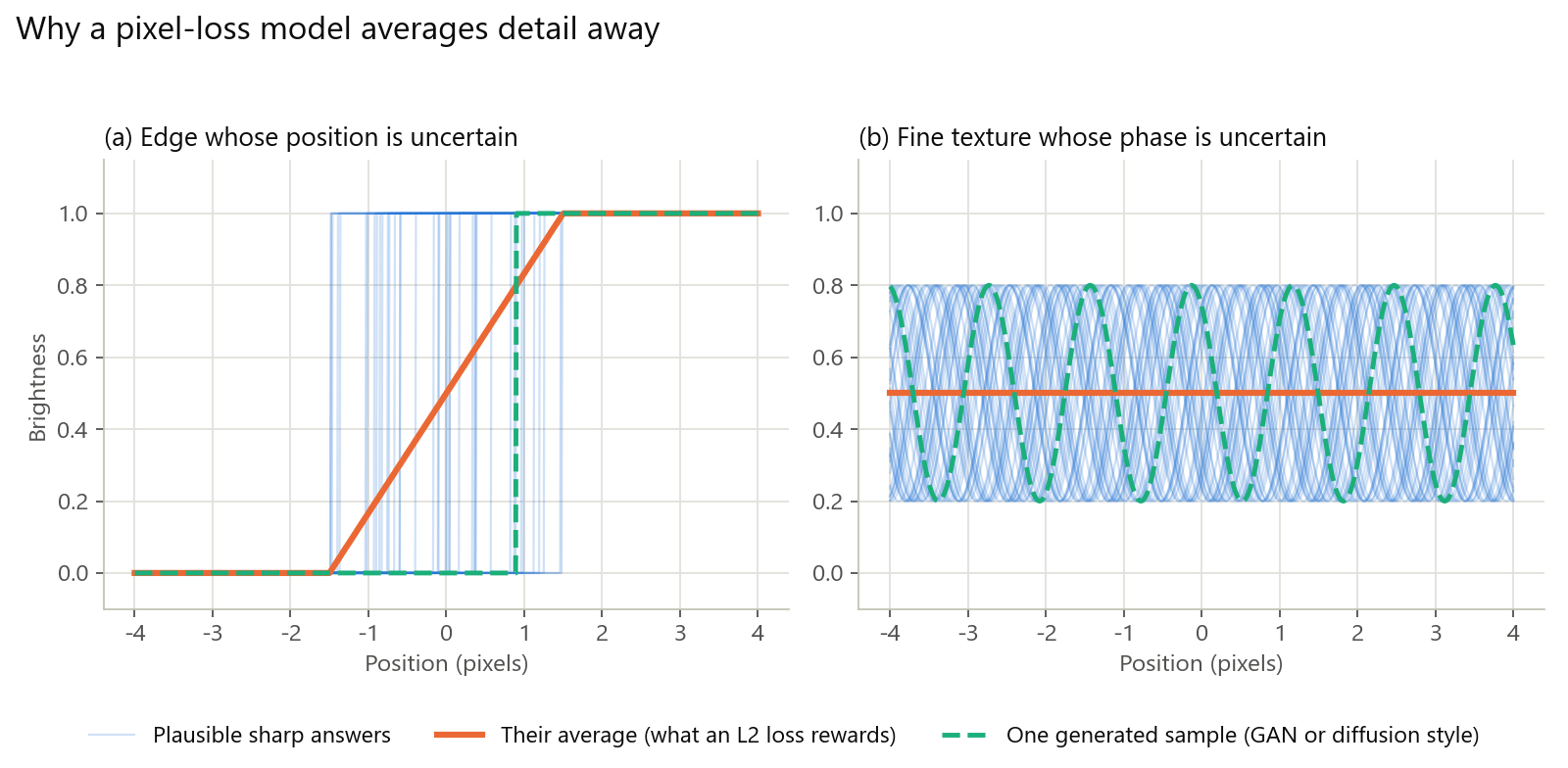
Why AI Restoration Looks Plastic: Losses, GANs, Diffusion, and How to Avoid It
Why AI-restored video looks waxy: averaged detail, invented GAN texture, diffusion drift, and mismatched training data, plus how to spot and avoid it.