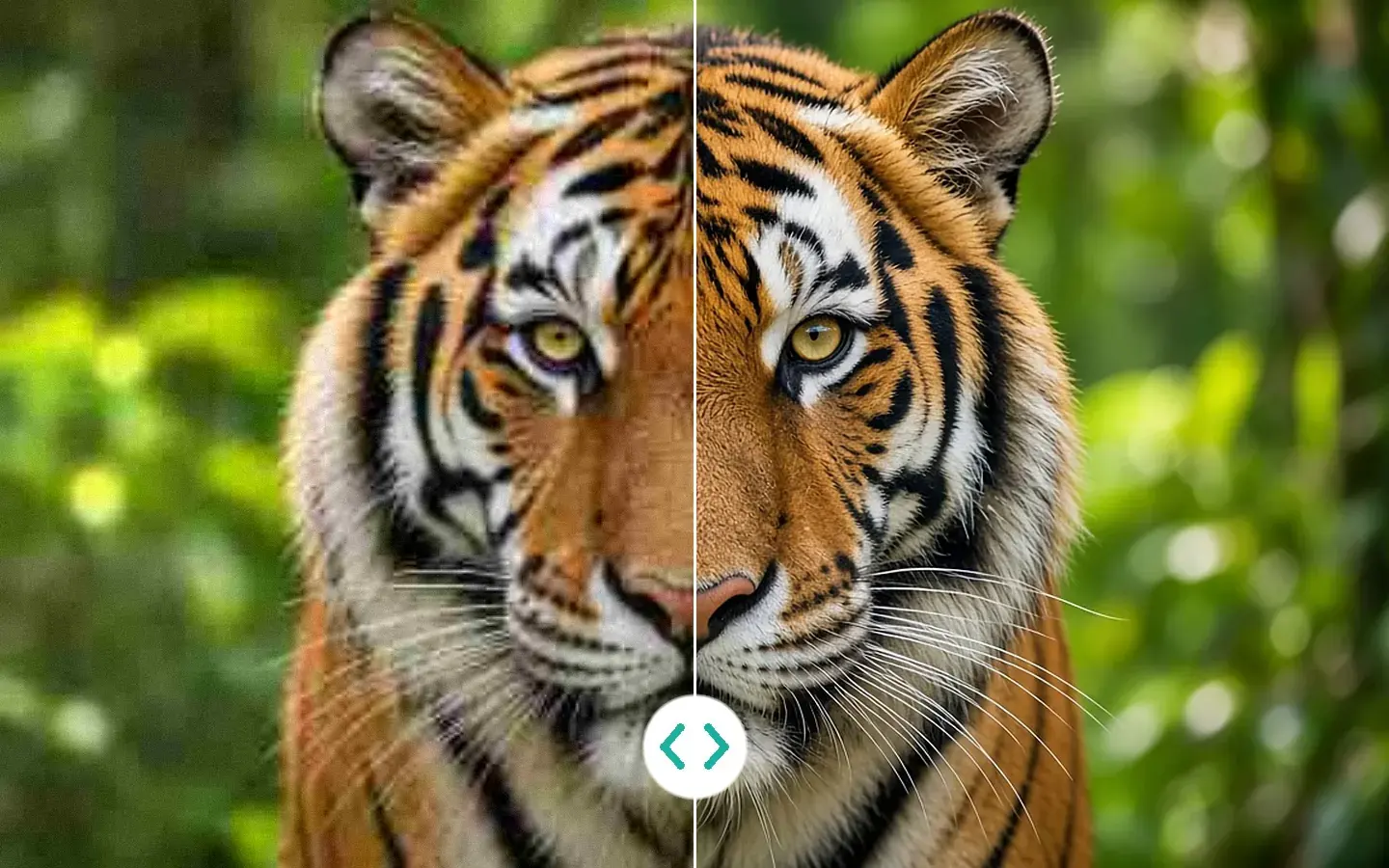

AI Slow Motion fill in frames and slow the action
AI Slow Motion slows a clip by inventing the frames in between. Choose a 2x, 4x or 8x slow-down factor and a Fast or General interpolation mode. Audio and subtitles slow down with the picture. Free previews last 1, 3 or 5 seconds.
- Free preview
- 1, 3 or 5 seconds of video; the whole picture on a photo · No account needed.
- Needs a paid plan
- Export, convert, repair a file, download a file from a link
- Slow-down factor: 2x, 4x or 8x
- Fast or General interpolation mode
- Audio and subtitles slow with the picture
§01What it does
What you can set
Slow-down factor
2x, 4x or 8x. 4x turns 1 second of action into 4 seconds. Higher factors cost more audio quality as the sound stretches.
Interpolation mode
General handles larger motion and occlusion more naturally. Fast is slightly quicker at 1080p and fine for gentle motion.
Audio and subtitles
They slow down with the picture at the same pitch for audio.
§02
Slow motion vs frame interpolation
AI Slow Motion stretches time. Frame Interpolation raises the frame rate while keeping the same duration. Use Slow Motion when you want bullet-time playback; use interpolation when you want smoother motion at the original length.
For shaky handheld clips you plan to slow down, follow the stabilize and slow motion workflow.
§03How to use
How to make a slow-motion clip
Open AI Slow Motion
In Smart Effects, pick AI Slow Motion and import a video.
Choose the factor and mode
Set 2x, 4x or 8x, then Fast or General interpolation.
Preview, then export
Preview 1, 3 or 5 seconds free. Sign-in and a paid plan are needed to export, convert, repair a file, or download a file from a link.
§04Requirements
System requirements
| Operating system | Windows 10 (64-bit, 1809+) or Windows 11; macOS 12 or newer (Apple Silicon)Apple Silicon only. macOS 12 runs in Standard Mode. |
|---|---|
| GPU | 2016 or later Intel, AMD, or NVIDIA GPU — integrated or discreteDirectX 12 Feature Level 12_0. Windows only. macOS uses Apple Silicon. |
| Memory | 8 GB RAMEnough to launch, preview, and export. Long clips and stacked modules will be slower. |
| Storage | SSD workspaceUse an SSD for the app, cache, and temp files. |
Windows 10 (64-bit, 1809+) or Windows 11; macOS 12 or newer on Apple Silicon.
Pay monthly, yearly, or once
Same features in every plan · 2 computers at once · 14-day refund
- 1 Month License$35.99/ month
- 1 Year License$79.99/ year
- Perpetual License$199.99once
§05FAQ
Frequently Asked Questions
- Does the audio slow down too?
- Yes. Audio slows at the same pitch. Higher slow-down factors cost more audio quality as the sound stretches.
- What is the difference between Fast and General?
- General handles large motion and occlusion more naturally and is recommended for most footage. Fast is slightly quicker at 1080p and fine for gentle motion.
- Is this the same as Frame Interpolation?
- No. Frame Interpolation raises the frame rate without changing duration. AI Slow Motion makes the action take longer.
Download the app, import a clip and render a free preview. You need a paid plan only to export, convert, repair a file or download a file from a link.