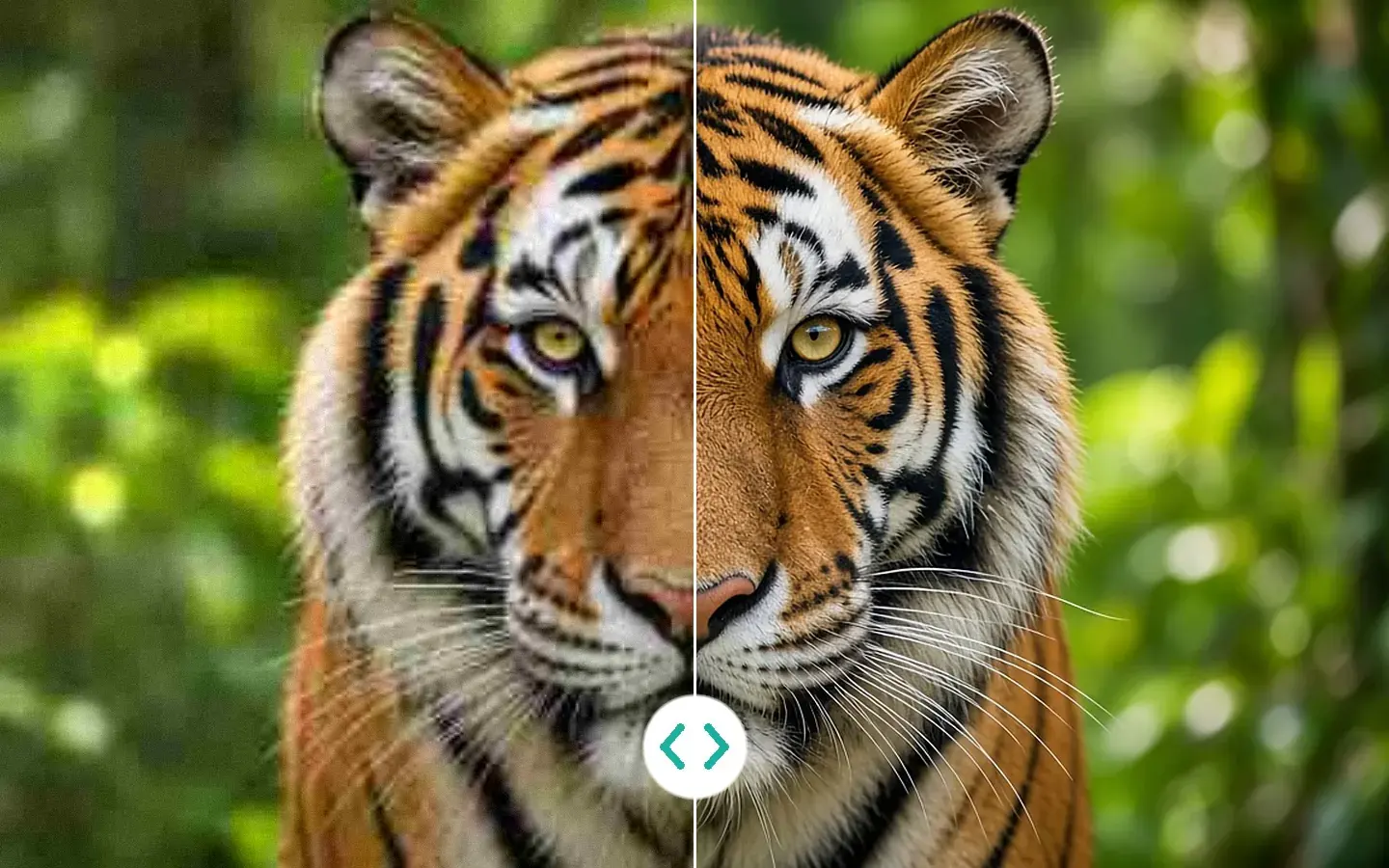

Video Cartoonizer live action to an anime look
Cartoonization turns live-action video or a photo into a cartoon anime style. It sits under Smart Effects with Style Transfer, Sketch and Relight. Video previews last 1, 3 or 5 seconds; photos preview the whole picture. Media files aren't uploaded for processing.
- Free preview
- 1, 3 or 5 seconds of video; the whole picture on a photo · No account needed.
- Needs a paid plan
- Export, convert, repair a file, download a file from a link
- Works on video and photos
- One effect — no style picker to tune
- Free preview before you export
§01What it does
What this module does
Cartoon anime look
Applies a cartoonization effect to live-action footage or a still. There are no extra style parameters in this module.
Video and photos
Import a clip or an image. Photos preview the whole frame; video modules use 1, 3 or 5 seconds.
Same Smart Effects family
Style Transfer, Sketch and Relight sit next to it when you need a different look.
§02
One effect among six Smart Effects
Cartoonization is the anime-look tool in Smart Effects. Fixed Style Transfer, Sketch Generation and Face Relighting cover other looks in the same sidebar group.
Opening the module and rendering a free preview need no account. Exporting needs sign-in and a paid plan.
§03How to use
How to cartoonize a clip
Open Cartoonization
In Smart Effects, pick Cartoonization and import a video or a photo.
Preview the look
Render a free preview — 1, 3 or 5 seconds on video, or the whole picture for a still.
Export
If the look is right, export. Sign-in and a paid plan are needed to export, convert, repair a file, or download a file from a link.
§04Requirements
System requirements
| Operating system | Windows 10 (64-bit, 1809+) or Windows 11; macOS 12 or newer (Apple Silicon)Apple Silicon only. macOS 12 runs in Standard Mode. |
|---|---|
| GPU | 2016 or later Intel, AMD, or NVIDIA GPU — integrated or discreteDirectX 12 Feature Level 12_0. Windows only. macOS uses Apple Silicon. |
| Memory | 8 GB RAMEnough to launch, preview, and export. Long clips and stacked modules will be slower. |
| Storage | SSD workspaceUse an SSD for the app, cache, and temp files. |
Windows 10 (64-bit, 1809+) or Windows 11; macOS 12 or newer on Apple Silicon.
Pay monthly, yearly, or once
Same features in every plan · 2 computers at once · 14-day refund
- 1 Month License$35.99/ month
- 1 Year License$79.99/ year
- Perpetual License$199.99once
§05FAQ
Frequently Asked Questions
- Can I cartoonize a photo as well as a video?
- Yes. Cartoonization accepts video and images. Photos preview the whole picture.
- Are there style presets to choose from?
- No. This module applies one cartoonization effect. For other looks, open Fixed Style Transfer, Sketch Generation or Face Relighting in Smart Effects.
- Can I try it before buying?
- Yes, with no account or card. Free previews last 1, 3 or 5 seconds in video modules, 5, 15 or 30 seconds in Video Stabilization, the whole picture for images and the opening 5 to 30 seconds for audio; file tools such as the Converter have no effect preview. Exporting, converting, repairing a file and downloading a file from a link need sign-in and a paid plan, and there's no time-limited trial.
Download the app, import a clip and render a free preview. You need a paid plan only to export, convert, repair a file or download a file from a link.