
How do I preview an effect on my own footage for free?
Updated · Checked against KwaFlux 1.0.18
Most video modules preview 1, 3 or 5 seconds of your own footage, and stabilization 5, 15 or 30 seconds; photos show the whole picture, and audio plays the opening 5 to 30 seconds. A few tools work differently: in object removal and Object Background Replace you mark the target and check the mask, and Subtitle Edit shows your subtitles live. Deinterlacing, format conversion and File Download have no effect preview, and Video File Repair runs a free diagnosis instead.
- Open a module from the sidebar and drag in a clip or a photo. You can also start with a built-in sample.
- Choose the settings and a preview length, then render the preview. Pick a hard part of the clip, such as a dark, blurry or fast-moving shot.
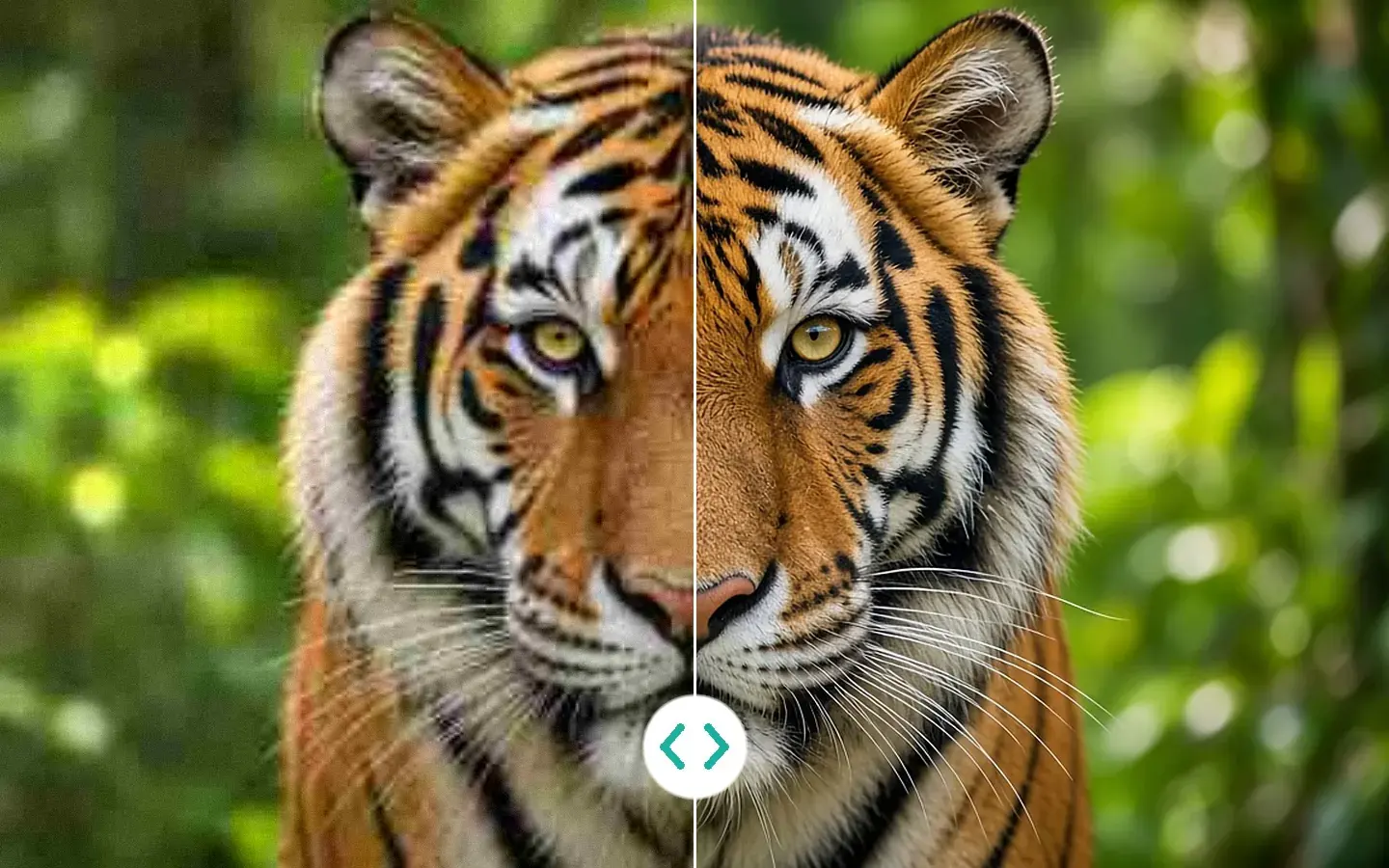
- Compare the result with the original side by side or with the slider. The comparison loops, and KwaFlux remembers which view you prefer.
- The preview also gives you a feel for the speed on your computer. To process the whole clip, sign in with a paid plan and export.