
Best Color Grading Software for Beginners in 2026: Free and Paid Options Compared
DaVinci Resolve, Adobe Premiere, Final Cut Pro and KwaFlux compared for beginners: list prices checked on November 24, 2026, platforms, automatic color tools, and limits.
The short answer
For full manual control at no cost, start with the free DaVinci Resolve. If you already edit in Premiere or Final Cut Pro, use their built-in color tools. If you want casts and flat color fixed automatically without learning an editor, KwaFlux's AI Color Grading does that on your own computer.
| Software | Price | Platforms | Automatic color help | Manual control |
|---|---|---|---|---|
| KwaFlux (AI Color Grading) | $35.99/month, $79.99/year, or $199.99 one-time; free previews | Windows 10/11, Apple Silicon Macs | Smart Color fixes casts, flat color and exposure | Style presets plus 4 sliders; no curves, wheels or masks |
| DaVinci Resolve (free) | $0 | Windows, macOS, Linux | Limited; the AI Neural Engine is in Studio | Full color page: wheels, curves, nodes, PowerWindows, qualifiers |
| DaVinci Resolve Studio | $295 one-time | Windows, macOS, Linux | Auto color and color matching in the DaVinci AI Neural Engine | Everything in the free version plus advanced HDR grading |
| Adobe Premiere | US$22.99/month, annual plan billed monthly; no perpetual license | Windows, macOS | Not described on the product page we checked | Color Mode next to the edit |
| Final Cut Pro | $299.99 one-time, or Apple Creator Studio at $12.99/month or $129/year | Mac (and iPad) | Enhance Light and Color, powered by machine learning | Color wheels, color curves, hue/saturation curves, LUTs |
Prices change, and regional prices differ. Check the vendor's page before you buy. New to the topic? Read what color grading is and how to do it first, so you know which features you will actually use.
How we compared
This guide is for people who are new to color work: creators, families with holiday footage, small businesses making product videos. We compared five things that matter at that level:
- Price and license type: one-time, subscription or free, from each vendor's official page on November 24, 2026.
- Automatic help: whether the software can correct casts and exposure for you.
- Manual depth: color wheels, curves, masks and nodes for when you want more control.
- Learning curve: how much you need to learn before the first good result.
- Platforms: Windows, Mac or both.
We did not run image-quality benchmarks, so this guide makes no claim about which tool produces better color. With every option you judge the result on your own footage, so use the free version, trial or preview first.
DaVinci Resolve: the most control, free to start
The Resolve color page is the tool many colorists learn on, and Blackmagic Design lists feature films and TV shows among its users. It has primary control sliders that feel familiar to photo editors, plus color wheels, curves, PowerWindows, qualifiers, tracking and HDR grading.
- Free version: works with most 8-bit video formats at up to 60 fps in resolutions up to Ultra HD 3840 × 2160, according to Blackmagic.
- Studio, $295 one-time: adds the DaVinci AI Neural Engine, which powers auto color and color matching, plus 10-bit video up to 120 fps and resolutions beyond 4K.
- Good for: people who want to learn color grading properly and don't mind a steep learning curve.
- Limits: the node-based workflow takes time to learn, and Studio is needed for the AI color features and 10-bit footage.
Adobe Premiere: color inside a subscription editor
Adobe renamed Premiere Pro to Adobe Premiere. Its product page describes Color Mode as a color grading system built for video editors, so you grade right next to the edit instead of switching to a separate app.
- Price: US$22.99/month on the annual plan billed monthly, on the US plans page on November 24, 2026. Adobe's FAQ says there is no perpetual license.
- Good for: people already paying for Creative Cloud or editing in Premiere.
- Limits: subscription only; color work is tied to the editor, so it is a lot of software if color is all you need.
Final Cut Pro: one-time price, Mac only
Final Cut Pro includes color curves, hue/saturation curves, a color inspector with color wheels, and LUT support. Its Enhance Light and Color effect, which Apple describes as powered by machine learning, adjusts color balance, contrast and brightness automatically.
- Price: $299.99 as a one-time Mac App Store purchase, or included in Apple Creator Studio at $12.99/month or $129/year, with a 30-day free trial.
- Good for: Mac users who want an editor with solid color tools and a one-time price.
- Limits: Mac and iPad only; Apple says advanced color grading is on the Mac version.
KwaFlux AI Color Grading: automatic correction without an editor
KwaFlux is a desktop app for fixing and enhancing video and photos, not an editor. Its AI Color Grading module has three modes, all rendered on your own graphics card; your media isn't uploaded for processing:
- Smart Color fixes color casts, flat color and exposure automatically, with no sliders. Style filters can stack on top.
- Filter Grading gives you style presets plus brightness, contrast, saturation and warmth, previewed live.
- SDR to HDR widens the range for HDR screens and exports 10-bit H.265 or AV1 in PQ or HLG.
- Apply params to others and Export all give a batch of clips the same settings.
Price: $35.99/month, $79.99/year or a $199.99 one-time license, with free 1, 3 or 5-second previews before you pay; see pricing. Good for: people who want casts and flat footage fixed quickly, plus a simple look, without learning an editor. Limits: no timeline, curves, color wheels, masks or nodes; matching clips means reusing the same settings, not automatic matching to a reference shot. In our own test, Smart Color made a yellowed 1980s print more orange, so compare every result with the original.
Which one to choose
| If you... | Consider |
|---|---|
| want to learn color grading properly and pay nothing | DaVinci Resolve (free) |
| want AI color matching and 10-bit support with a one-time price | DaVinci Resolve Studio |
| already edit in Premiere or pay for Creative Cloud | Adobe Premiere |
| edit on a Mac and prefer a one-time price | Final Cut Pro |
| want casts and flat color fixed automatically, without an editor, on Windows or Mac | KwaFlux AI Color Grading |
These options don't exclude each other. A common setup is to fix and grade clips in KwaFlux, then cut them together in any editor. Whatever you choose, correct first and grade second; color correction vs color grading explains why.
DaVinci Resolve and Blackmagic Design are trademarks of Blackmagic Design Pty. Ltd. Adobe and Premiere are trademarks of Adobe. Final Cut Pro is a trademark of Apple Inc. KwaFlux is an independent product and is not affiliated with, sponsored by, or endorsed by any of these companies. Prices and features come from the public pages listed under Sources as of November 24, 2026, and may change; check current details with the vendor.
Try It on Your Own Footage
Download KwaFlux and preview effects on your own footage for free before you pay. No account needed. Your media is processed on your GPU, not uploaded for processing. Video previews run 1, 3, or 5 seconds; stabilization previews run 5, 15, or 30 seconds.
Frequently asked questions
What is the best free color grading software?
For manual control, the free version of DaVinci Resolve is the usual choice: it has the full color page with wheels, curves and nodes, and handles 8-bit video up to Ultra HD at 60 fps. Its AI color features need the $295 Studio version.
What is the easiest color grading software for beginners?
Automatic tools are the easiest place to start: Final Cut Pro's Enhance Light and Color, or Smart Color in KwaFlux, which fixes casts and exposure with no sliders. Manual tools like DaVinci Resolve give more control but take longer to learn.
Is DaVinci Resolve really free?
Yes. Blackmagic Design offers a free version of DaVinci Resolve with the color page and HDR grading. DaVinci Resolve Studio costs $295 one-time and adds the AI Neural Engine, 10-bit support up to 120 fps and resolutions beyond 4K.
Sources
- Blackmagic Design: DaVinci Resolve and DaVinci Resolve Studio (features and price) (accessed 2026-11-24)
- Adobe: Compare Premiere plans (US pricing) (accessed 2026-11-24)
- Adobe: Premiere product page and FAQ (accessed 2026-11-24)
- Apple: Final Cut Pro (features, Apple Creator Studio and one-time price) (accessed 2026-11-24)
Related articles
AI Color Grading
SDR to HDR, Smart Color, and Filter Grading
OpenWhat Is Color Grading? A Beginner's Guide to Color Grading Video with AI
What color grading is, how it differs from color correction, and a step-by-step way to grade video: fix the shot first, give it a look, then match the other clips.
OpenYour Player Has an HDR Option. How Do You Make Your Own Video HDR?
A player's HDR setting changes your screen, not the file. Three ways to make a video truly HDR, how to check the file, and what HDR needs to look right.
OpenSDR to HDR, Measured: Relabeling, Brightness Boosts, and a Static Curve
We converted one SDR frame three ways and measured every pixel in nits. A relabel sends the sky to 6,207 nits, and a linear boost puts faces at 350.
OpenCoMore in Color & HDR
Keep reading
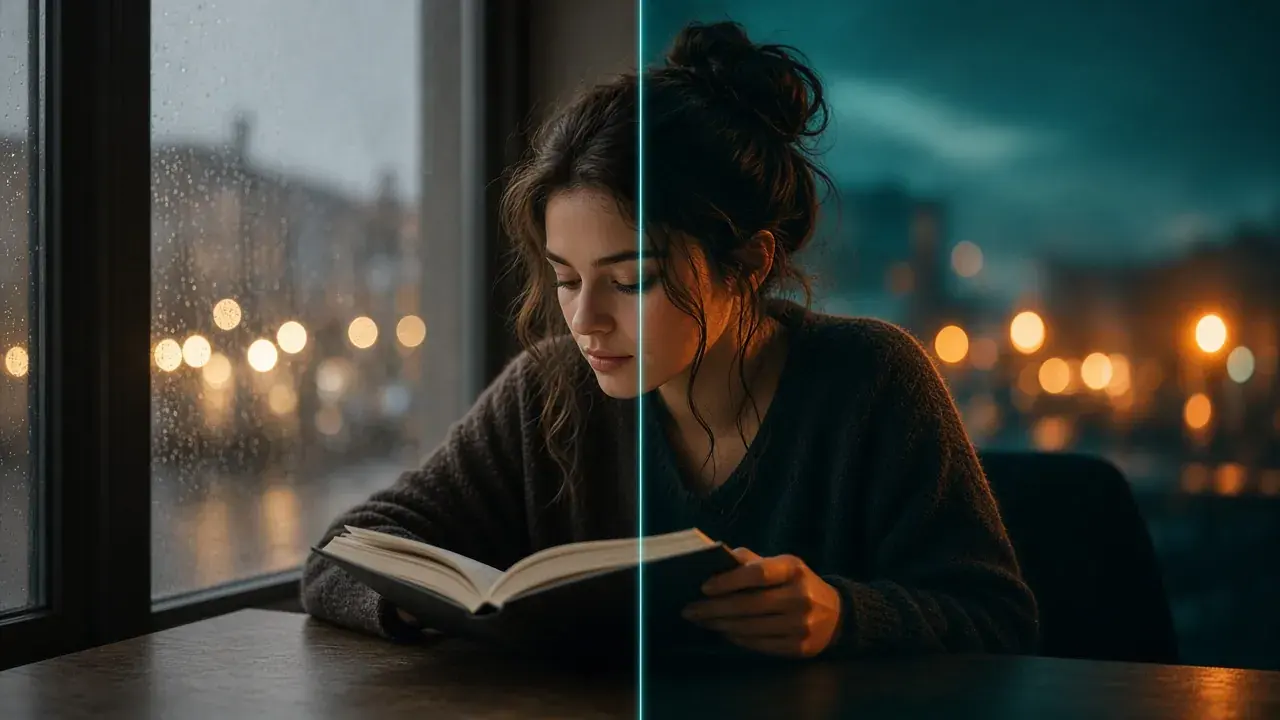
Color Correction vs Color Grading: What's the Difference?
Color correction makes a shot accurate; color grading gives it a look. What each step fixes, why the order matters, and where each happens in common editing apps.
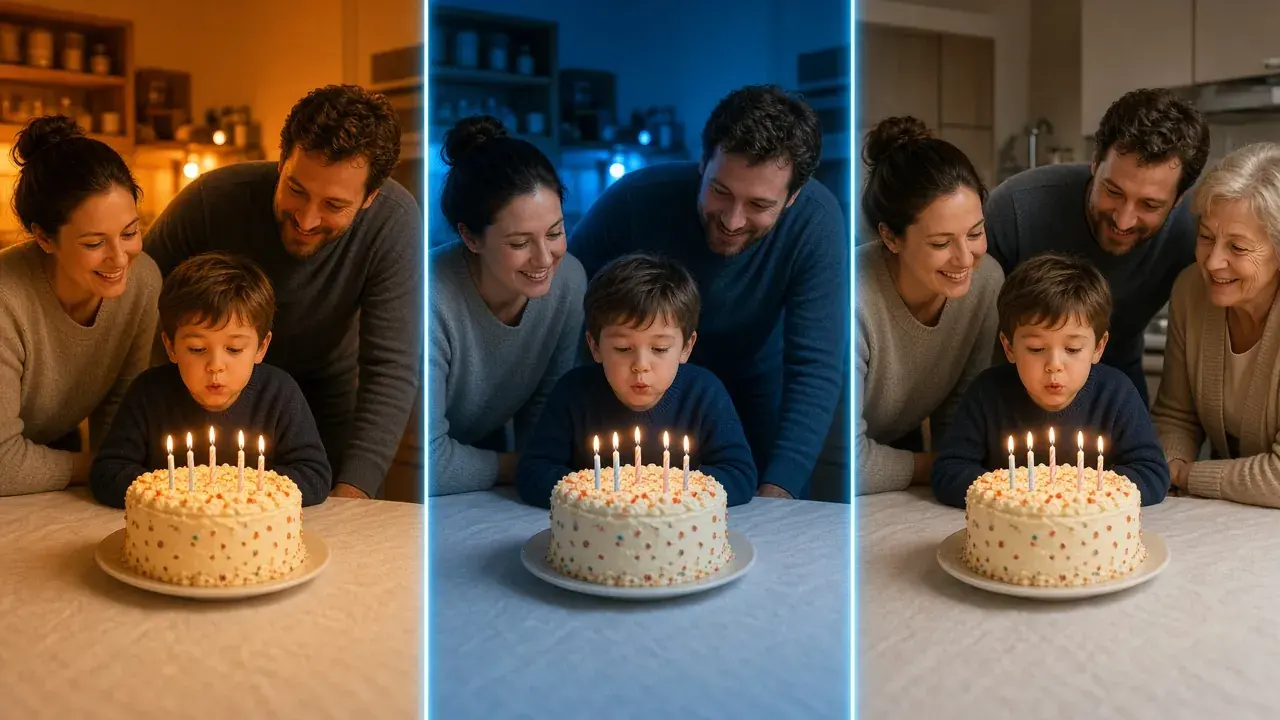
Video Color Correction: How to Fix White Balance, Color Casts and Exposure
Fix video that came out orange, blue, green, too dark or washed out after the shoot: diagnose the problem, correct exposure and white balance in order, and know the hard cases.
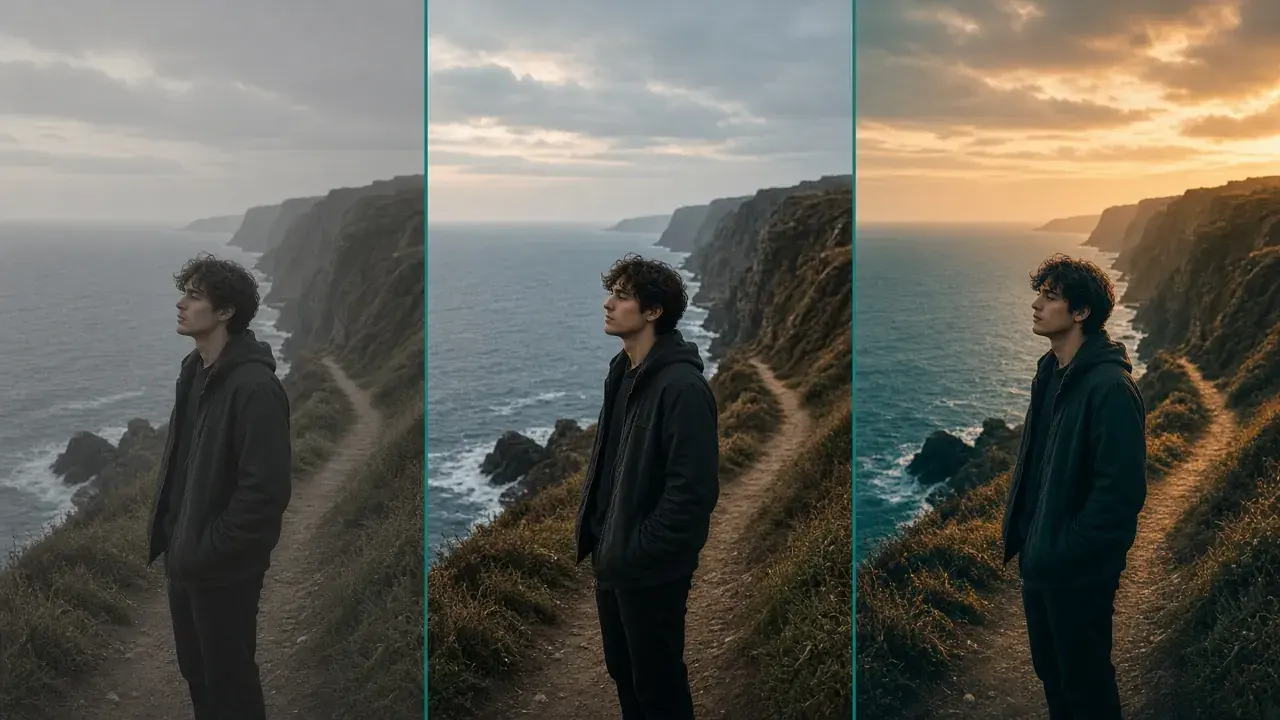
What Is Color Grading? A Beginner's Guide to Color Grading Video with AI
What color grading is, how it differs from color correction, and a step-by-step way to grade video: fix the shot first, give it a look, then match the other clips.